11
Moving Microphone to
Opposite Earcup (Optional):
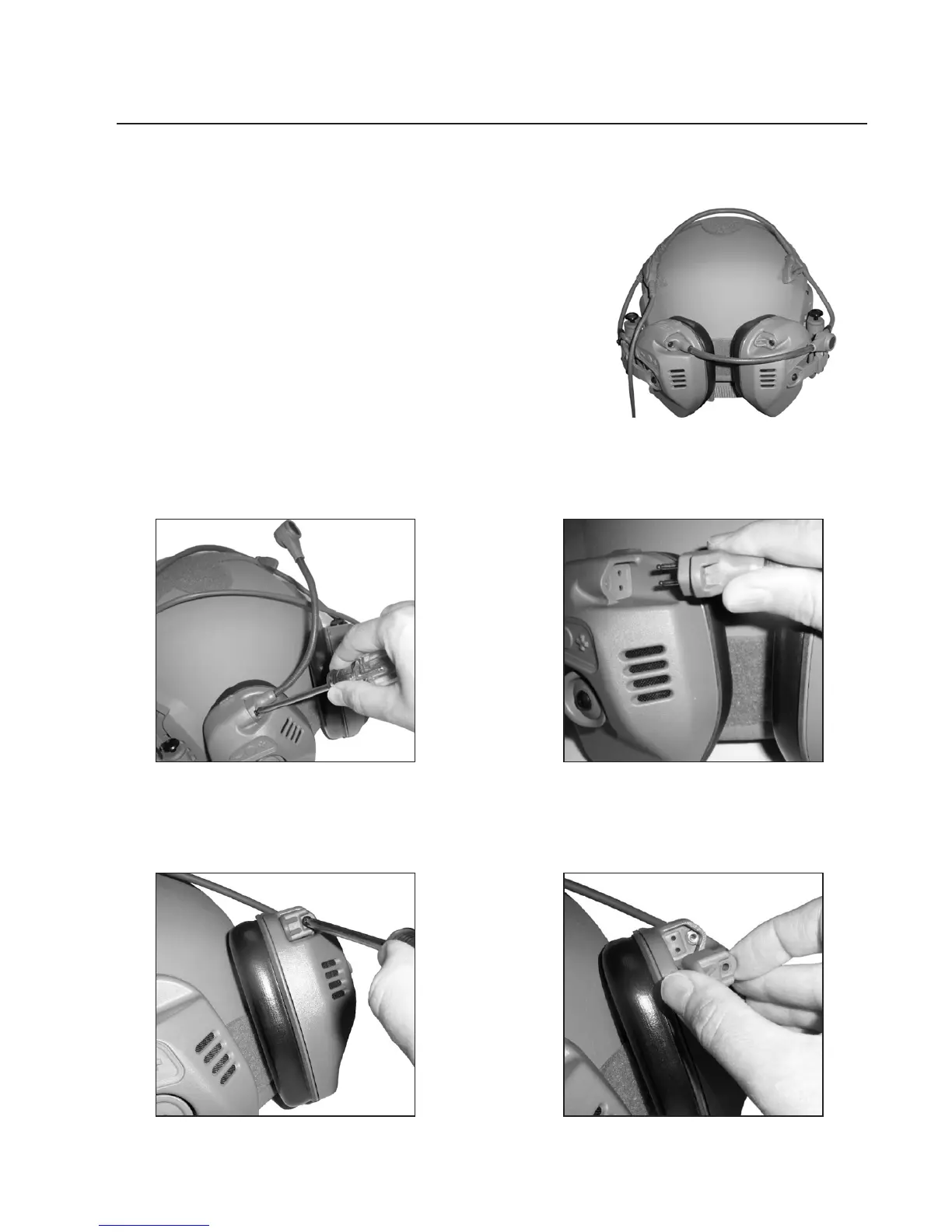
NOTE: To make this task easier, rotate
the earcups to the stowed position behind the
helmet as shown.
3. Remove the screw that attaches
the cover to the other earcup.
4. Remove the cover.
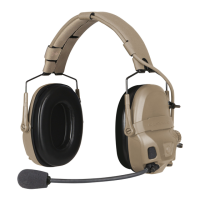
MOVING THE MICROPHONE
1. Remove the screw that attaches
the microphone to the earcup.
2. Unplug the microphone from
the earcup.


 To Next Page