19
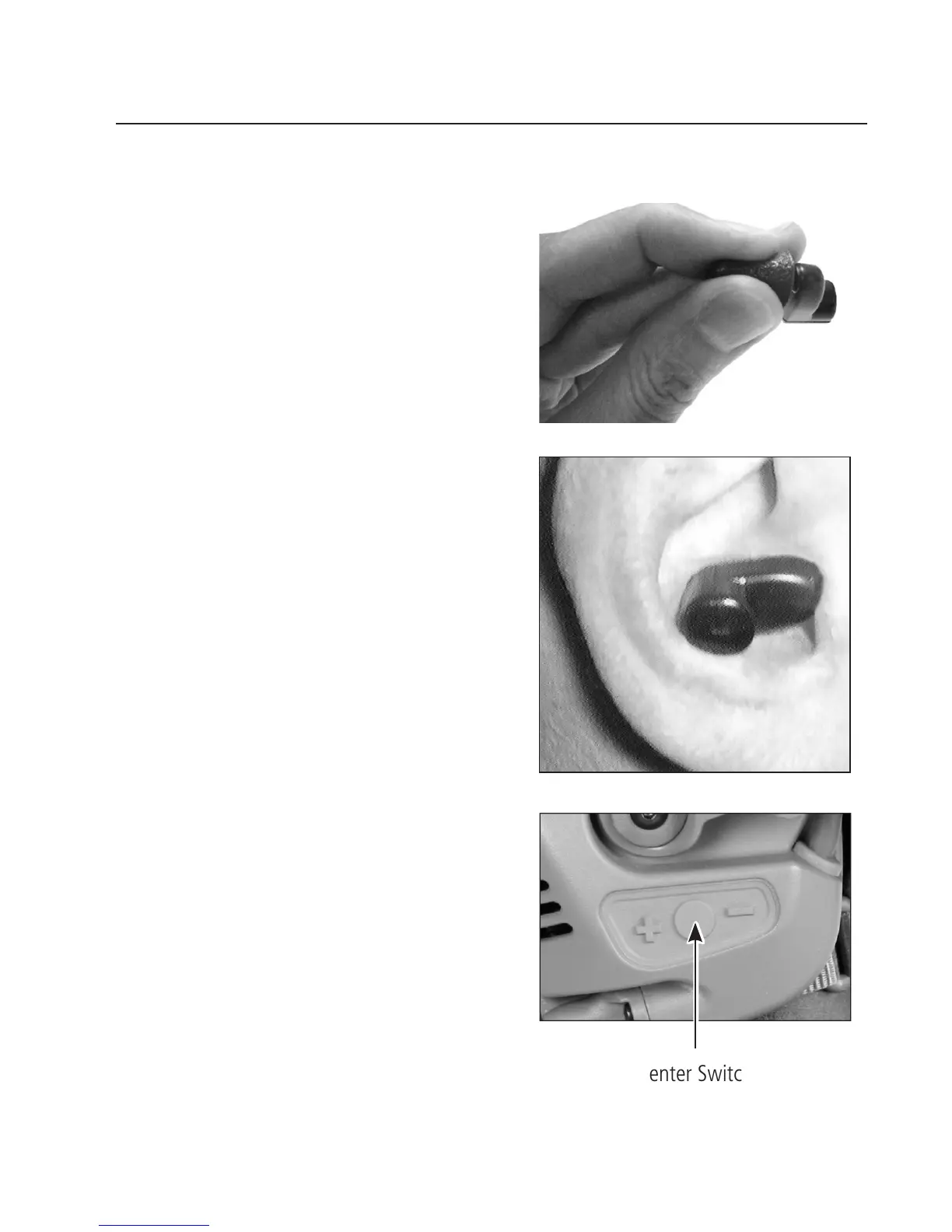
3. Roll the foam tip between your ngers
to compress it.
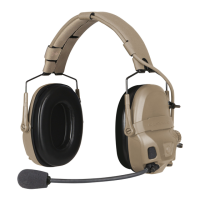
4. Carefully insert the foam tip into the
ear, ensuring that the earbud is level in
the ear as shown.
5. Repeat Steps 3-4 to insert the other
earbud into the other ear.
6. Don the helmet; adjust and connect
the headset (see Basic Donning on
page 14).
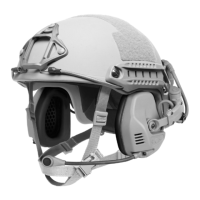
7. Press the center switch on the left
earcup to transfer the audio from the
earphone to the earbud.
NOTE: To transfer the audio
back to the earphone, press the
center switch again.
USING WIRELESS EARBUDS
Center Switch


 To Next Page