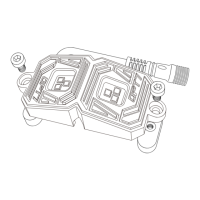
Heat Shrink Tube
1
2
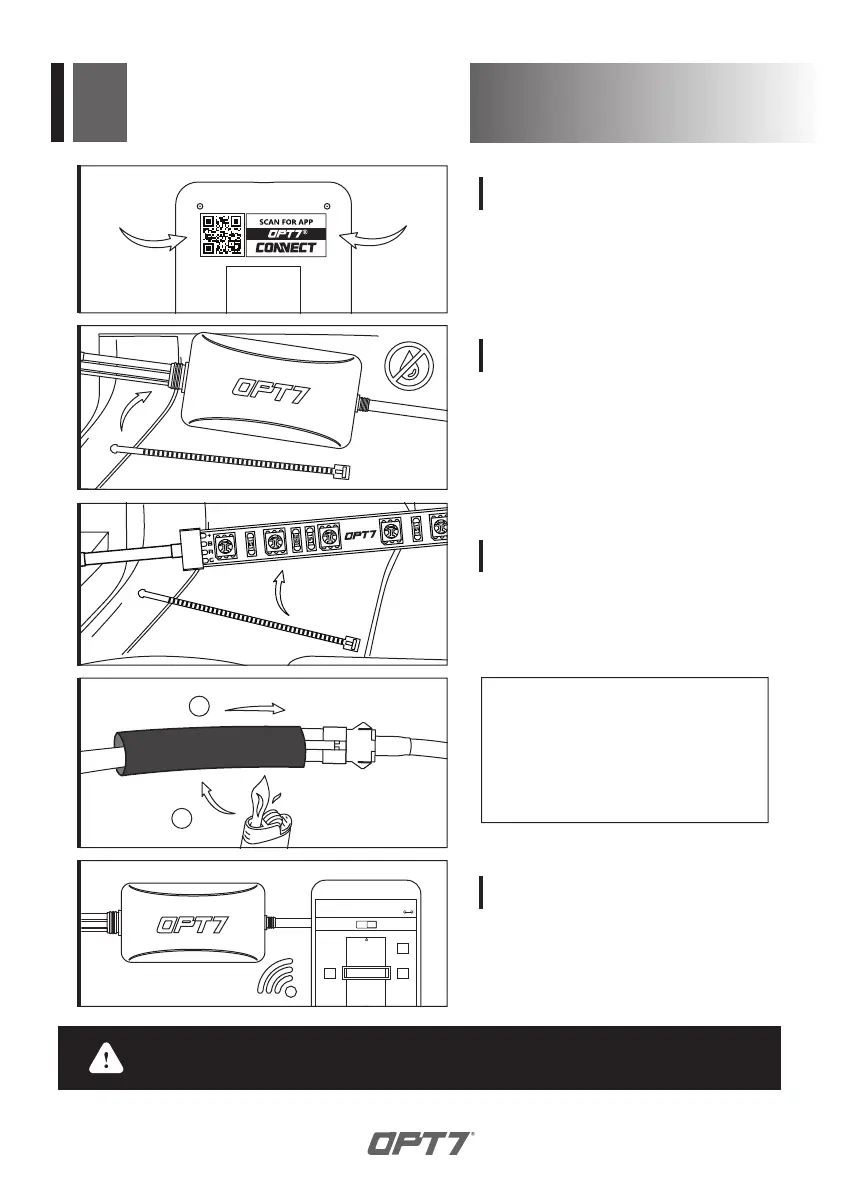
Scan the QR code on the back of
the control box to download the
app.
STEP 3
Secure the light pods using the zip
ties to tie all the wiring away from
the moving components.
STEP 5
CONNECTED
ON
WHITE
RANDOM
DOOR
ASSIST
OFF
Open the “OPT7 Connect” App, pair
your smart phone to the control
box, and pick your desired color!
STEP 6
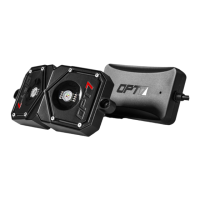
Secure Control box in desired
location with Velcro or zipties.
* The control box is NOT waterproof.
Tuck it away from the elements.
STEP 4
* IMPORTANT:
The LED connectors are not waterproof.
You will need to use HEAT SHRINK TUBE
(not included) or ELECTRICAL TAPE
around the LED connectors to ensure
the longevity of the lighting kit.
INSTALLATION
WARNING: Please ensure that the led bars or strips/control box/wiring all are
mounted in areas where will not exceed 85C or 185F.



 To Next Page