STEP 2
TM
INSTALLATION
STEP 3
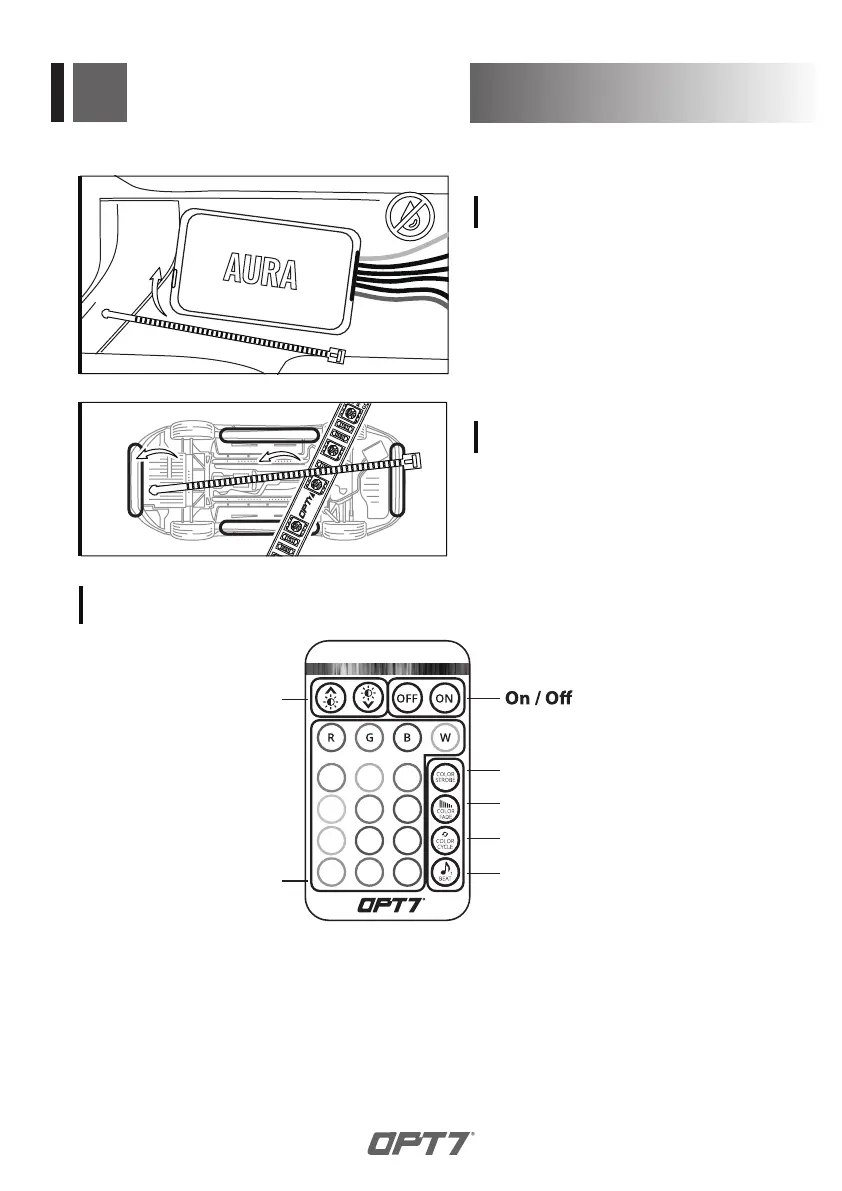
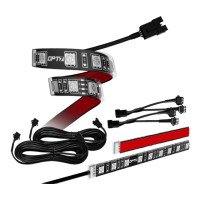
Secure the light bars using the zip
ties to tie all the wiring away from
the moving components.
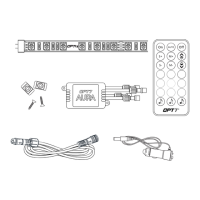
Using the included E-Z Remote, select your desired color or pattern.
STEP 4
Dimmer
Color Selection
Multi-Color Fade
Multi-Color Cycle
SoundSync™
Press multiple times to change color
Adjust speed with "Dimmer" buttons
Adjust speed with "Dimmer" buttons
Adjust speed with "Dimmer" buttons
Single-Color Strobe
Press multiple times to change color
To adjust the sensitivity, please visit
www.OPT-7.com
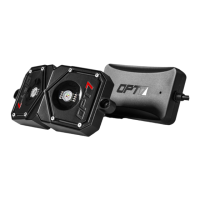
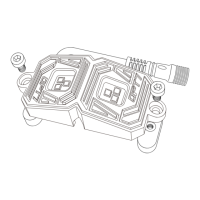
Secure Control box in desired
location with Velcro or zipties.
* CONTROL BOX NOT WATERPROOF
Ensure the control box is safely and securely
hidden from exposing elements of moisture.


 To Next Page