Optelec Compact 5 HD
English Page 17
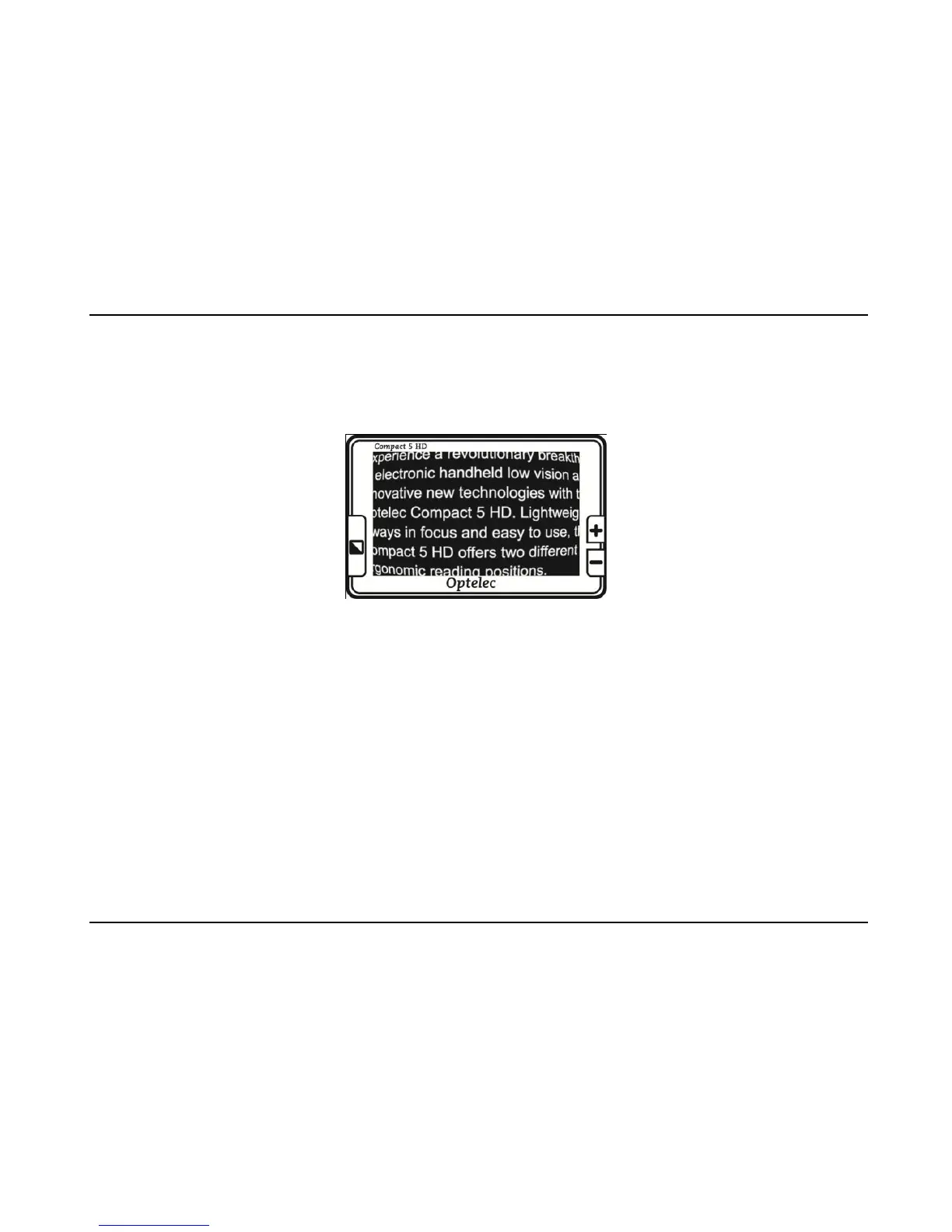
Note: in the smallest magnification of 1.5 times, text lines may be displayed in a
small curve. This will be most visible when reading small texts. This “fish eye”
effect is caused by the ultra wide angle of the lens.
“Fish-eye” effect in 1.5 times magnification
Selecting a viewing mode
Pressing the Mode button to the left side of the screen, allows you to select one
of the following viewing modes:
Photo mode: view full color texts and photos
Negative mode: reading in high contrast white on black
Positive mode: reading in high contrast black on white
High contrast color combination 1
High contrast color combination 2















 To Next Page