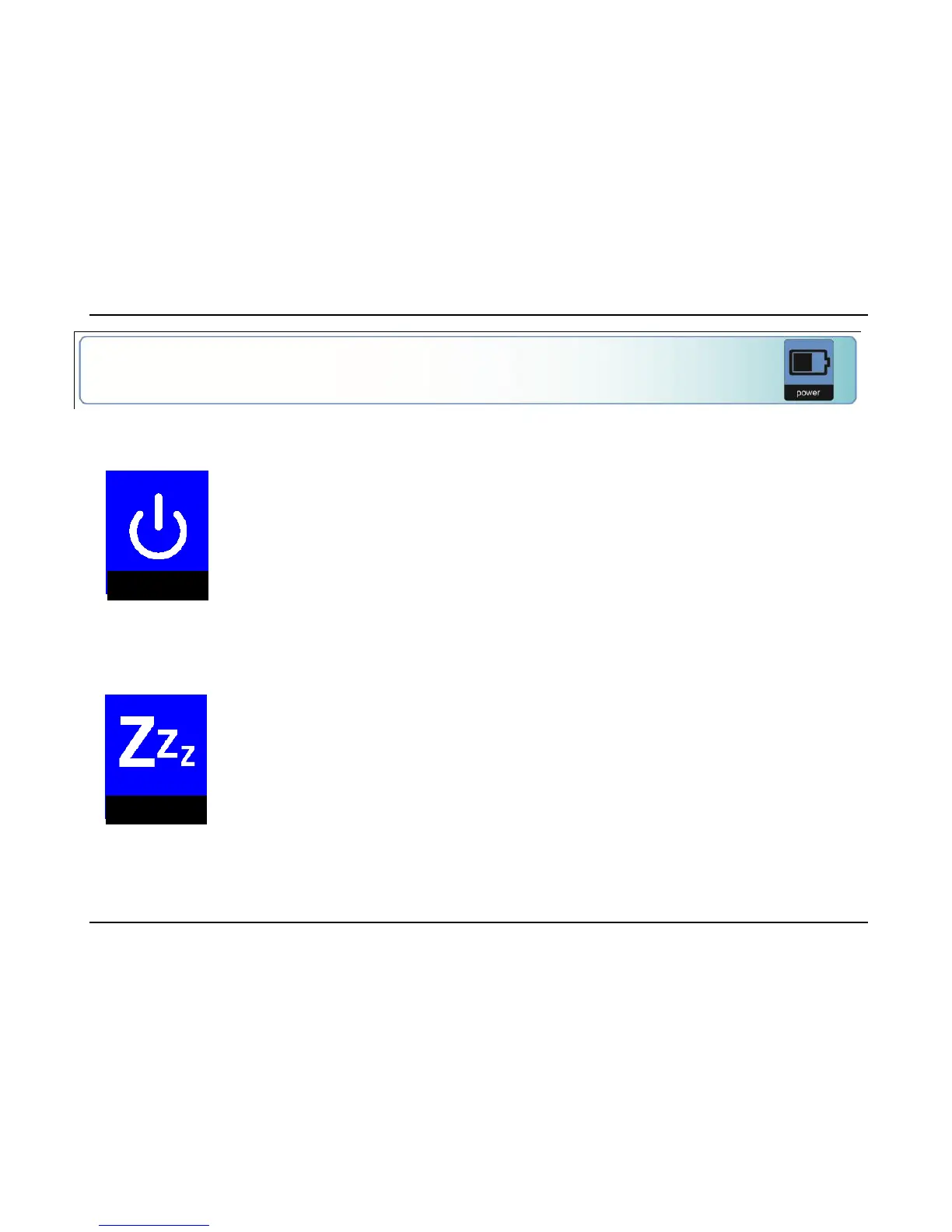
Sets the time before the Compact 5 HD is
automatically switched off. By default, the
power off time is set to 4 minutes. These 4
minutes are activated after the default standby
time of 2 minutes. By default, the unit is
therefore automatically switched off after 6
minutes.
Sets the time before the Compact 5 HD goes
into standby mode to conserve power. Pressing
any button will take the unit out of standby
mode. By default, the standby time is set to 2
minutes.















 To Next Page