Optelec Compact 5 HD
English Page 7
2. Getting started
The Compact 5 HD is placed correctly in front of you when the screen is facing
up and the Optelec logo is in the centre at the bottom of the screen.
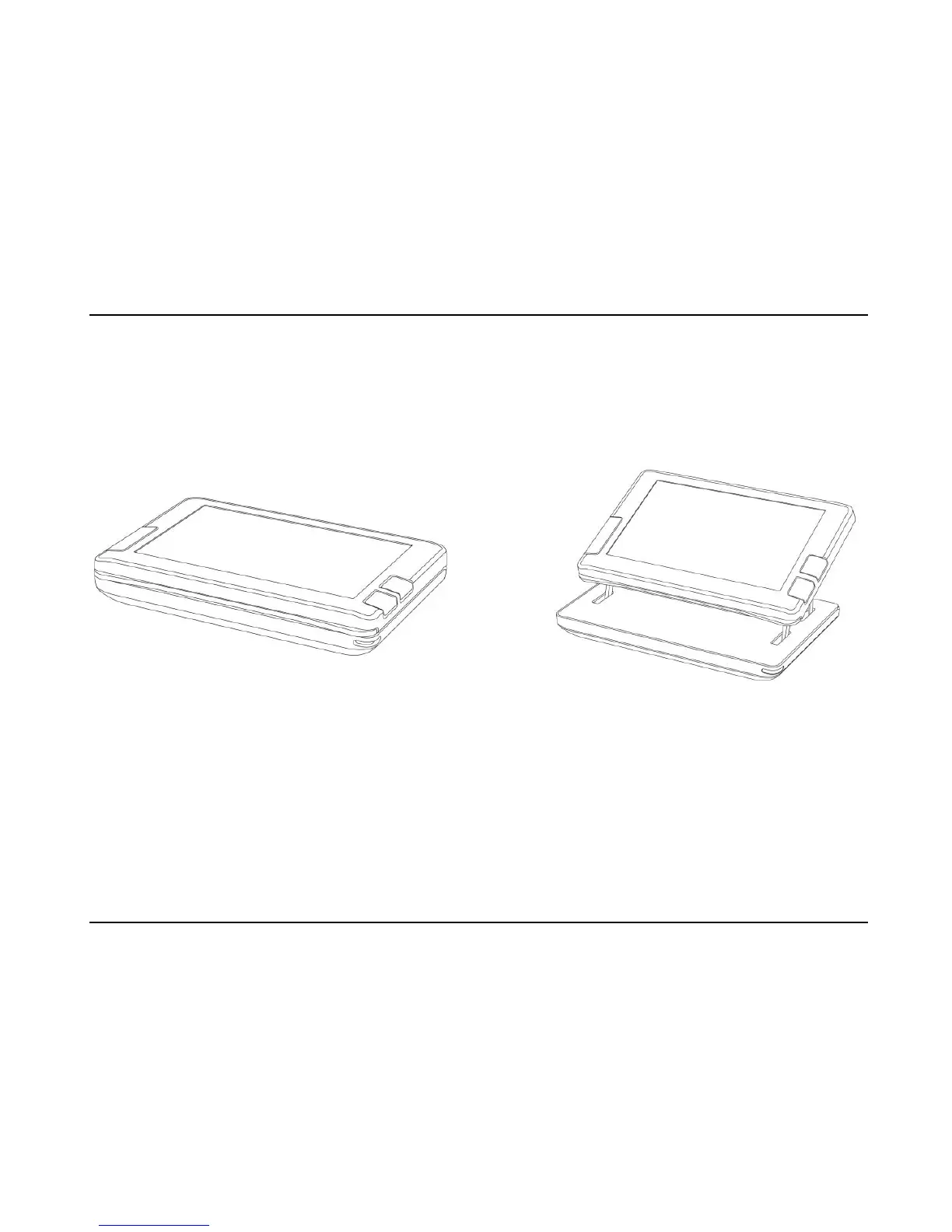
Compact 5 HD closed Compact 5 HD open
Using the Compact 5 HD in the closed or open position
The Compact 5 HD can be used in two ways: in the closed and in the open
position.
In the closed position, hold the unit in your hand and point the camera (located
at the back of the unit) to the object or text you wish to view or read.















 To Next Page