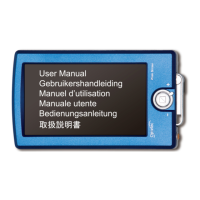
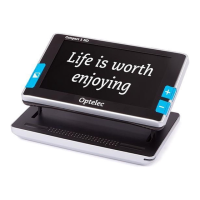
Optelec Compact 5 HD
English Page 19
- Use the magnification buttons located to the right side of the screen to
change the magnification of the displayed image.
- Press the Mode button to change the viewing mode.
- Press the snapshot button again to unfreeze the image. It is now
possible to take a new snapshot.
Note: if the snapshot button is released prior to giving the two beeps, no
snapshot will be taken and the Compact 5 HD will revert back to its original
magnification level and viewing mode (those that were set before the snapshot
button was pressed).





 To Next Page