Installation hints
5. Set the appropriate detection range
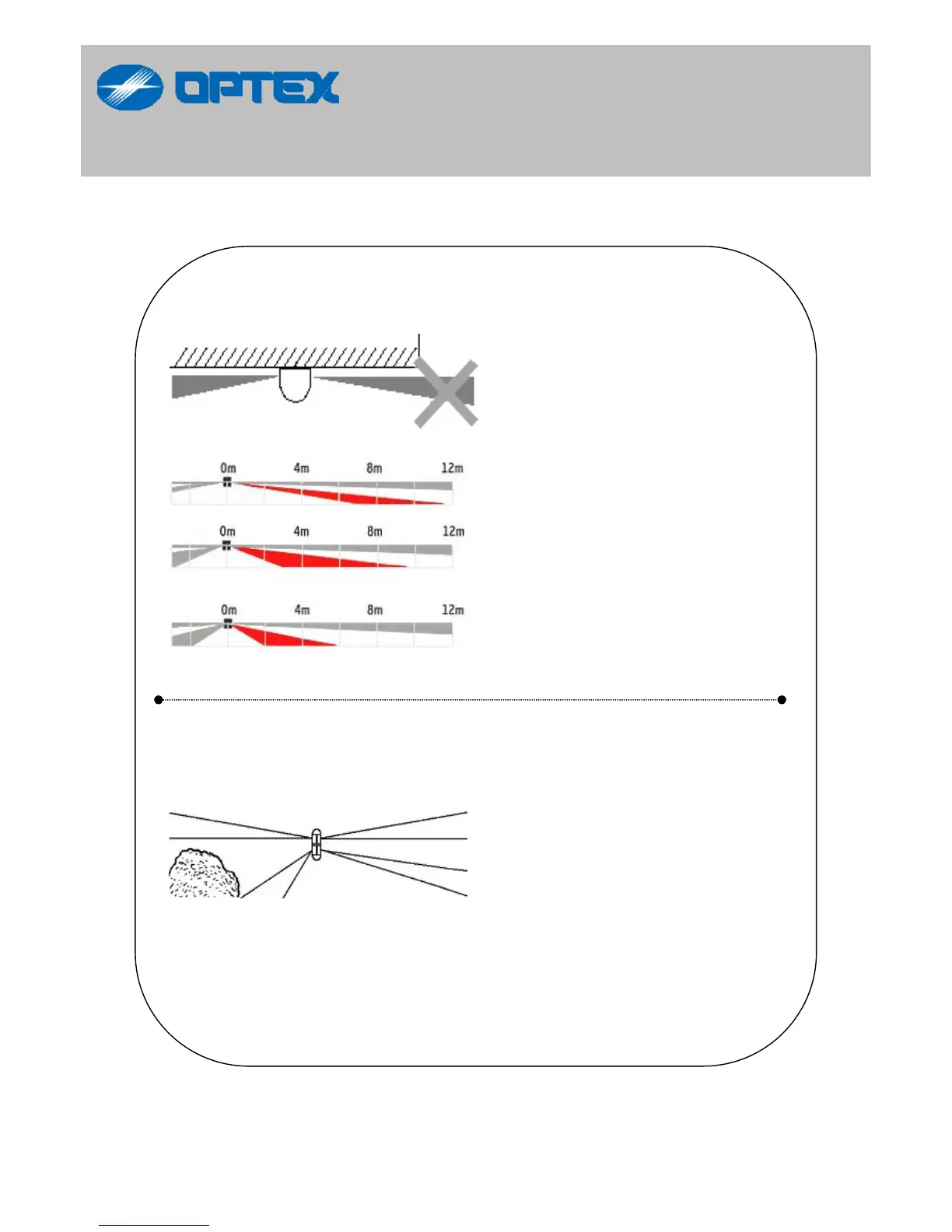
BX-80N creates a narrow
24m long detection area.
If the protection area is
shorter than 24m, the lower
detection area has to be
adjusted to allow for the ideal
detection area otherwise the
BX-80N will detect object
outside of protection area.
For this application, please
refer to “detection area
pattern A & B” of page 6 & 7.
Both the lower detection
areas of the BX-80N operate
individually. Thus the unit
allows for an appropriate
detection area to be set for
each application.
If the left and right detection
areas of protection differ, the
lower detection area has to
be adjusted otherwise the
BX-80N detects the objects
outside of protection area.
12



 To Next Page