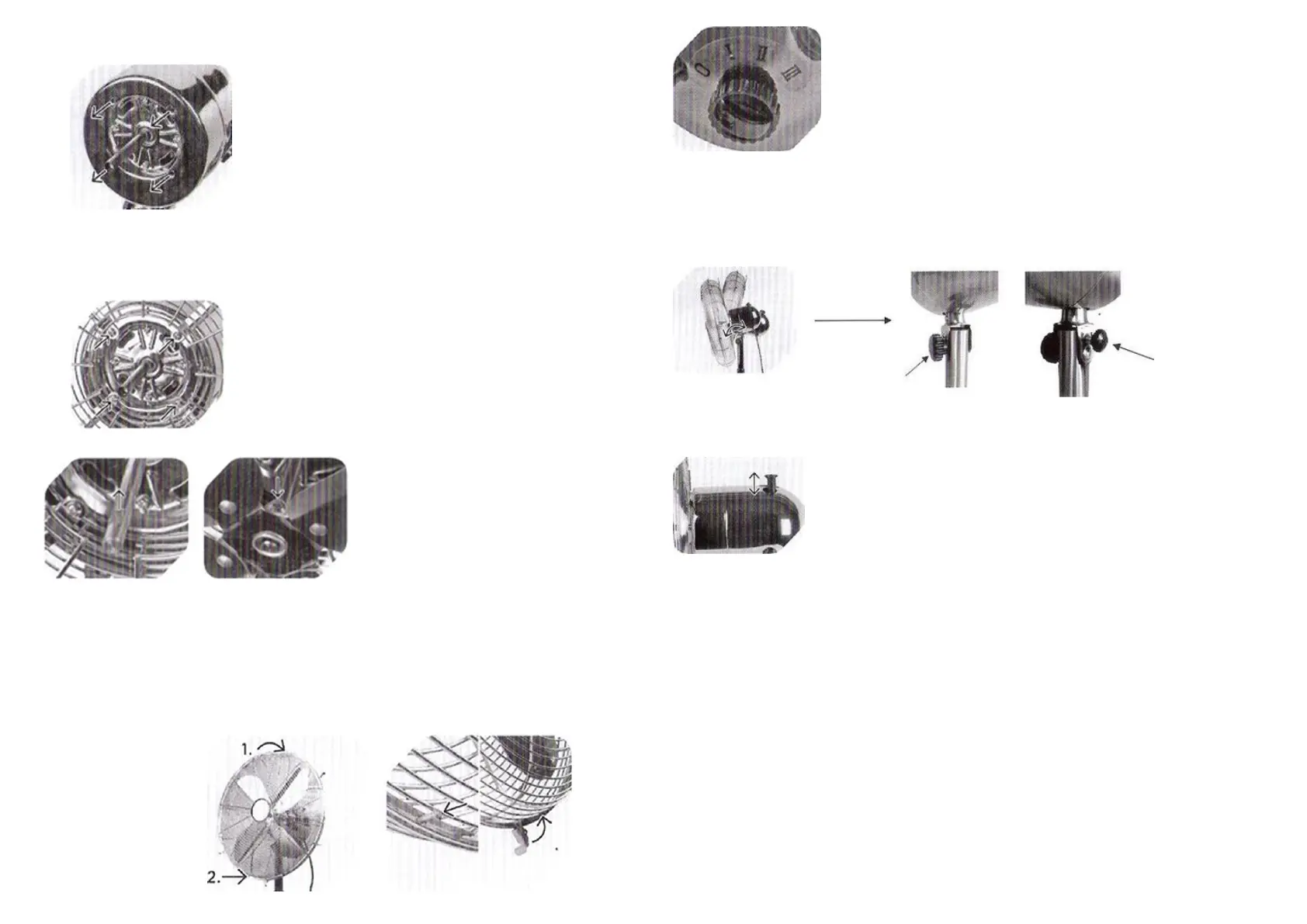
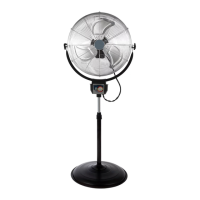
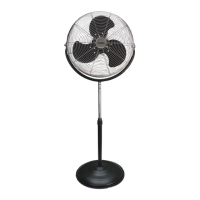
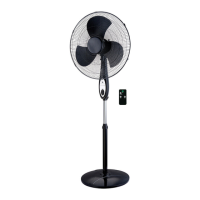
4. Installs the fan guards:
• Remove the 4pcs screws from the motor frame.
• Fit the rear fan grill onto the motor frame. Make sure that the 4 holes on the motor
match the
• 4 holes on the rear fan grill. Fit the 4pcs screws and screw it on firmly.
• Put the blade on the motor frame and carefully tighten the screw.
• Fit the rear fan grill onto the motor frame. Make sure that the 4 holes on the
motor match the 4 holes on the rear fan grill. Fit the 4pcs screws and screw it on
firmly.
• Fit the front fan grill onto the rear cage and fix them together using the metal
clips.
• Tighten the small screw.
• Put the motor which installed the fan grill and blade on the top of the standing
pipe, screw it well.
USE
The fan has 3 speed settings:
0- Fan is off
1- Lowest speed
2- Medium speed
3- Top speed
The fan tilt adjustable:
Step-1: Loosen the big and small screw knob
Step-2: Adjust the fan tilt as your target
Step-3 Tight the big and small screw knob
The fan can operate in oscillating or stationary mode. Press the oscillation button to
activate the oscillating mode.
OPERATING INSTRUCTIONS
• Place fan on a firm level surface. Plug the power cord (11) into any standard 120V
AC, 60Hz outlet. Please make sure the Selector (Speed Control, 7) is on the OFF
position.
• Warning: A loose fit between the AC outlet and plug may cause over heating on the
plug, Have a qualified electrician to replace the outlet.
• Rotate the switch (7) to choose the speed desired. 0-off, 1-Low, 2-med, 3-high.
Push the oscillating knob (8) down to make the fan oscillates and pull it up to stop
the oscillating.


 To Next Page