16
I
NSTALLATION MANUAL FOR OPTIMUS 4G LTE RANGE OF INTERCOM UNITS
ADDITIONALMANUAL SMS COMMANDS
z
Where you see SERIALNUM in the command alert, replace with the SERIALNUM of the panel to be
programmed.
z
Text the commands to the ‘tel number’ associated with the panel you wish to program.
z
Activate Timed Trade Button
To set up the trade button 07:00 to 17:30 Mon-Fri, rst set the Time Prole by sending
SERIALNUM prole 1 start 07:00 end 17:30 days Mo Tu We Th Fri
And then set the Trade Button to use it by sending SERIALNUM trade periods 1 relay 1 pulse
z
Deactivate Timed Trade Button
To turn off the Trade Button, send the command SERIALNUM delete trade
z
Activate Aux Input 1 Triggered SMS Alerts
To set up SMS alert when aux input 1 is triggered for more than fteen minutes and send the message
to ‘tel number’.
SERIALNUM alert 1 aux 1 delay 900 send ‘tel number’ msg Your gates have been open for 15 minutes
z
Dectivate Aux Input 1 Triggered SMS Alerts
To turn off the aux input 1 SMS alert, send the SMS command SERIALNUM delete alert 1
z
Activate Recurring SMS Alerts
To set up SMS alert which is sent at regular six monthly intervals, starting o n the 20th of November at
2.30pm and sending the SMS to ‘tel number’, send the SMS command
SERIALNUM alert 5 recur every 6 months next 20/11/2019 14:30 send ‘tel number’ msg Your gates are
due for servicing
z
Dectivate Recurring SMS Alerts
To turn off the recurring SMS alert, send the SMS command SERIALNUM delete alert 5
z
Check the Signal Level
To nd out the mobile phone signal level of the panel, send the SMS command SERIALNUM get signal
and wait for the reply
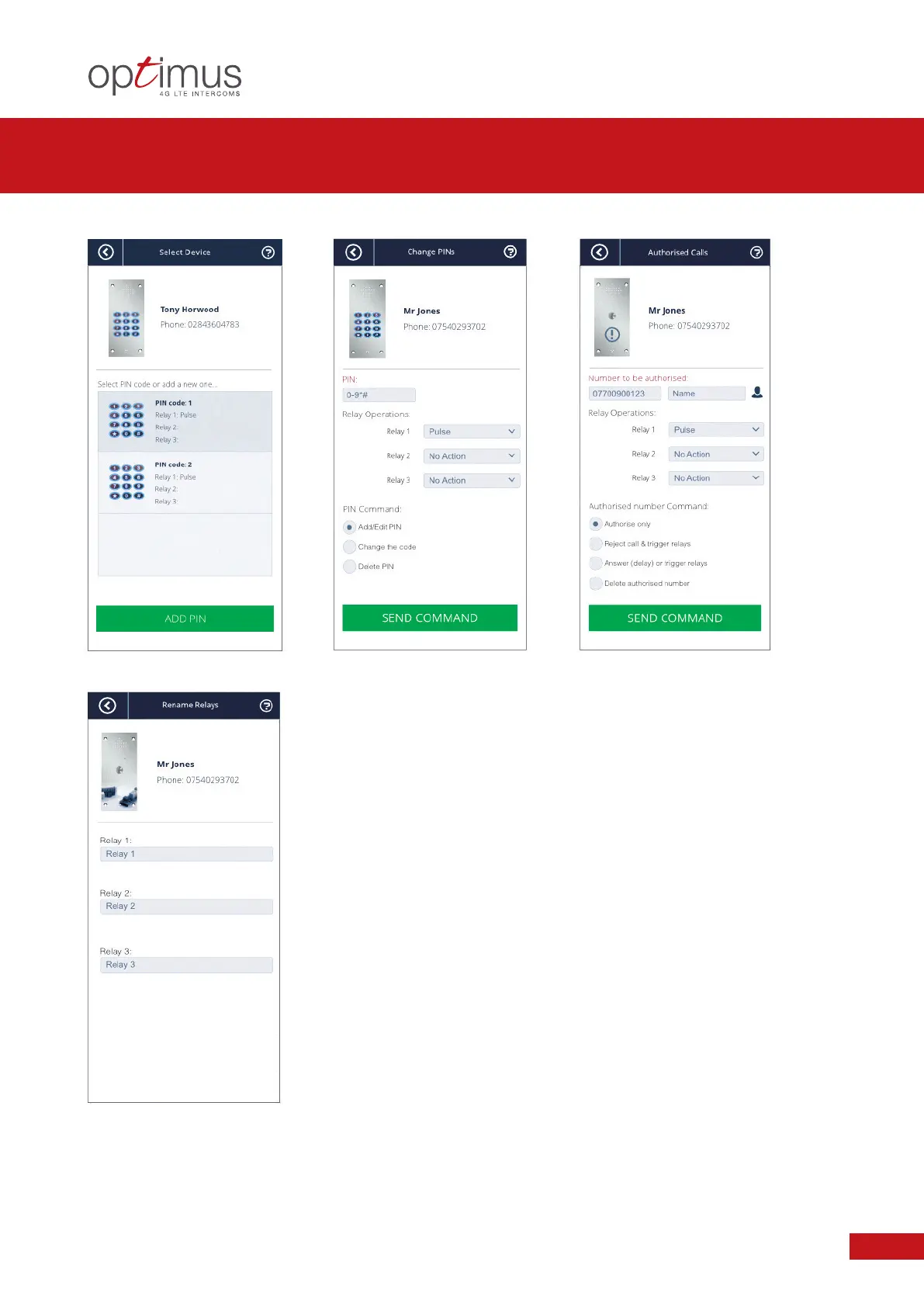
PROGRAMMABLE SETTINGS VIA GSM ONE APP
+ ADDITIONAL MANUAL SMS COMMANDS


 To Next Page