Setup and Operation
18
3.
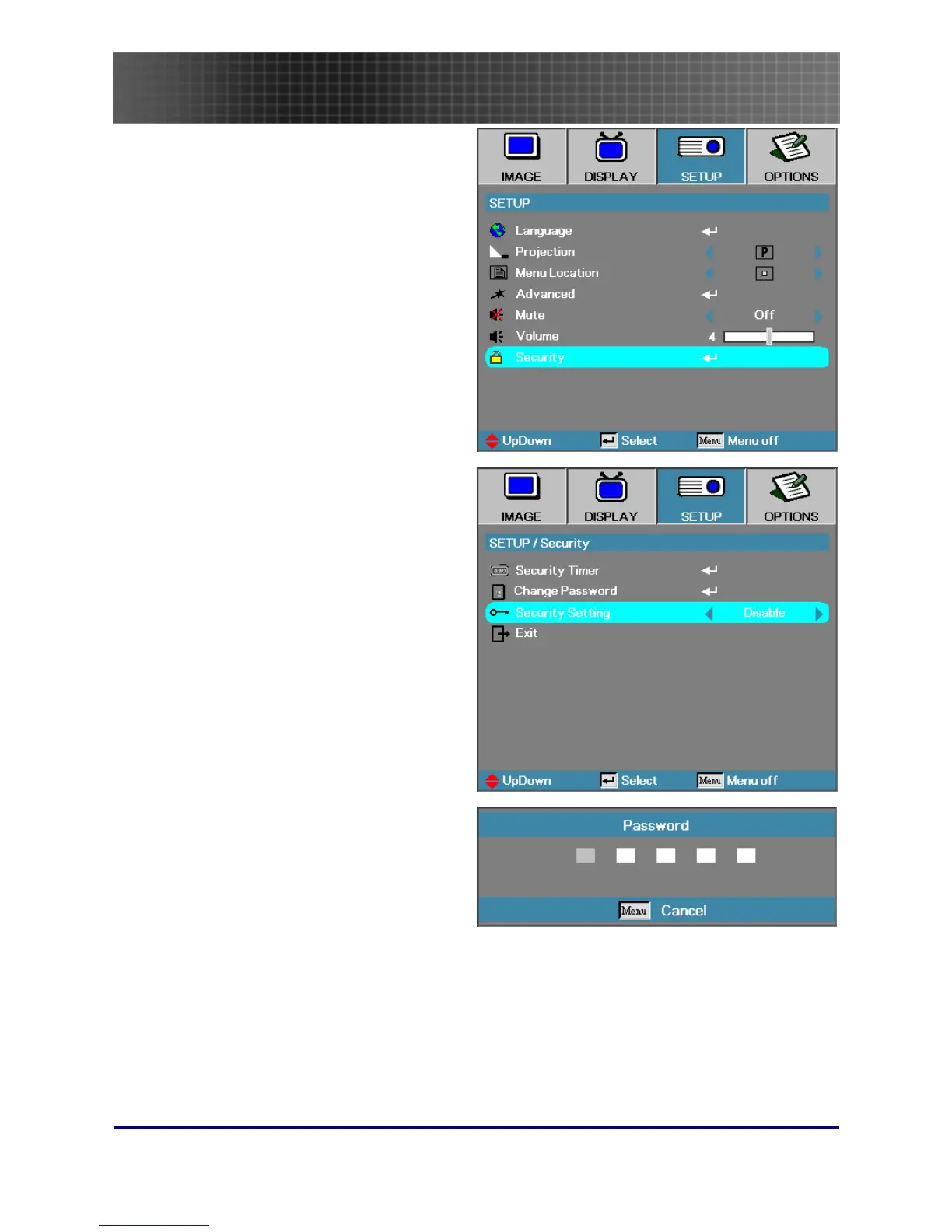
Press ▲▼ to select Security.
4.
Press ▲▼ to select Security Setting
and then press ◄► to select En-
able/Disable.
5.
When the security setting is Enabled,
you are prompted to enter a password
soon after the projector is powered on.
Note: If the incorrect password is en-
tered three times the projector auto
shutdowns down after 10 seconds.
The default password is: <1> <2> <3>
<4> <5>.



 To Next Page