EasyManua.ls Logo

Optoma ES550 - User Manual

Optoma ES550
48 pages
Print Icon
To Next Page IconTo Next Page
Loading...
OPTOMA
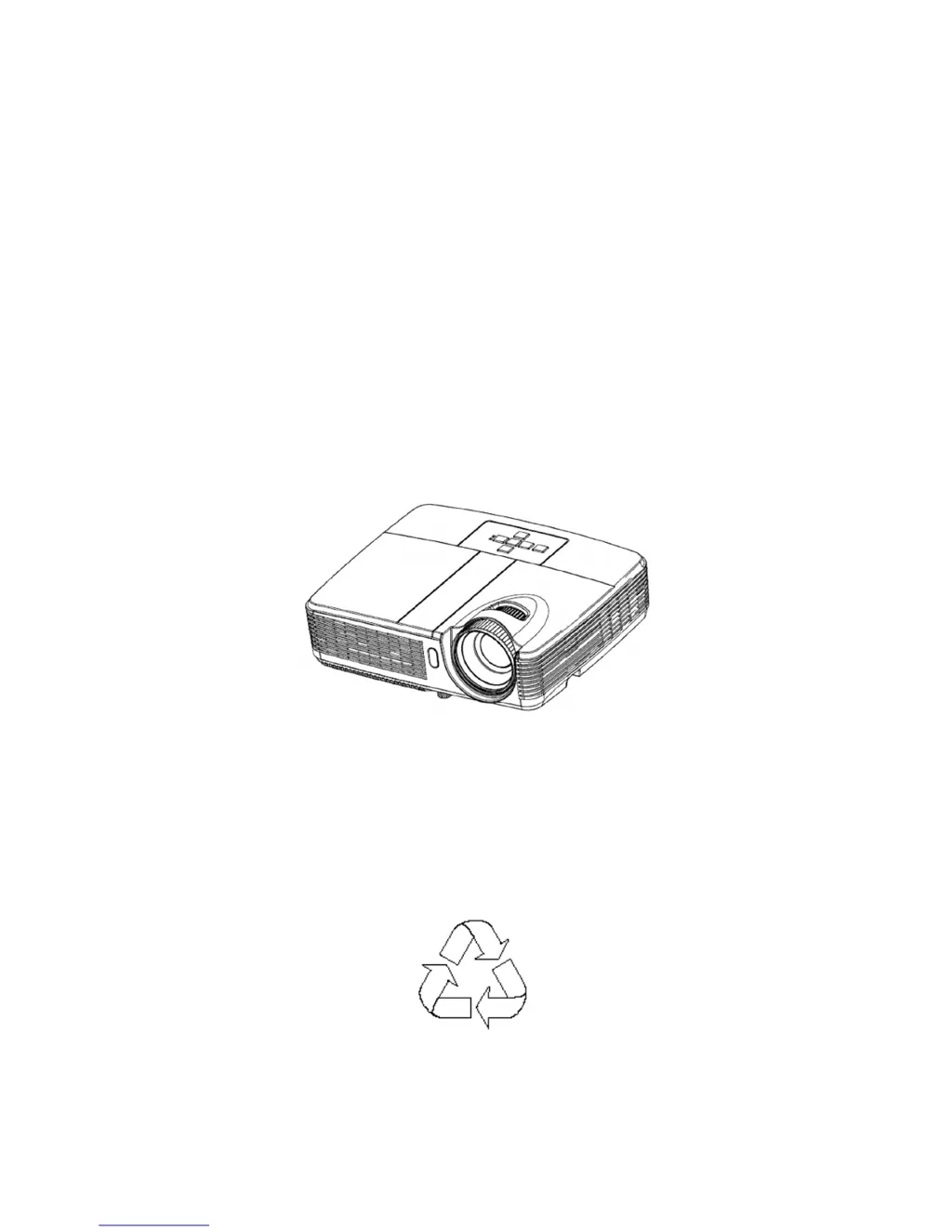
ES550/ES551
EX550/EX551
Service Manual
100% Recycled Paper
Date: 2011/06/20

Other manuals for Optoma ES550

Questions and Answers

  • L
    Larry LopezAug 12, 2025
    What to do if my Optoma ES550 Projector fails to light up?
    • K
      Karen CooleyAug 12, 2025
      If your Optoma Projector fails to light up, check the LED indicator and follow the recommended actions. If the issue persists, consider replacing the Lamp Module, Mainboard, or Ballast.
  • D
    Donald ClarkAug 16, 2025
    What to do if my Optoma ES550 Projector has no power source?
    • M
      Michele RiveraAug 16, 2025
      If your Optoma Projector is not getting power, try replugging the power cord or replacing it with a new one.
  • Q
    qfergusonAug 20, 2025
    What to do if my Optoma ES550 Projector shows no signal from computer?
    • C
      Cheryl JonesAug 20, 2025
      If your Optoma Projector is not receiving a signal from the computer, ensure that the source is turned on. If the issue persists, try replacing the cable. As a last resort, the mainboard may need replacement.
  • S
    Scott DavisAug 25, 2025
    Why is the image abnormal on my Optoma Projector?
    • J
      jonathan04Aug 25, 2025
      If the image on your Optoma Projector appears abnormal, try powering it off and on again, then reset the OSD. Also, check the input cable and signal settings. If the problem continues, the Mainboard or Optical Engine might need to be replaced.
  • C
    Christina WallaceAug 27, 2025
    Why is the color abnormal on my Optoma ES550?
    • J
      Jasmine BarajasAug 27, 2025
      If the color on your Optoma Projector is abnormal, try adjusting the Color Wheel Index. If that doesn't resolve the issue, you may need to replace the Mainboard or Optical Engine.
  • C
    Christopher GomezAug 31, 2025
    What to do if the remote control fails on my Optoma ES550?
    • D
      David WilliamsAug 31, 2025
      If the remote control for your Optoma Projector isn't working, first check the battery level. If the batteries are good, you may need to replace the remote control.
  • W
    William BruceSep 4, 2025
    What to do if the fan fails after turning on my Optoma Projector?
    • B
      Brenda WareSep 4, 2025
      If the fan fails after turning on your Optoma Projector, check the fan connection. If necessary, reconnect the fan or replace it.
  • R
    Richard RiceSep 7, 2025
    What to do if there is a button failure on my Optoma Projector?
    • J
      Janet GriffinSep 7, 2025
      If a button on your Optoma Projector fails, you may need to replace the button.

Summary

Safety Instructions

Safety Precautions

General warnings and precautions for safe projector operation and servicing.

Service Personnel Warning

Alerts technicians to hazards like lamp heat, high voltage, and laser beams.

ES550;ES551;EX550;EX551 System Block Diagram

Firmware Upgraded Flow

Machine Disassembly and Replacement

Troubleshooting and Verifying the Repair

4.1 Troubleshooting

Guidance on diagnosing and resolving projector issues using status indicators and flowcharts.

Verifying the Repair

Operation test

Image Quality

Resolution

Connector Information

The backside of mainboard

5.3 Ballast Board

5.4 Power board

FRU (Field Replaceable Unit) List

6.1 Mechanical Drawing

6.2 Board;Module

Optoma ES550 Specifications

General IconGeneral
Matrix size0.55 \
Number of colors1.073 billion colors
Projection distance1.2 - 12 m
Vertical scan range24 - 85 Hz
Horizontal scan range15.3 - 91.1 kHz
Projection technologyDLP
Contrast ratio (typical)5000:1
Screen size compatibility27.24 - 300.04 \
Projector native resolutionSVGA (800x600)
Keystone correction, vertical-40 - 40 °
Audio input1
Dimensions (WxDxH)280 x 230 x 77 mm
Connectivity technologyWired
F-number (relative aperture)2.51
Throw ratio1.97 - 2.17:1
Zoom capabilityYes
Focal length range21.95 - 24.18 mm
Lamp power180 W
Lamps quantity1 lamp(s)
Light source typeLamp
Service life of light source5000 h
Service life of light source (economic mode)6000 h
DVI portNo
Serial interface typeRS-232
USB 2.0 ports quantityUSB 2.0 ports have a data transmission speed of 480 Mbps, and are backwards compatible with USB 1.1 ports. You can connect all kinds of peripheral devices to them.
VGA (D-Sub) ports quantity3
Component video (YPbPr/YCbCr) in0
Supported video modes1080i, 480i, 480p, 576i, 576p, 720p
Analog signal format systemNTSC, NTSC 3.58, NTSC 4.43, PAL, PAL B, PAL D, PAL G, PAL H, PAL I, PAL M, PAL N, SECAM, SECAM B, SECAM D, SECAM G, SECAM K, SECAM K1, SECAM L
Supported graphics resolutions1024 x 768 (XGA), 1280 x 1024 (SXGA), 1600 x 1200 (UXGA), 640 x 480 (VGA), 800 x 600 (SVGA)
Noise level30 dB
Preset modesCinema, sRGB
CertificationRoHS
Noise level (economic mode)28 dB
PlacementCeiling
Product typeStandard throw projector
Product colorBlack
Market positioningPresentation
Cable lock slot typeKensington
AC input voltage100 - 240 V
AC input frequency50 - 60 Hz
Power consumption (standby)0.5 W
Power consumption (typical)233 W
Power consumption (PowerSave)207 W
Operating altitude0 - 3000 m
Operating temperature (T-T)5 - 40 °C
Operating relative humidity (H-H)0 - 85 %
Cables includedVGA
Weight and Dimensions IconWeight and Dimensions
Depth230 mm
Width280 mm
Height77 mm
Weight2200 g

Related product manuals