ES526/EX536/EX531/CB2800/ES526L/EX536L
Condential
5-8
Section 2: 8051 Firmware Upgrade Procedure
5-2-1 Equipment Needed
Software: (DDP 2431- USB)
- Setup _NLINK_en
- Manley USB Driver_NLINK
- xxx_8051_xx.hex
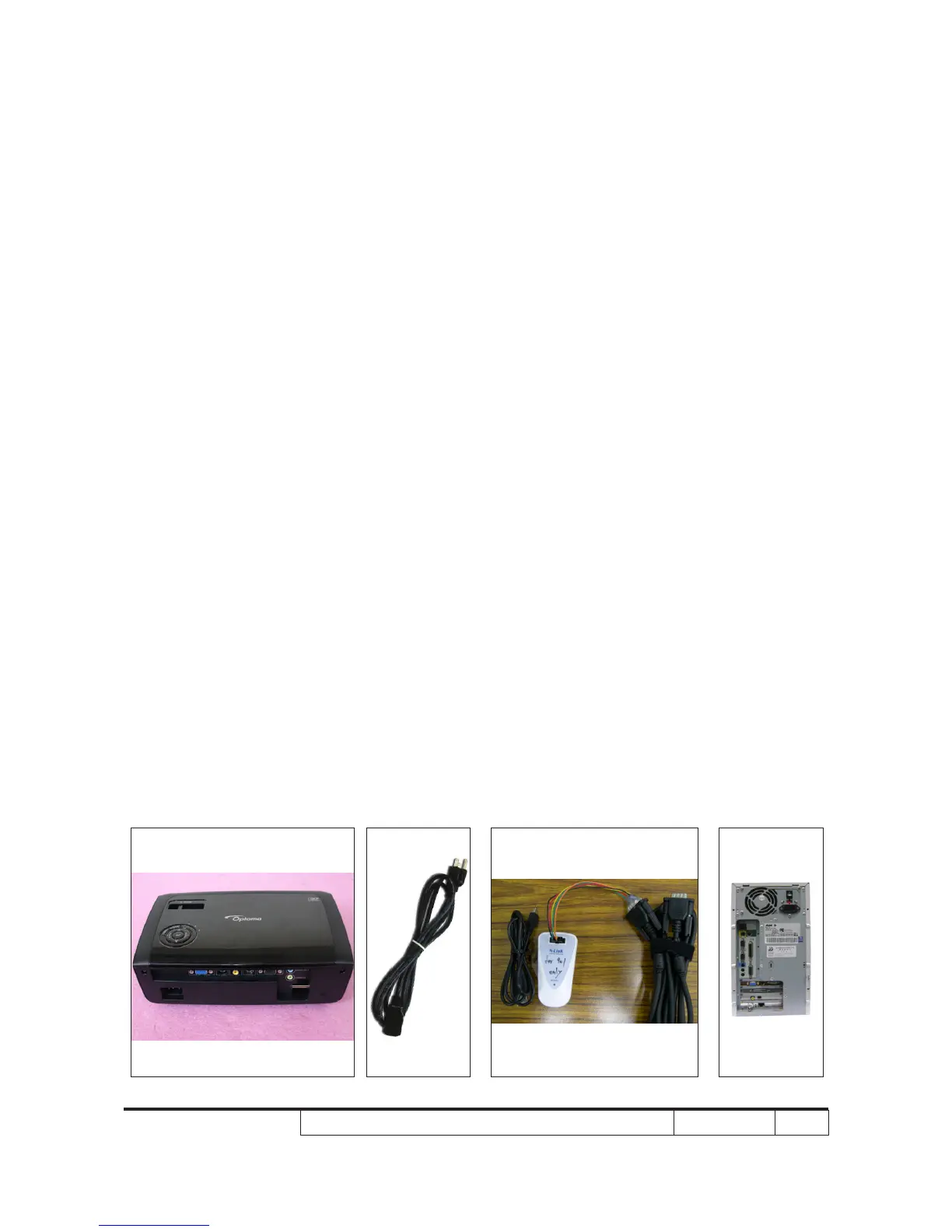
Hardware:
- Projector
- Power cord: 42.50115G001
- Mini USB cable: 42.00286G101
- NLINK Fixture
- PC or Laptop
Note: The 8051 FW upgrade procedure for EX536/ES526/CB2800/EX531/ES526L/EX536L is the
same, we take ES526 as an example here.



 To Next Page