33
(3) Image Quality
Projected image size: 60 inches (diagonal length)
Zoom ring: Adjust zoom ring to wide (Maximum projection size)
VGA
I/O port Monitor In (SVGA/XGA/WXGA)
Test Equipment Standard Pattern generator (Ex. Quantum data)
Signal format 800*600 60Hz for ES550/ES551
1024*768 60Hz for EX550/EX551
Projected image size 60” in diagonal length
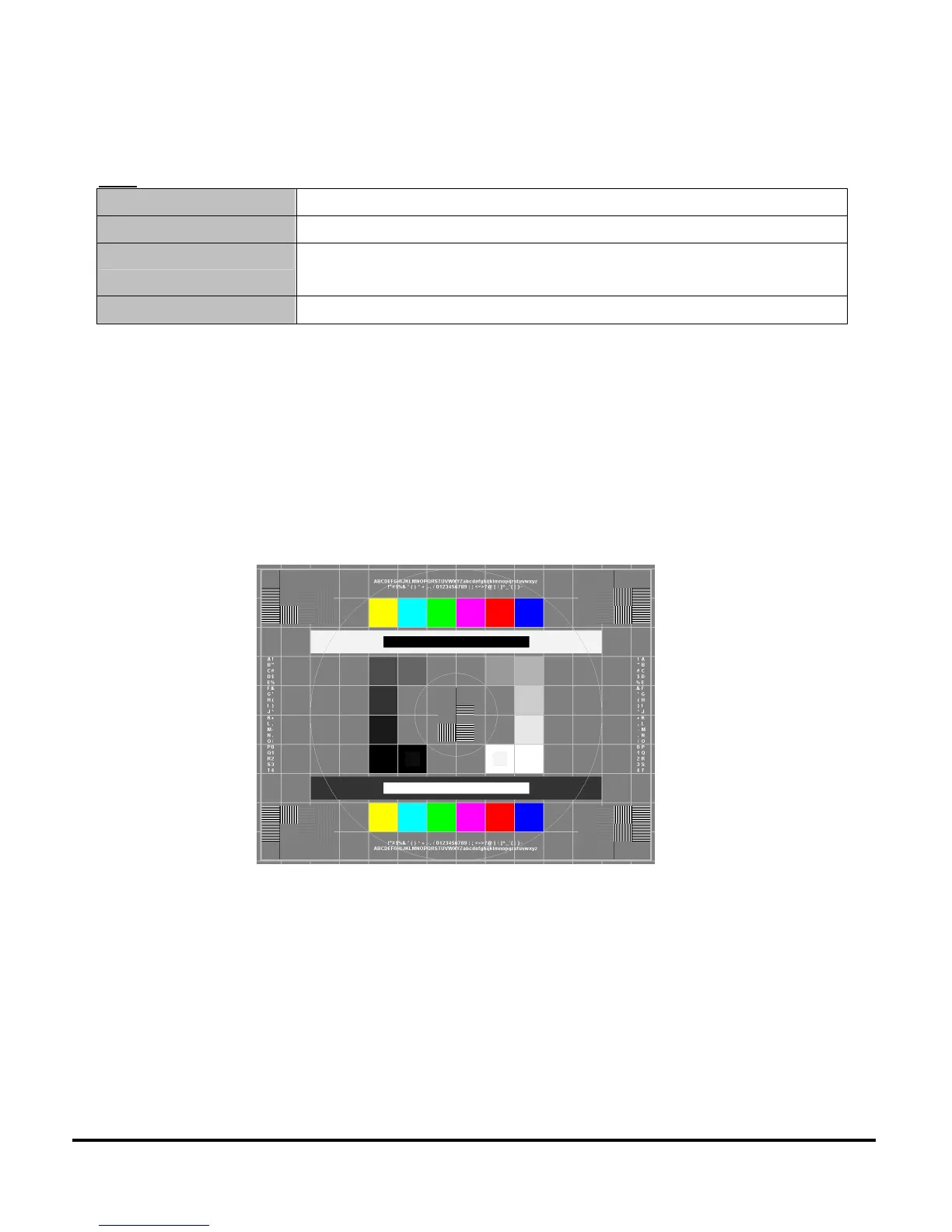
TOP SMPTE133
• Use to confirm overall image quality.
• Verify there is no noise, tint in the gray background, duplicated columns or other general
image abnormalities.
• No twinkling pixels allowed.
• Verify the 5% box is visible within the black square.
• Verify the 95% box is visible within the white square.
RGB Ramps
• Use to confirm correct colorwheel index delay setting and DMD data line integrity.
• Verify proper red, green, and blue chromaticity.
• Verify transition from dark to light in each ramp is smooth and consistent.
• Verify there are no missing parts (vertical black bars) of any ramp due to stuck bits.
• Verify there are no light or faded areas in ramps.
If there are colorwheel index delay is not correctly set.


 To Next Page
 Loading...

