34
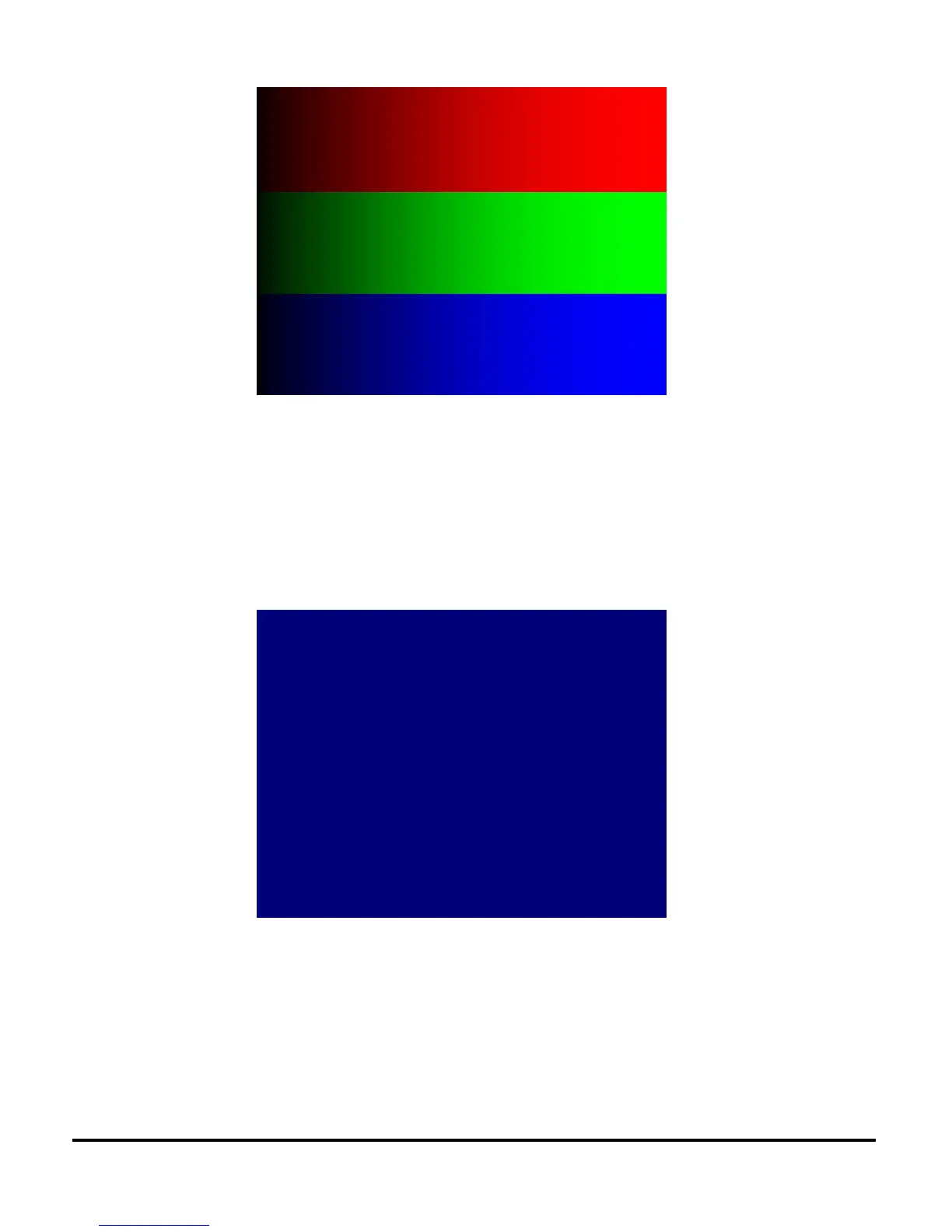
BLUE 120
• Use for dark blemish and ghost inspection.
• Confirm there are no more than four blemishes darker than Blue 120.
• No blemish greater than one inch or 25mm in length/diameter is allowed.
• Confirm there is no ghosting.
• No ghosting is allowed.
GRAY 50
• Use for light blemish inspection including bright (stuck ON) pixels.
• Confirm there are no more than four visible blemishes brighter than Gray50.
• No blemish greater than one inch or 25mm in length/diameter is allowed.
• Confirm there are no stuck ON (bright) pixels brighter than Gray50.
• Confirm there are no flickering pixels.
• No more than one bright pixel is allowed in the Pond of Mirrors.


 To Next Page
 Loading...

