36
Set UUT to Film gamma when using this image
• Distance from edge of image to Gray 245 band is 20 pixels.
• No banding appearing beyond the outer rectangle is allowed.
• No banding appearing darker than the Gray 245 band is allowed.
Both of the above two conditions must be satisfied for acceptance.
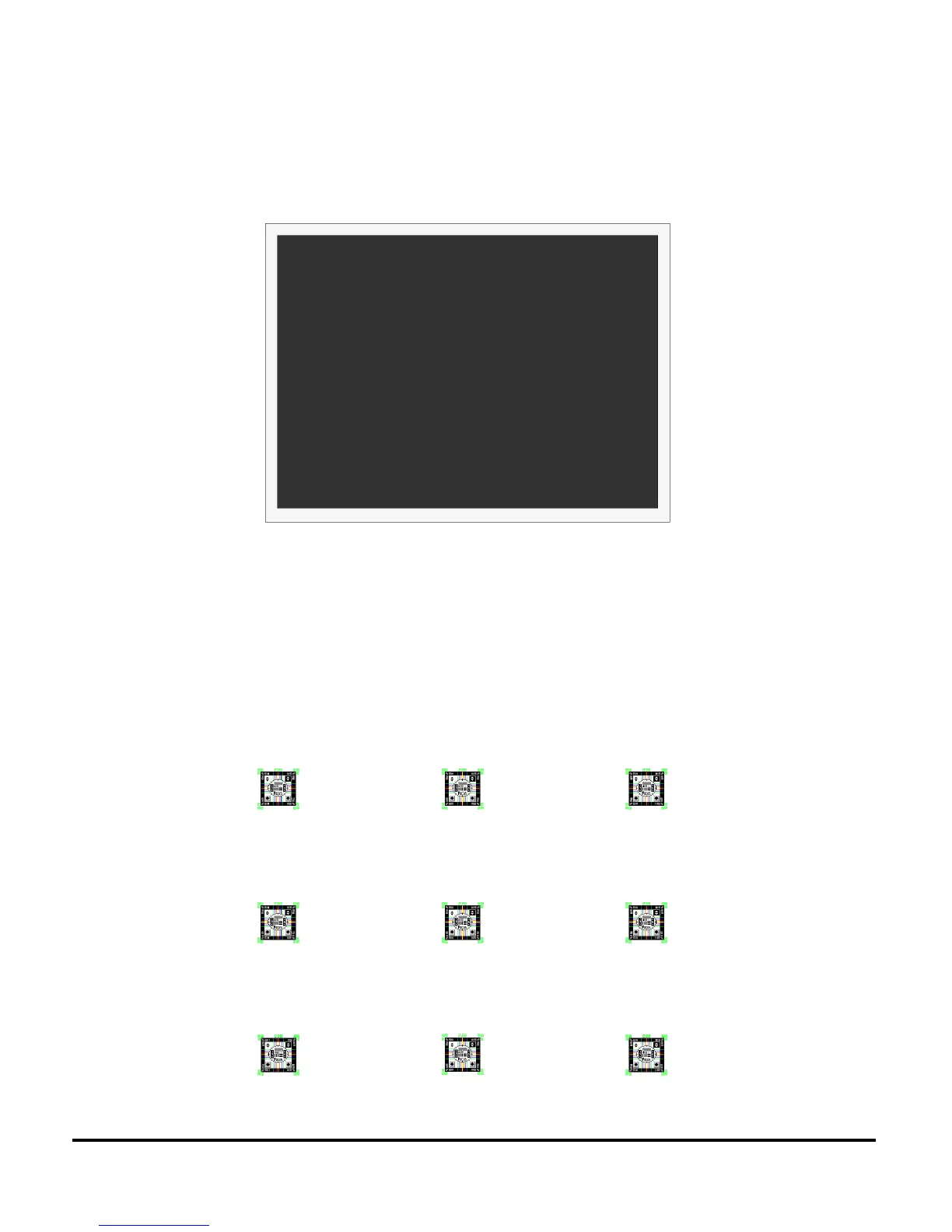
FOCUS
• Use to evaluate focus sharpness and uniformity.
• Focus on the center icon. Then adjust focus to achieve best overall focus.
• Verify all icons have clear resolution and white space can be seen between the green lines.
• Zoom to full Tele (small image) and verify all icons have clear resolution and white space
can be seen between the green lines.


 To Next Page
 Loading...

