Condential
4-3
EX762/EW762
For EW762
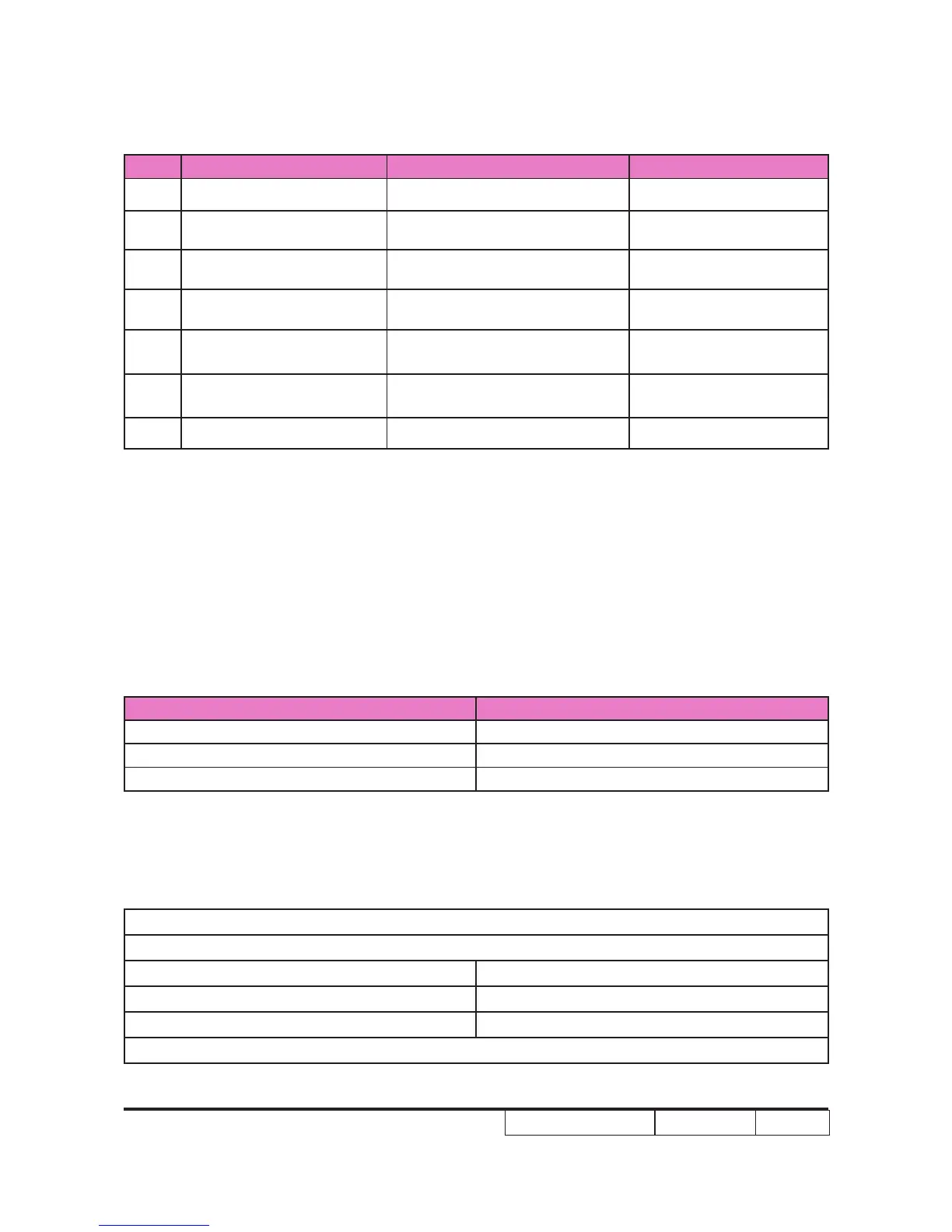
Order Symptom Pattern Criteria
1 Bright pixel ( dots) Gray 10 pattern A+B=0
2 Dark pixel(dots) White pattern A+B≤7
3 Unstable pixel (dots) Any pattern A+B=0
4 Adjacent dark pixel (dots) Any pattern A+B=0
5 Dark blemish (Dirty) Blue 60 pattern
A+B≤4
(diameter <1 inch)
6 Bright blemish (Dirty) Gray 10 pattern
A+B≤4
(diameter <1 inch)
7 Bright dots on frame Gray 10 pattern ≤1
4-4-2 Burn-In Test
- Temperature: 15°C~35°C
- Screen size: No concern
- Display mode: ECO mode
After repairing each unit, it should be Burn-in (refer to the below table).
Symptom Burn-in Time
Normal repair 2 hours
NFF 4 hours
Auto shutdown 6 hours
- Get into Burn-In Mode
* Cycle setting is based on the defect symptoms. ie: If it is NFF, the burn-in time is 4 hours. You
have to set the lamp on for 50 min. and lamp off for 10 min for 4 cycles.
Note: Please make sure that the hot exhaust airows from projectors can ow towards the aisle.
Get into Service Mode (as above step 4-2)
Choose Burn In > enter
Lamp On (Min) Press right key to adjust the time (50)
Lamp Off (Min) Press right key to adjust the time (10)
Set Burning cycle Press right key to adjust the cycle
After setting up the time, choose ''Enter into Burn In Mode'' and press "Menu" button.



 To Next Page