Delta Elec. Inc. EX779
Company Confidential Optoma__________________ Delta________________
102
2010/04/14
3.
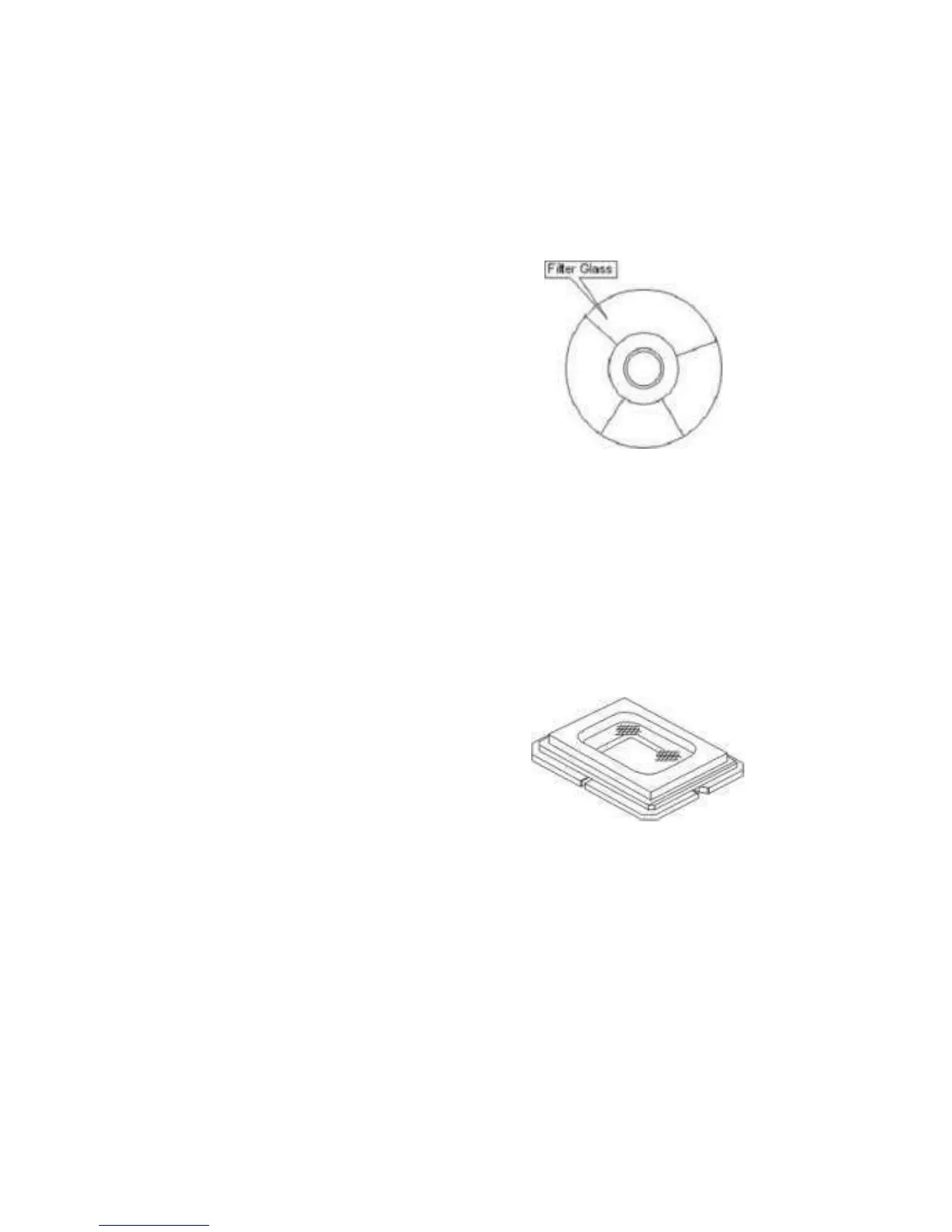
Cleaning the Color Wheel Assy
1. The color filter is made of thin glass. Be very careful when handing the filter.
2. In case of fingerprints, etc. on the surface, clean in the same way as the projection
lens unit. Do not use detergents as this could cause peeling of the color filter.
4. Cleaning the DMD
1. The DMD surface is glass and can be cleaned. However, avoid scratches as these
can have a direct influence on the image.
2. In case of dust on the DMD surface use an air cleaner (with a device to prevent
static, if possible) to clean off the surface.
3. In case of fingerprints, etc., add a small amount of water to the designated glass
cleaner and wipe off in one direction. Then use the designated dry glass cleaner to
wipe off in the same direction.
4. Do not use absolute alcohol or other substances that could leave streaks after
drying.
5. Cleaning the Reflecting Mirror
1. Be careful not to touch the reflecting mirror. The surface is composed of vapor
deposition silver and touching it directly with the hands can lead to burnishing.
2. Do not clean other than with air.


 To Next Page
 Loading...



