Delta Elec. Inc. EX779
Company Confidential Optoma__________________ Delta________________
95
2010/04/14
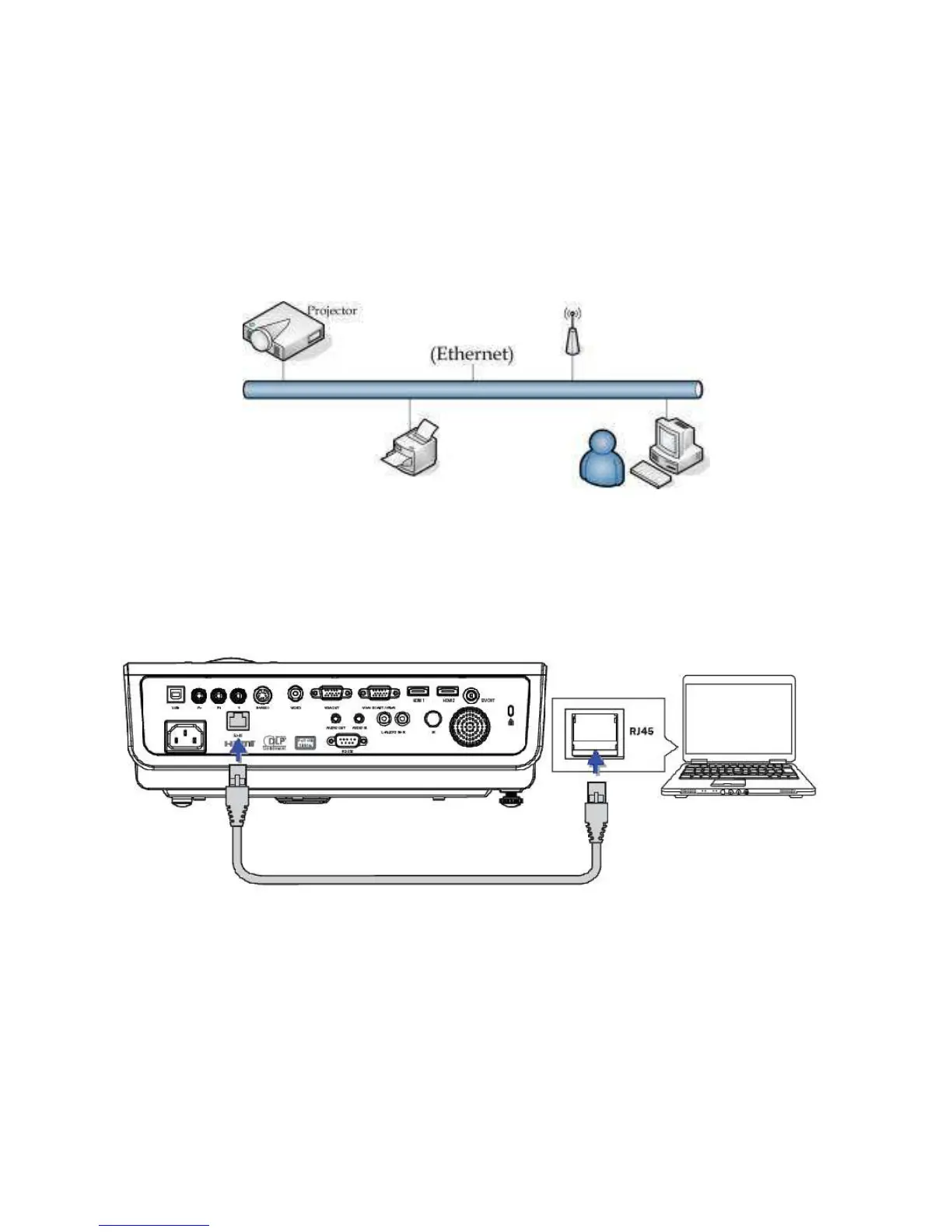
For simplicity and ease of operation, the projector provides diverse networking and remote
management features.
The LAN/RJ45 function of the projector through a network, such as remotely manage:
Power On/Off, Brightness and Contrast settings. Also, projector status information, such
as: Video-Source, Sound-Mute, etc.
11-2. LAN_RJ45
1. Connect an RJ45 cable to RJ45 ports on the projector and the PC (Laptop)



 To Next Page