Delta Elec. Inc. EX779
Company Confidential Optoma__________________ Delta________________
45
2010/04/14
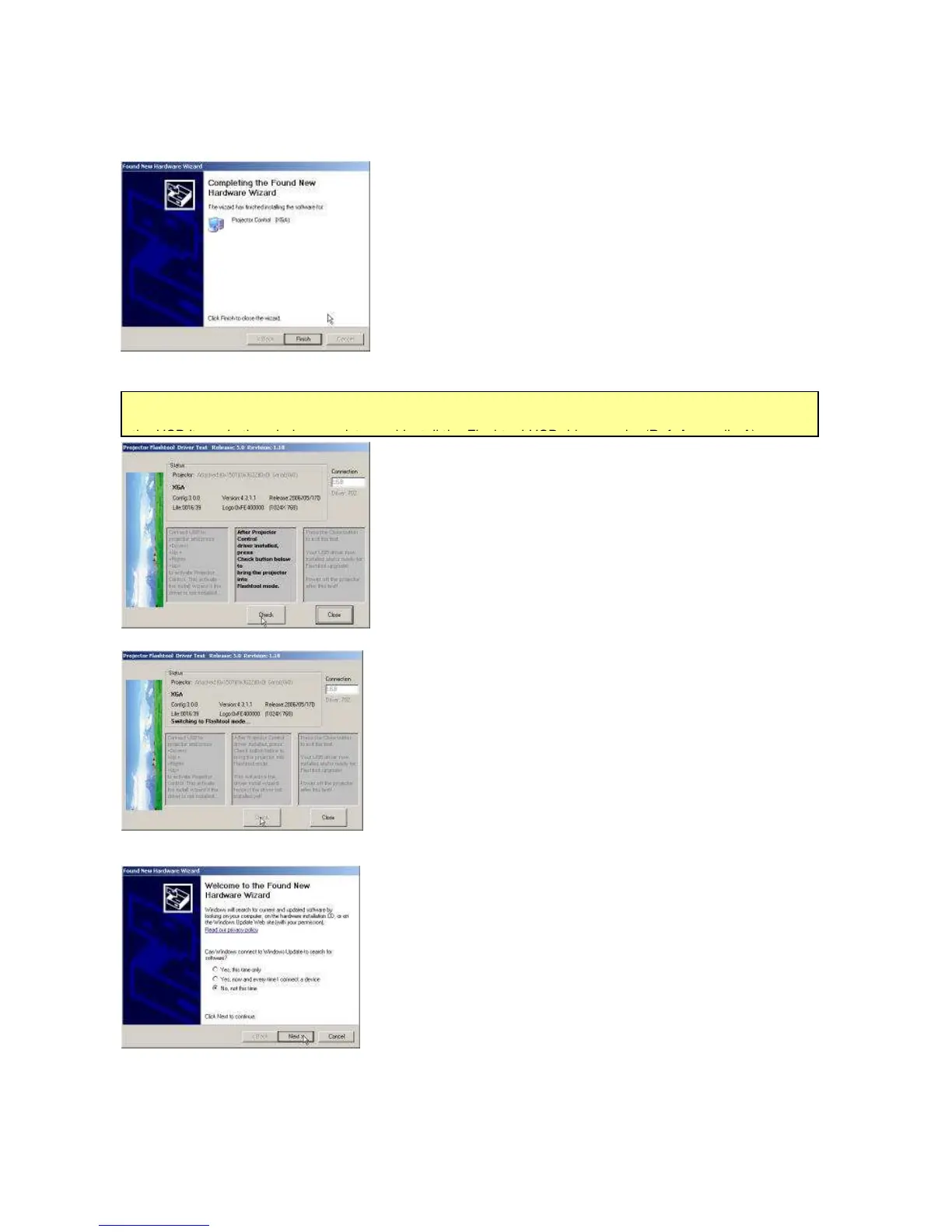
(Step 14) Windows completed the new hardware wizard.
Press the “Finish” to exit.
(Step 15) Once the Projector Control USB driver is
enumerated, the projector information displayed in the
status windows. Click on the <Check> button to place the
projector in the Flashtool mode. The purpose of this
function is to verify whether or not the project is
successfully in the Flashtool mode.
(Step 16) The projector is switching to Flashtool mode after
click the <Check>…
(Step 17) The Windows New Hardware Wizard will launch
again for the second USB Projector Control. (Select “No, not
this time”, Click on the “Next” button to continue)
Note: In case you got USB enumeration problem, the USB no longer recognize your projector! Please clear



 To Next Page