Delta Elec. Inc. EX779
Company Confidential Optoma__________________ Delta________________
81
2010/04/14
9-3. Hyper Terminal setting guide
9-3-1 Connect the RS232 Cable between your computer and Projector.
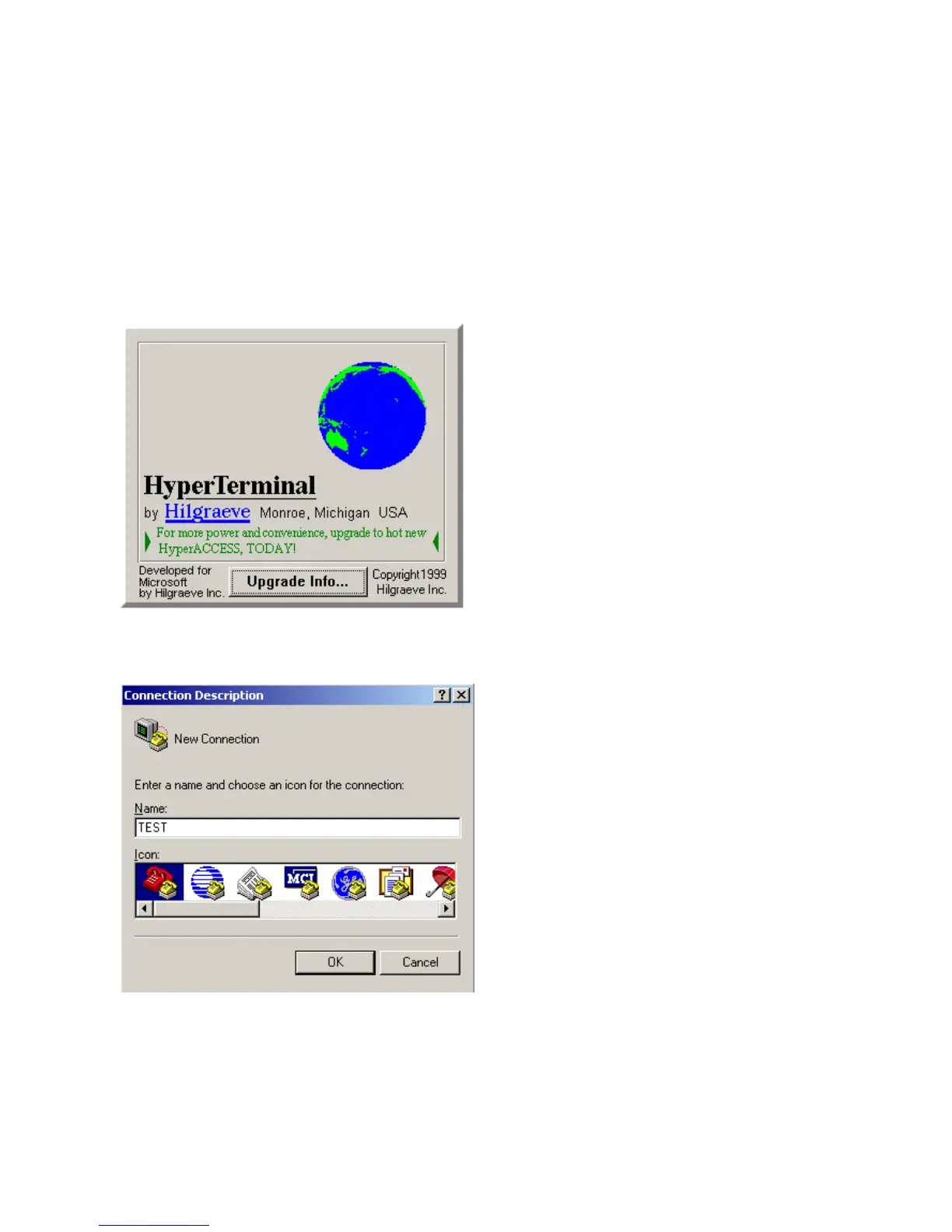
9-3-2 Open HyperTerminal
Window2000/XP HyperTerminal path:
Start \ Programs \ Accessories \ Communications \ HyperTerminal。
9-3-3 Setting the HyperTerminal parameter:
::
:
Step 1. Type the connection name .



 To Next Page