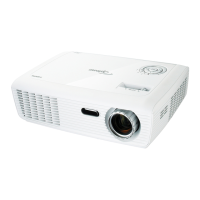
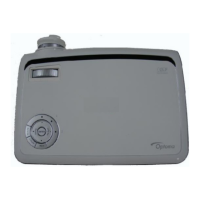
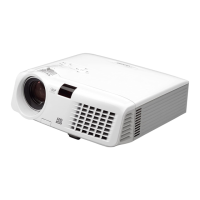
HD67
Condential
3-3
No Symptom Procedure
3 No Light On
- Ensure all connectors are securely connected and aren’t
broken
- Check Lamp Module
- Check Lamp Driver
- Check LVPS
- Check Main Board
- Check Color Wheel
- Check Photo Sensor Board
4
No Image
- Ensure the Signal Cable and Source work
(If you connect multiple sources at the same time, use the
“Source” button switch)
- Ensure all connectors are securely connected and aren’t
broken
- Check Main Board
- Check DMD Board
- Check DMD Chip
- Check Color Wheel
- Check Engine Module
5 3D Image Abnormal
- Ensure the using 3D glasses is good and you must face the
projection.
- Ensure the CD in DVD is HQFS format or the graphic card
from PC can support 3D format.
- Ensure your standing distance is less than 6m from screen.
- Ensure the 3D function is on and execute “3D sync invert” in
OSD menu.
- Check main board.


 To Next Page