15
English
Installation
Adjusting the Projected Image
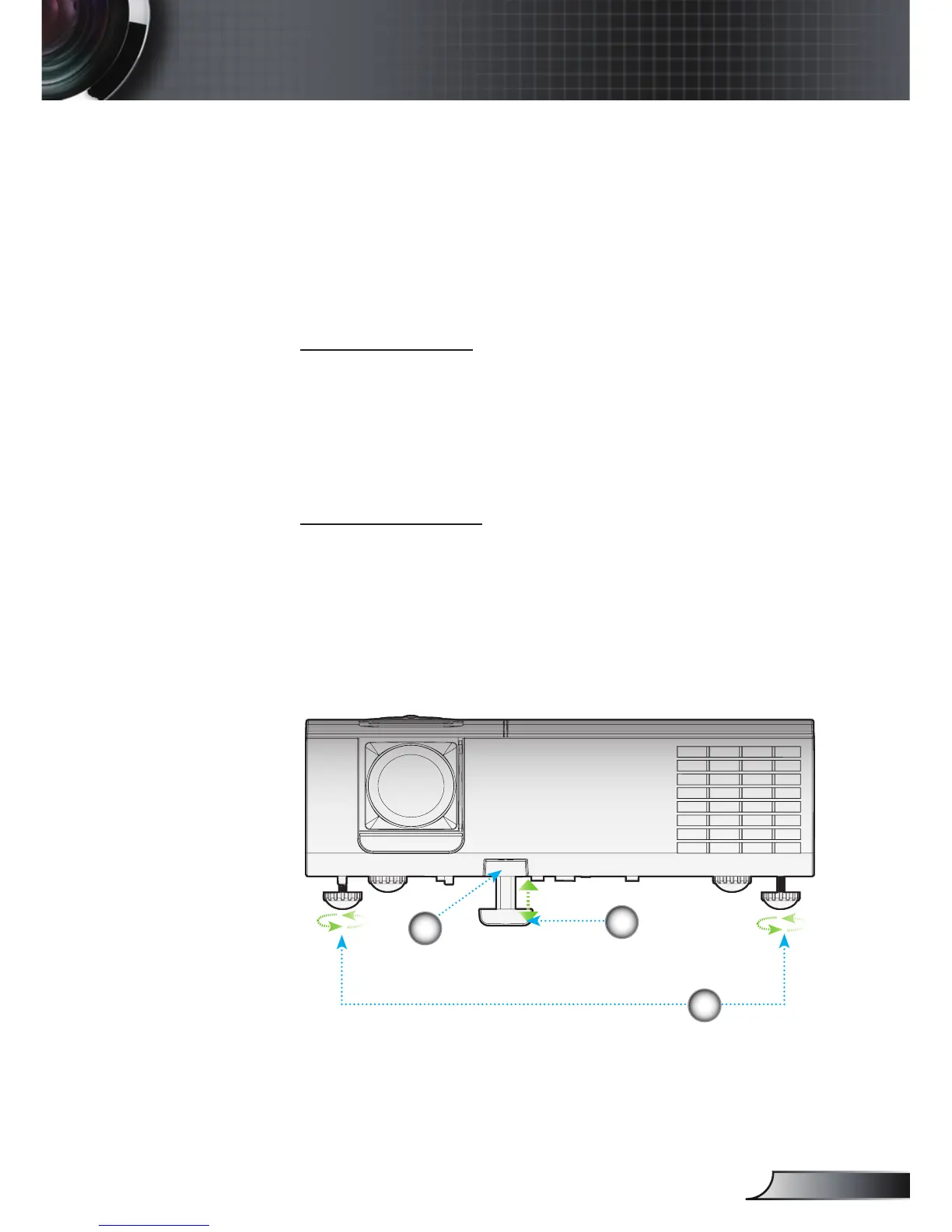
Adjusting the Projector’s Height
The projector is equipped with elevator foot for
adjusting the image height.
To raise the image:
1. Press the elevator button
.
2. Raise the image to the desired height angle
, then release
the button to lock the elevator foot into position.
3. Use screw in foot
to ne-tune the display angle.
To lower the image:
1. Press the elevator button.
2. Lower the image, then release the button to lock the
elevator feet into position.
3. Use screw in foot to ne-tune the display angle.
Tilt-Adjustment Feet
Elevator Foot
Elevator Button
3
1
2



 To Next Page