34
English
User Controls
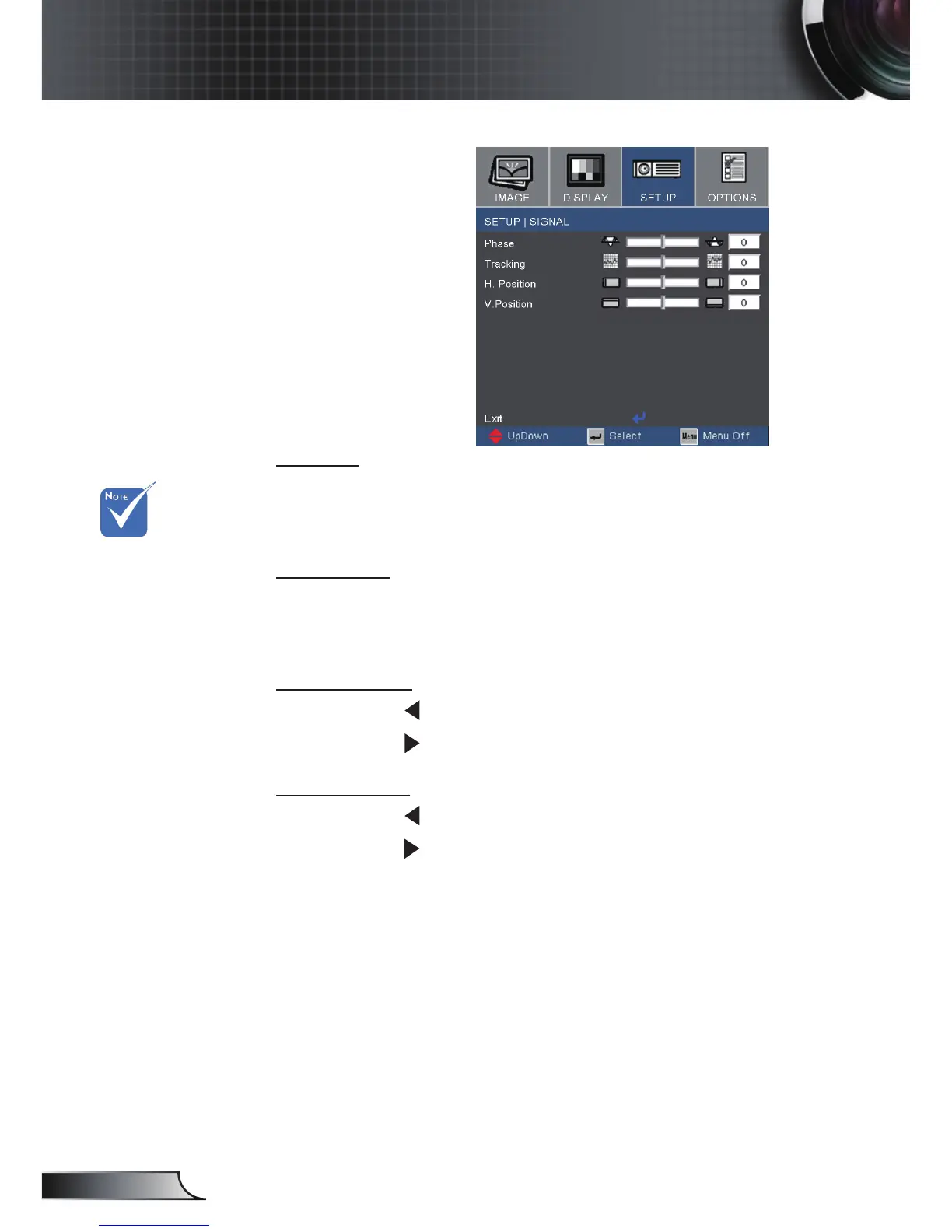
Setup | Signal
Phase
Change the display data frequency to match the frequency of your
computer’s graphic card. When you experience a vertical icker-
ing bar, use this function to make an adjustment.
Tracking
Synchronize the signal timing of the display with the graphic card.
If you experience an unstable or ickering image, use this function
to correct it.
H. Position
Press the to move the image left.
Press the to move the image right.
V. Position
Press the to move the image down.
Press the to move the image up.
“Signal“ only sup-
ports in VGA(RGB)
and component
signal.
When component
signal is 480i or 576i,
“Phase” and “Track-
ing” won’t support.



 To Next Page