ML300
4-4 Calibration
1. PC Calibration
Note:If the white/black value of VGA signal abnomal, you can do the “PC
calibration”
- Note
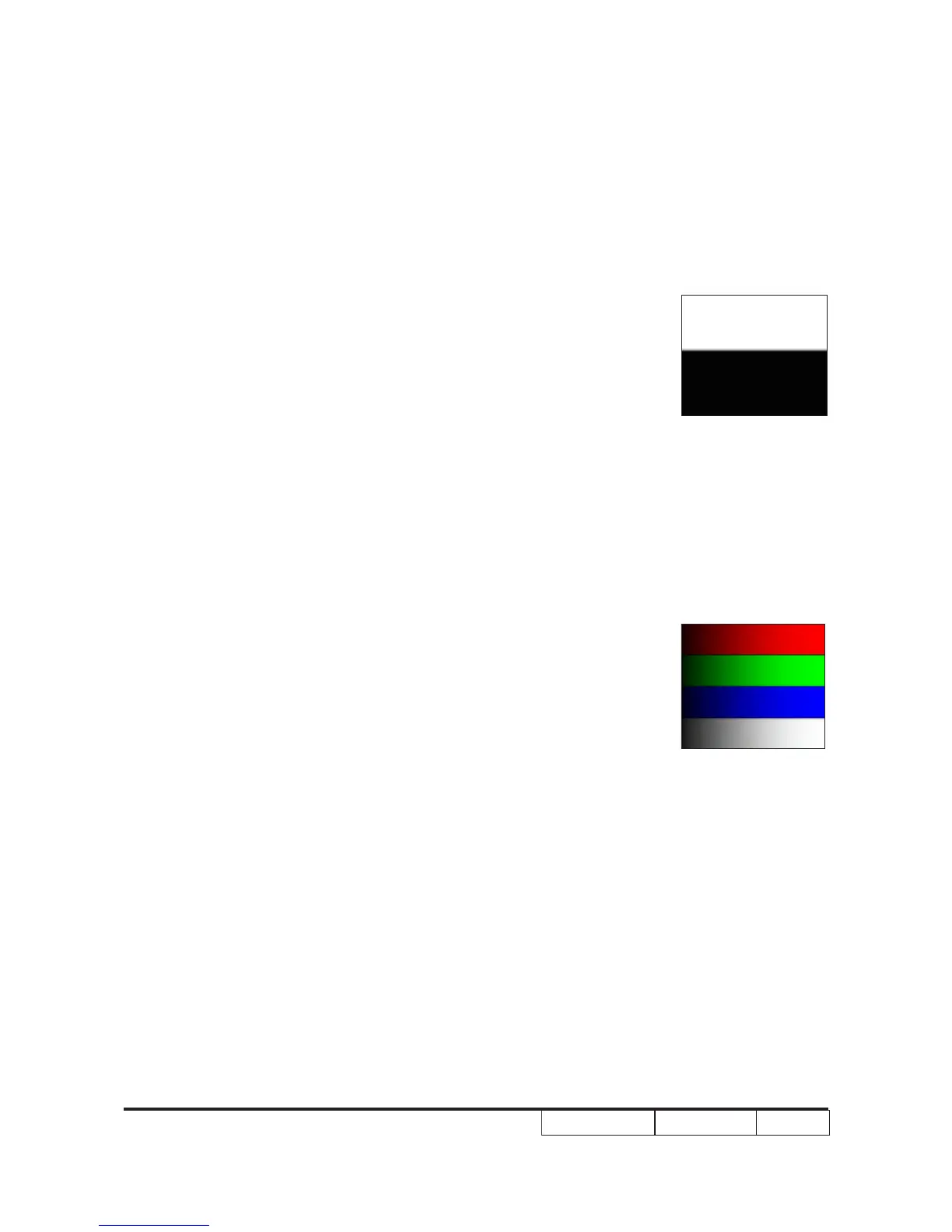
(1) Calibration pattern should be in full screen mode.
(2) Please press “Up”->“Home”->“Down”->“Zoom” of“Up”->“Home”->“Down”->“Zoom” of
remote controller to get into Service Mode.to get into Service Mode.
(3) Choose "PC Calibration" for correction.When the
message "Success" appears, it means "PC
Calibration" is OK. Choose "Exit" to leave the
Service Mode.
64 gray RGBW
White/Black



 To Next Page