Condential
5-2
ML300
5-1-2 Firmware Upgrade
Procedure
1. Set-up
- Plug in power cord into the projector, press
"Home"button,"Hide"button,"Left" button
sequentially of remote control until LED
indicator of the projector light orange all the
time,press "Power " button of remote control,
the projector will ash blue in a moment .
When the LED indicator of the projector have
no light on ,this projector has been got into
rmware mode .
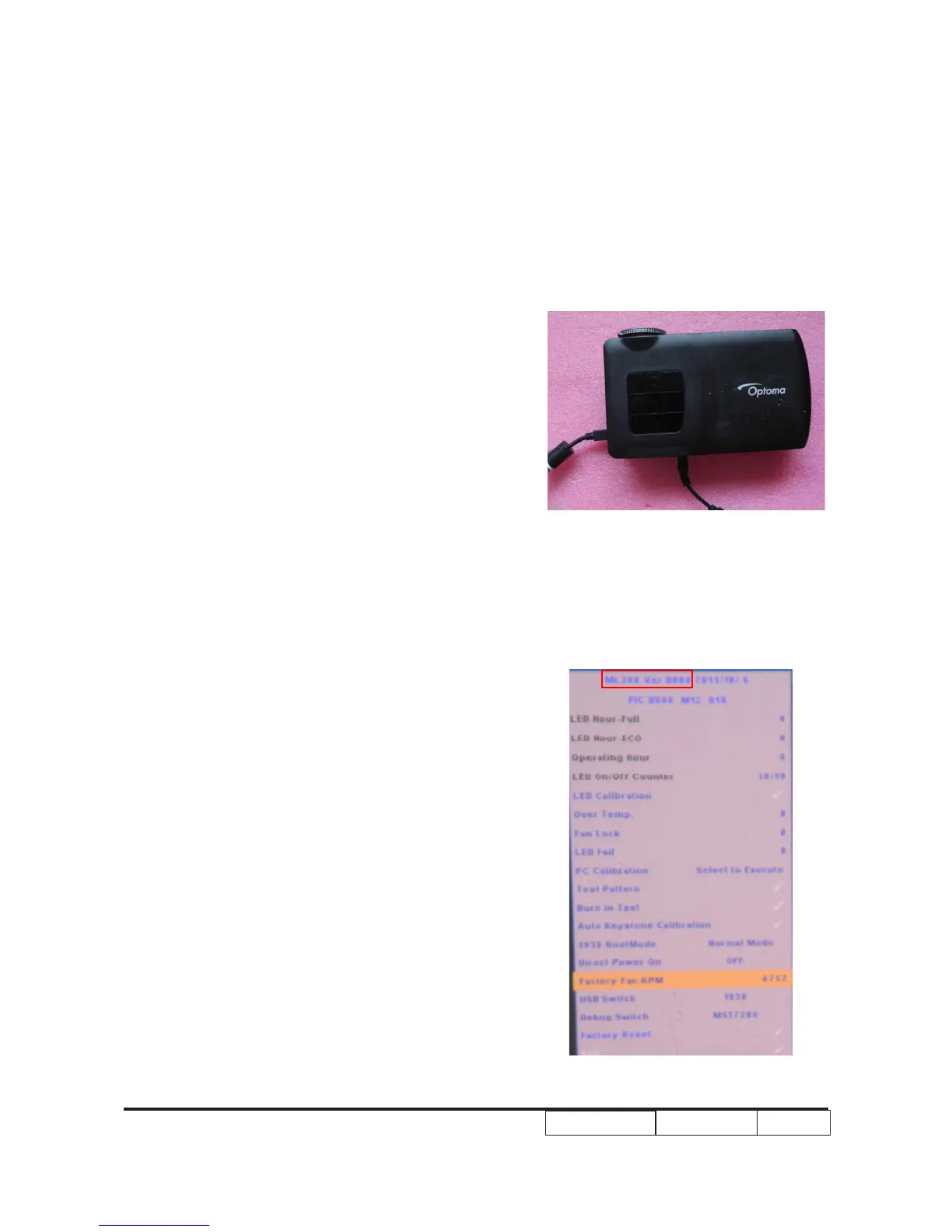
- Insert Micro USB cable to ML300&PC
5-1-3 Check FW version
1. Restart the unit and enter the Service Mode
(Press “Up”->“Home”->“Down”->“Zoom”
of remote control)
2. The rmware version will be shows as red
square .



 To Next Page