ML300
Condential 5-1
Chapter 5
Firmware Upgrade
Section 1: System Firmware Upgrade
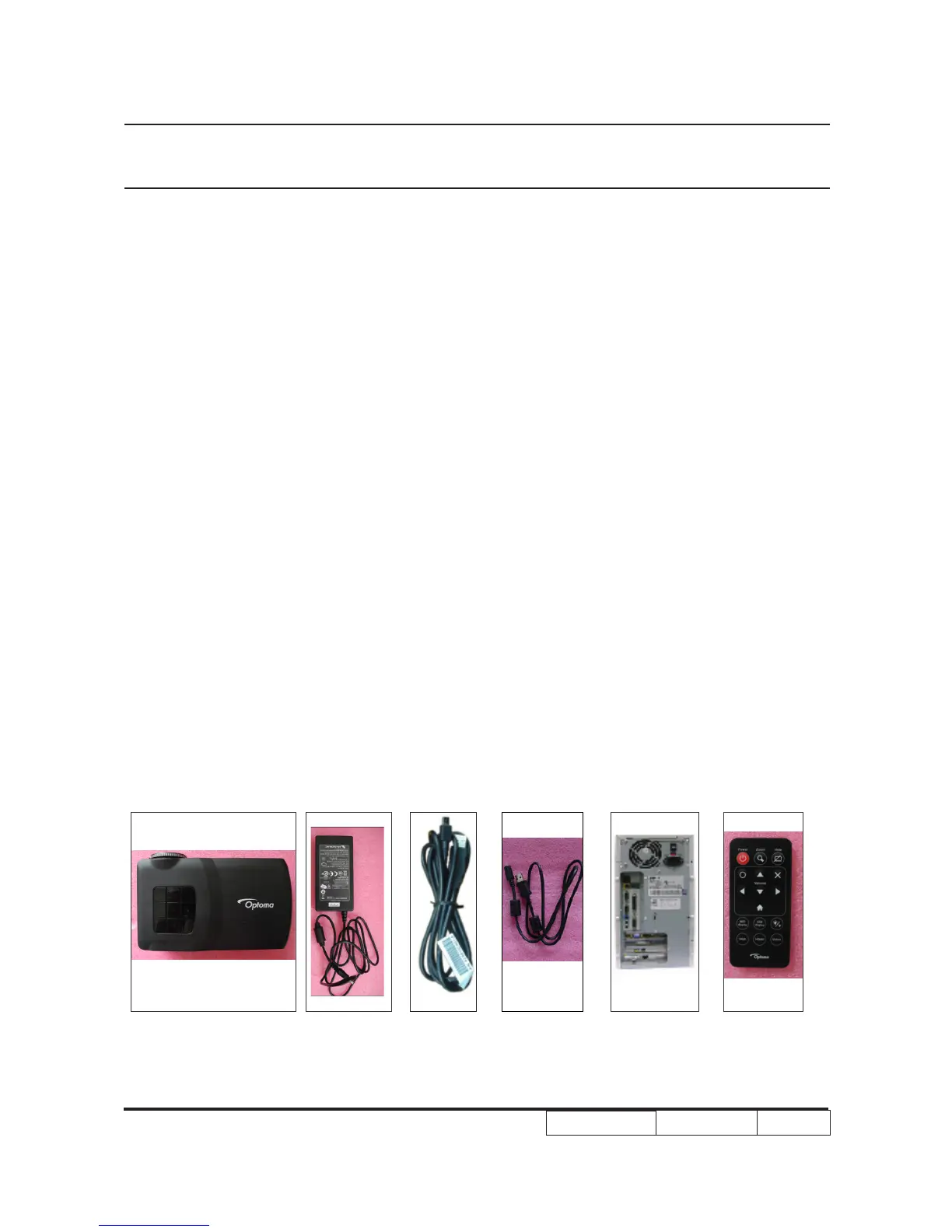
5-1-1 Equipment Needed
Software : (DDP6401-USB)
- DLP Composer Lite v10.5
- Firmware (*.img)
- Library (library 10.5)
Hardware :
- Projector
- Adapter (47.8LU01G001)
- Power cord (42.0010AG002)
- Cable USB micro B-M to USB A-M 1000MM (42.0028DG001)
- PC or Laptop
- Remote control (45.8LU01G001)
Note1: We will show the hot key of FW mode and how to check FW version,the other contents please
refer to common manual .
Note2: During FW upgrade procedure,please select “32KB” in “Skip Boot Loader Area”.



 To Next Page