Condential
5-4
ML300
5-2-2 PIC Firmware Upgrade
Procedure
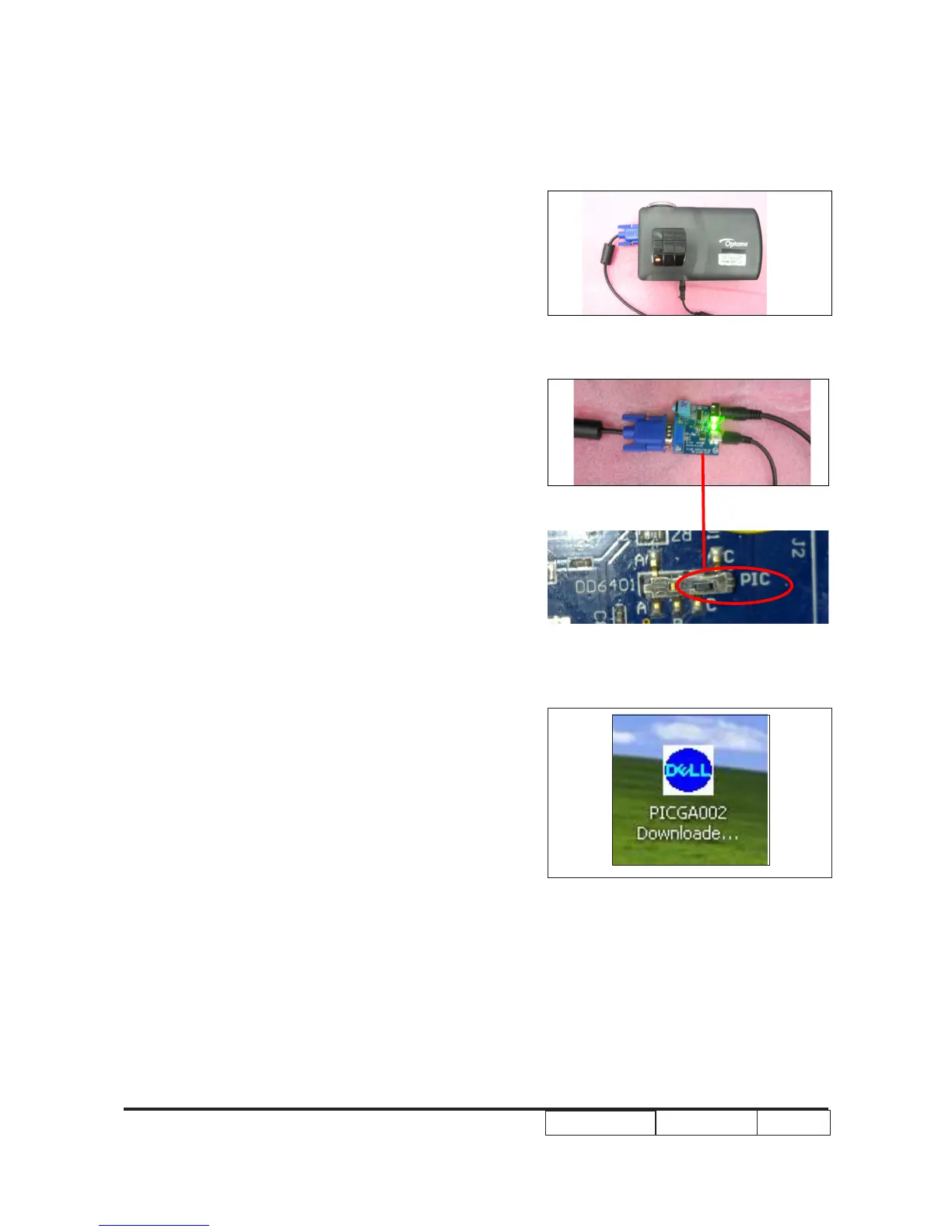
1. Set up
- Plug in the RS232 cable to RS232 port of
xture and PC.
- Plug in the VGA cable to VGA port of xture- Plug in the VGA cable to VGA port of xture
and ML300.
- Plug in the USB cable to VGA port of xture
and PC.
Note:The position of xture’s pin as right
picture shown.
- Press”Power”,plug in the power cord ,until- Press”Power”,plug in the power cord ,until
the LED Indicator ash orange release the
power button.
2. Execute the “PICGA002 Downloader” le.Execute the “PICGA002 Downloader” le.



 To Next Page