EasyManua.ls Logo

Optoma ML300 - Page 36

Optoma ML300
68 pages
Print Icon
To Next Page IconTo Next Page
To Previous Page IconTo Previous Page
Loading...

4-10
ML300
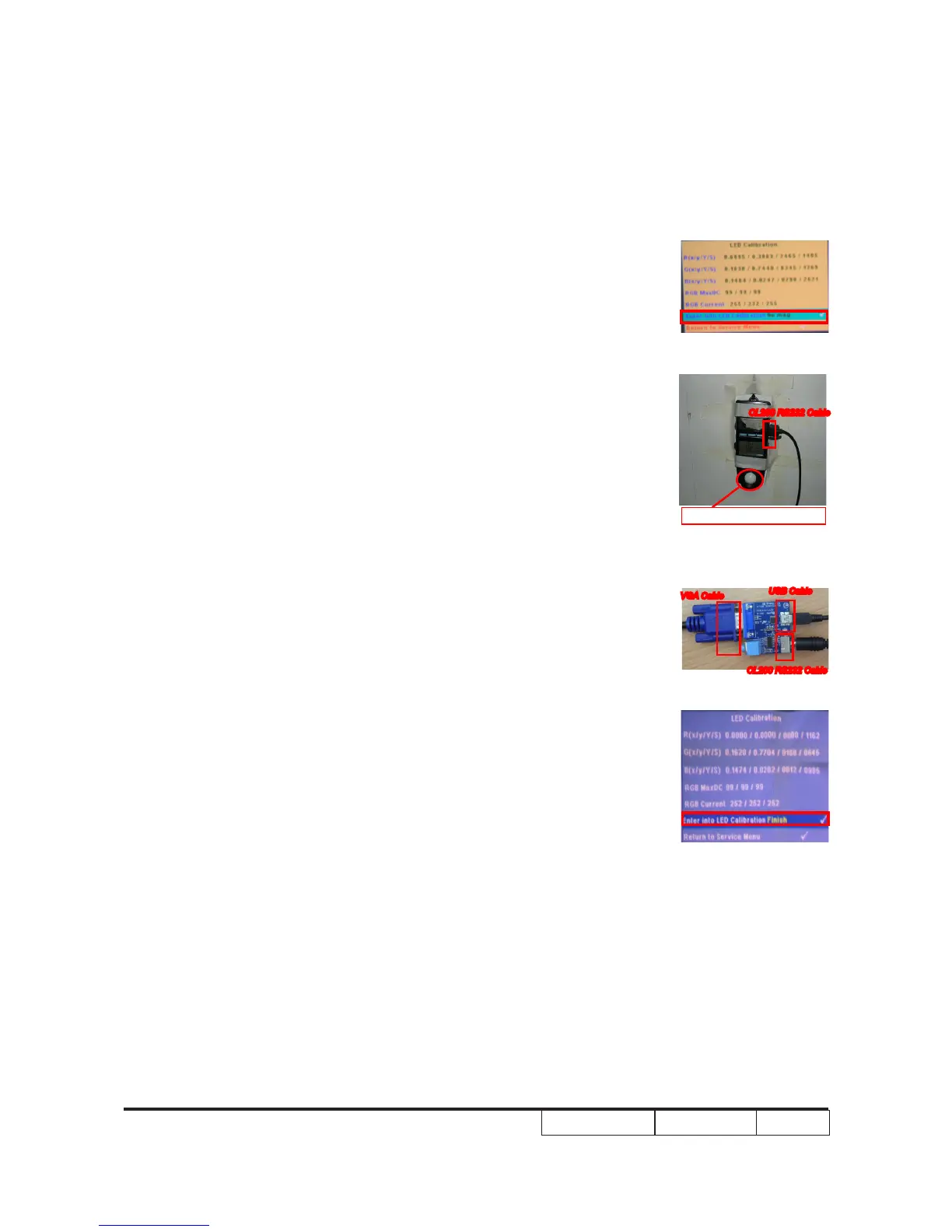
Must be on the center of the screen
CL200 RS232 Cable
USB Cable
VGA Cable
CL200 RS232 Cable
3. LED Calibration
Note:If the color abnormal, you can do the the “LED calibration” .
 





Note:System Firmware C04 will phase in this
function.













Other manuals for Optoma ML300

Related product manuals