11
Pairing with a Laptop
The connection instructions below apply to owners of Windows 7, 8, 8.1
and 10.
1. Power your PC/Laptop
2. Find “Bluetooth Settings”
3. Switch your laptop Bluetooth to “On”
4. Turn the BE6 to “Pairing Mode”
5. When the BE6 is discovered by your laptop left click on “Pair”
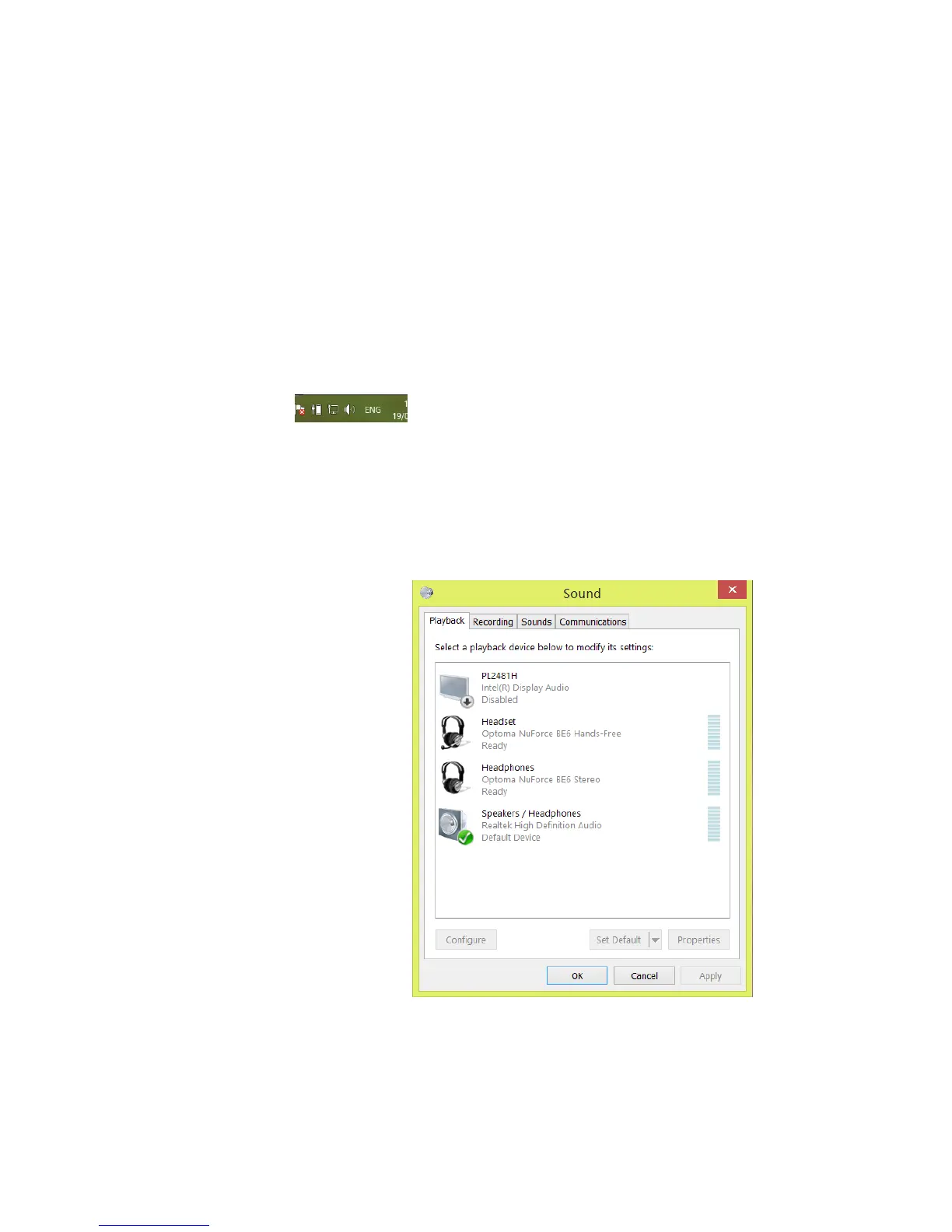
6. Right click on the speaker symbol at the bottom right side of the
screen
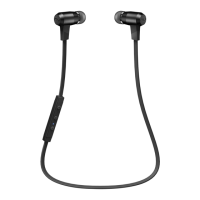
7. From the dropdown menu right click on the “Playback Device”
8. Please choose and right click the “Optoma NuForce BE6 stereo
ready” (see image below text)
9. Click on HEADPHONES to set the “Headphones Optoma NuForce
BE6” as default device
10. Press OK



 To Next Page