7
Bluetooth Pairing
Using your BE6 for first time
Pairing BE6 with source device
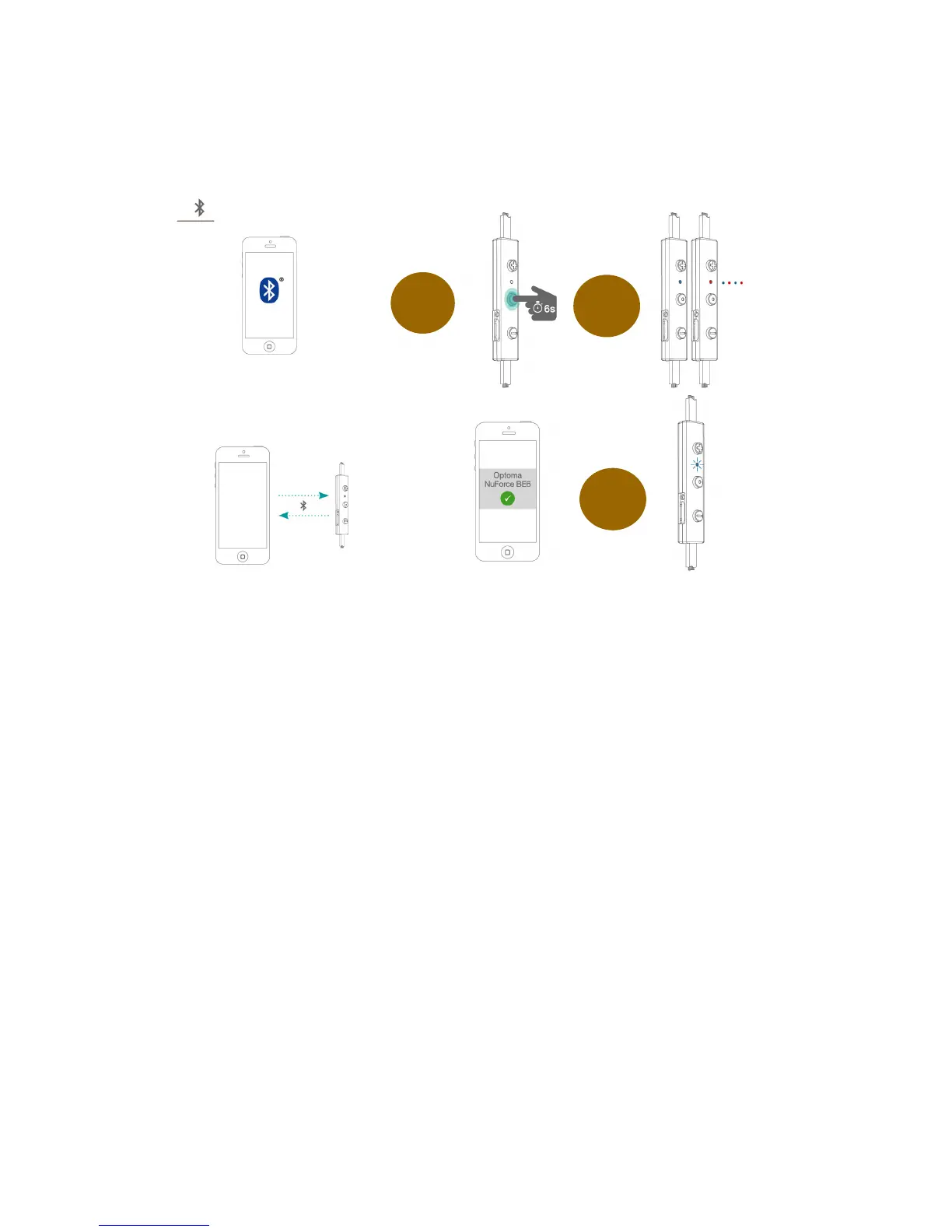
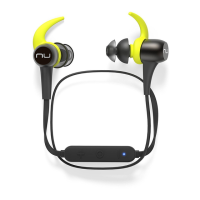
1. Press and hold the BE6’s Power/Function button for 6 seconds
until the LED indicator light flashes blue/red. Your BE6 is now in
pairing mode.
2. Turn on Bluetooth® on your source device, then select “Optoma
NuForce BE6” once it appears on the device list.
NOTE: Consult your source device’s user manual for instructions on activating
Bluetooth.
3. Once successfully paired, the LED indicator will flash blue and
you hear “Primary device connected” (when voice prompt enabled)
from your BE6, or a beep if voice prompt is not enabled.
Please note:
A. You must always enter “Pair” mode from a powered-off state.
Otherwise, pushing the Power/Function button for more than 3
seconds from a powered-on state turns the BE6 off.
B. If left inactive in pairing mode, your BE6 will automatically power
off after 3 minutes.



 To Next Page