9
To turn the BE6 to OFF, push Power/Function button for about 3 seconds
until the LED indicator turns red and you hear the “Power off” ” when
voice prompt be activated or a beep if the voice prompt is not used.
Wearing Your BE6
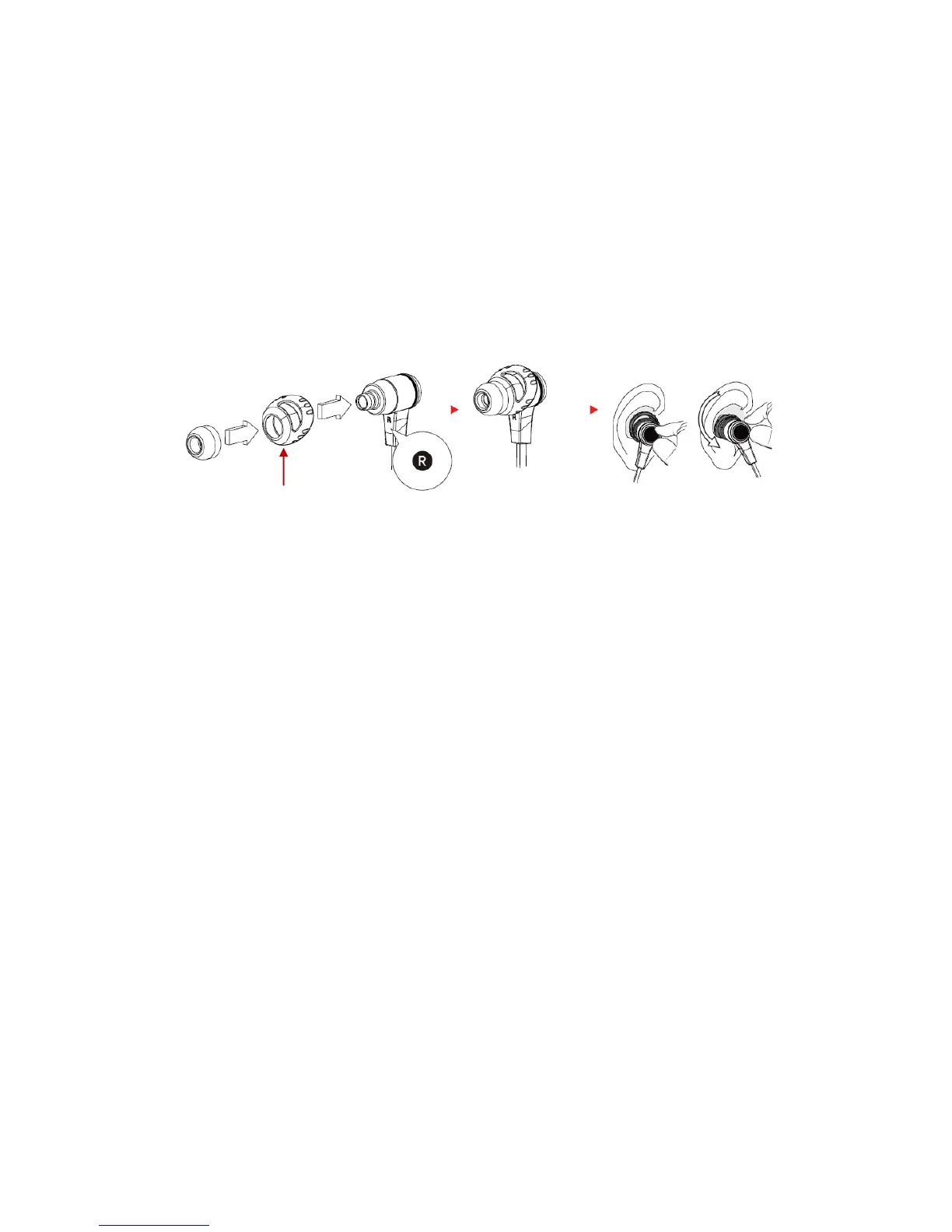
To ensure a secure and comfortable fit when wearing your BE6:
1. Install the stabilizers on the BE6 (see red arrow)
2. Select right size of ear tips and install tips on BE6.
3. Rotate the stabilizers and place the BE6 into each ear so that
they are positioned comfortably.
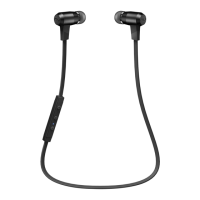
Magnetic caps at the end of the earphones let users click the
earphones together for ease of use.



 To Next Page