19
English
User Controls
Remote Control
Using the Remote Control
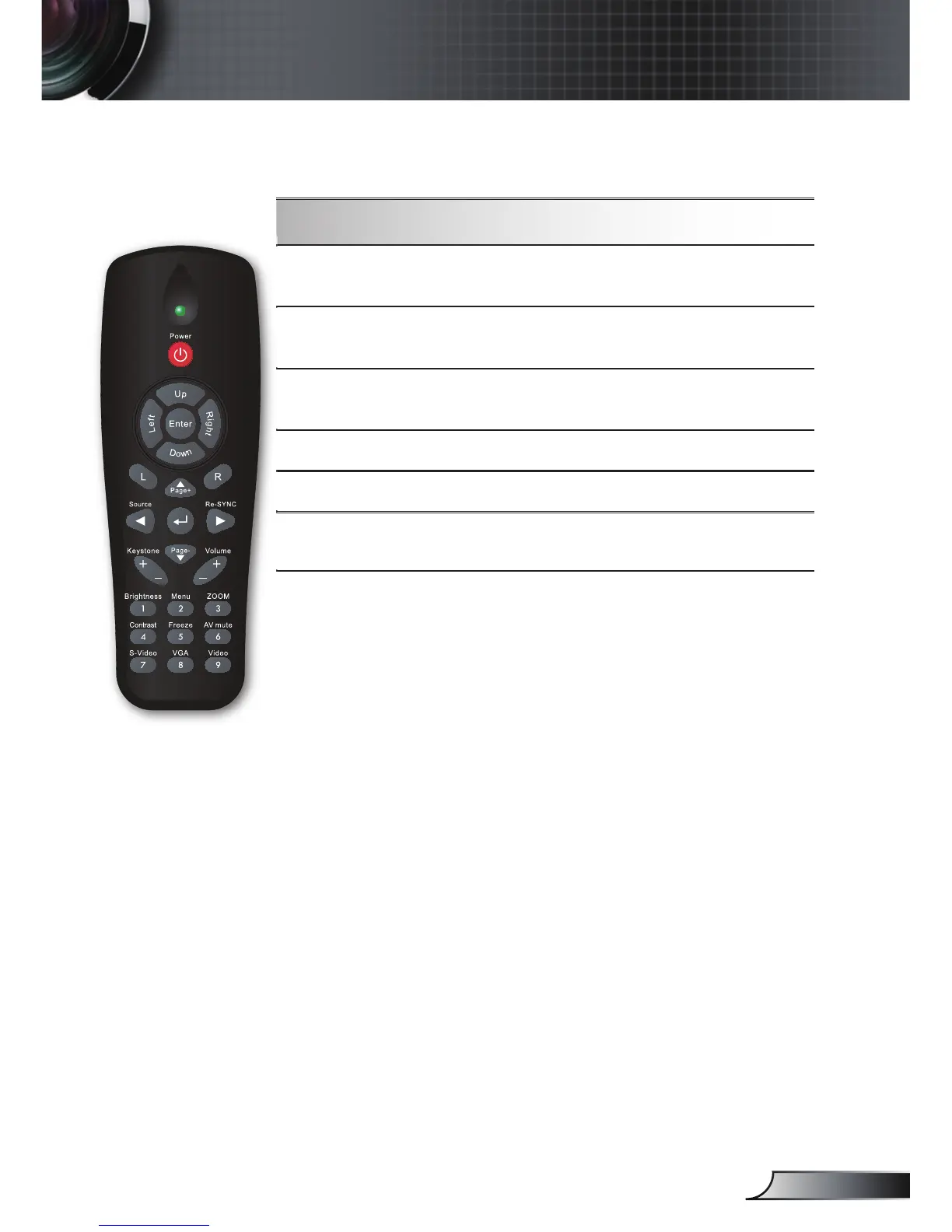
Contrast
Control the degree of difference between
the lightest and darkest parts of the picture.
Freeze
Press “Freeze” to pause the screen image.
Press this button again to unlock.
AV mute
Momentarily turns off/on the audio and
video.
S-Video Press “S-Video” to choose S-Video source.
VGA
Press “VGA” to choose VGA sources.
Video
Press “Video” to choose Composite video
source.



 To Next Page