5
English
Usage Notice
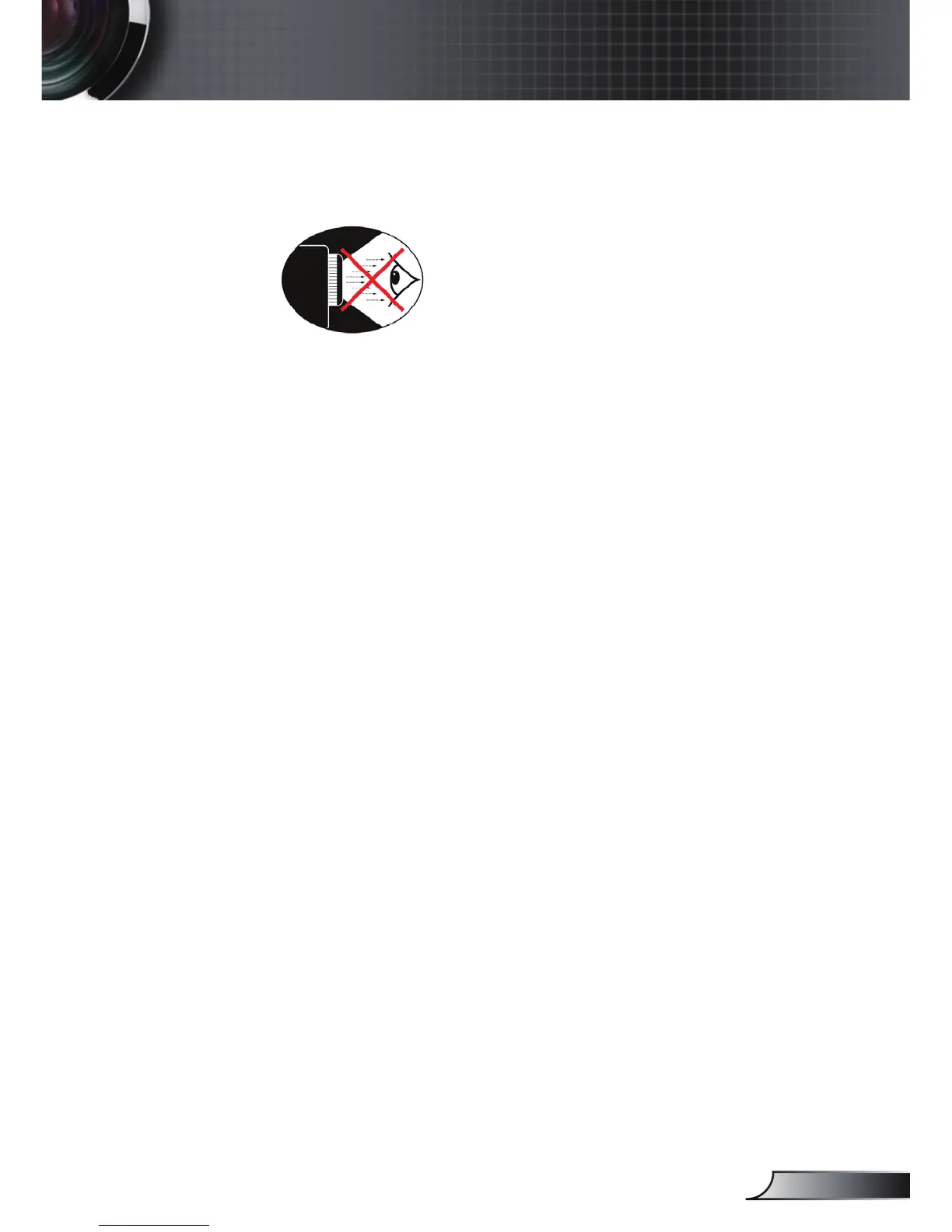
Eye Safety Warnings
▀■ Avoid staring/facing directly into the projector beam at all
times. Keep your back to the beam as much as possible.
▀■ When projector is used in a classroom, adequately supervise
students when they are asked to point out something on the
screen.
▀■ In order to minimize the lamp power, use room blinds to re-
duce ambient light levels.
Product Features
▀■ XGA (1024x768) / SVGA (800x600) Native resolution
▀■ One built-in speaker with 2 watt amplier
▀■ HDTV compatible (720P, 1080i/p)
▀■ VGA monitor Loop Thru
(works on standby mode > 1W)
▀■ BrilliantColor
TM
Technology
▀■ Security Bar and Kensington Lock
▀■ RS232 control
▀■ Rapid shutdown



 To Next Page