38
English
User Controls
OPTIONS |
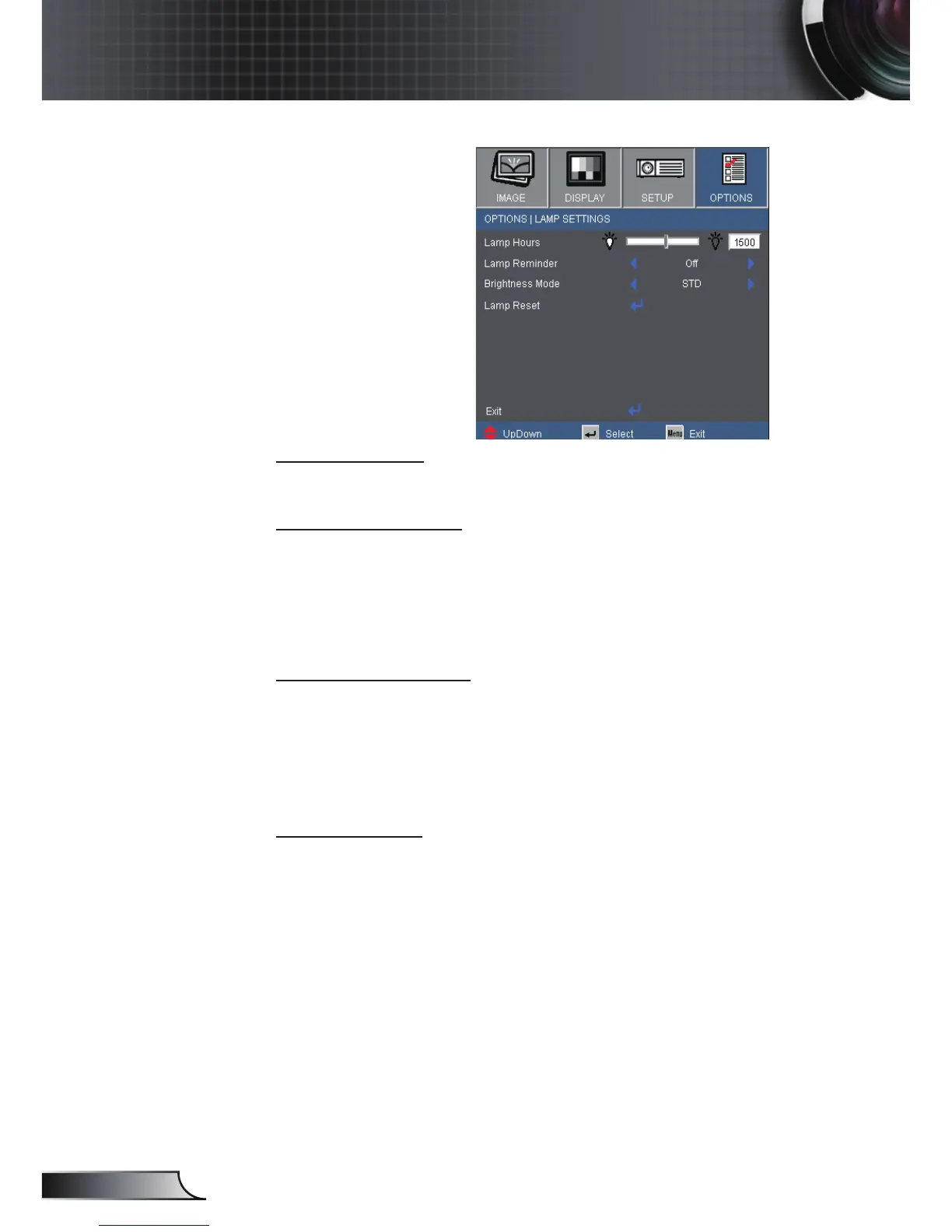
Lamp Settings
Lamp Hours
Display the projection time.
Lamp Reminder
Choose this function to show or to hide the warning message
when the changing lamp message is displayed.
The message will appear 30 hours before suggested replacement
of lamp.
Brightness Mode
STD: Choose “STD” to dim the projector lamp which will lower
power consumption and extend the lamp life by up to
130%.
BRIGHT: Choose “BRIGHT” to increase the brightness.
Lamp Reset
Reset the lamp hour counter after replacing the lamp.



 To Next Page