25
English
User Controls
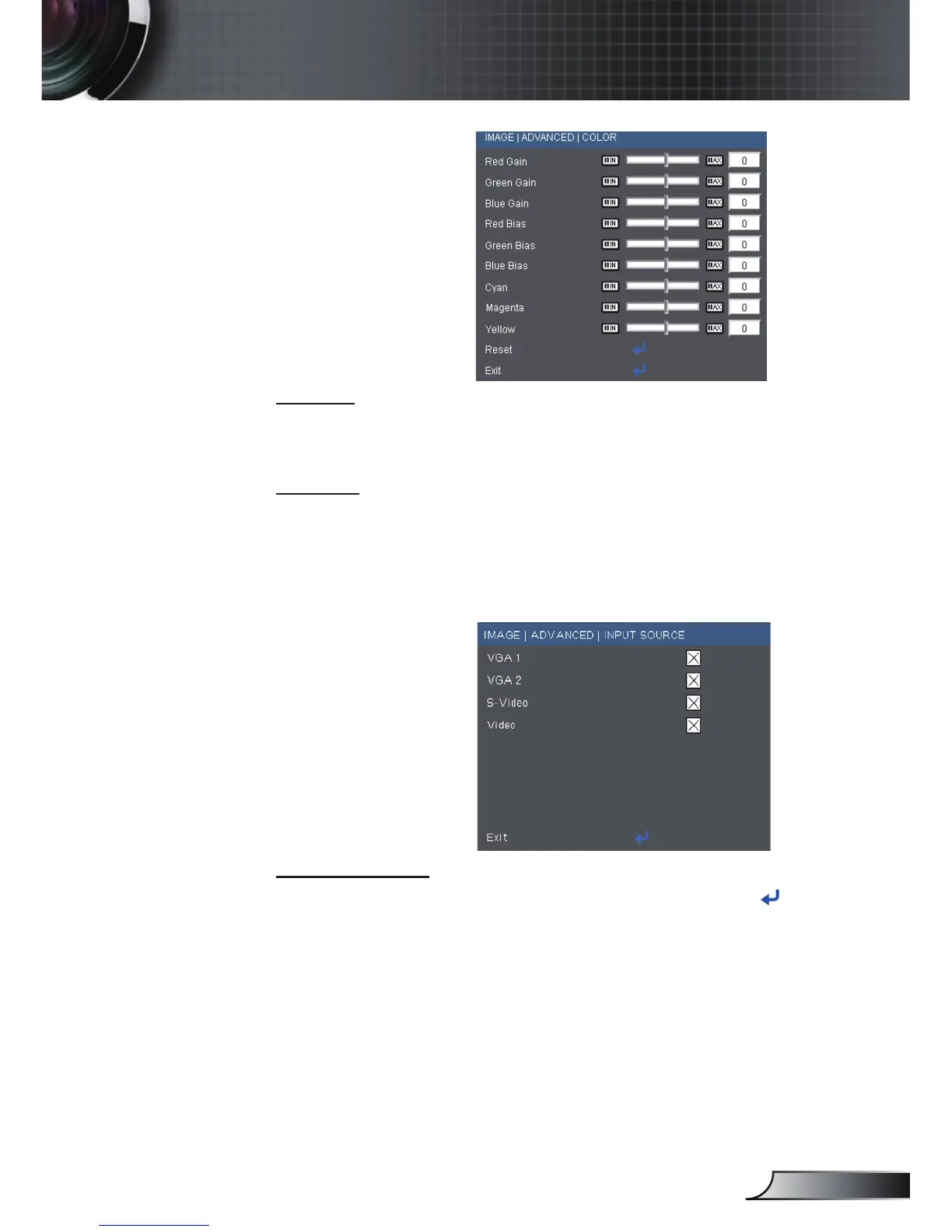
Advanced |Color
Color
Use these settings for advanced adjustment of the individual Red,
Green, Blue, Cyan, Magenta and Yellow Colors.
Reset
Choose “Yes” to return the factory default settings for color
adjustments.
Advanced |
Input Source
Input Source
Use this option to enable / disable input sources. Press to enter
the sub menu and select which sources you require. Press “Enter”
to finalize the selection. The projector will not search for inputs that
are not selected.



 To Next Page