English
20
USING THE PROJECTOR
Selecting an input source
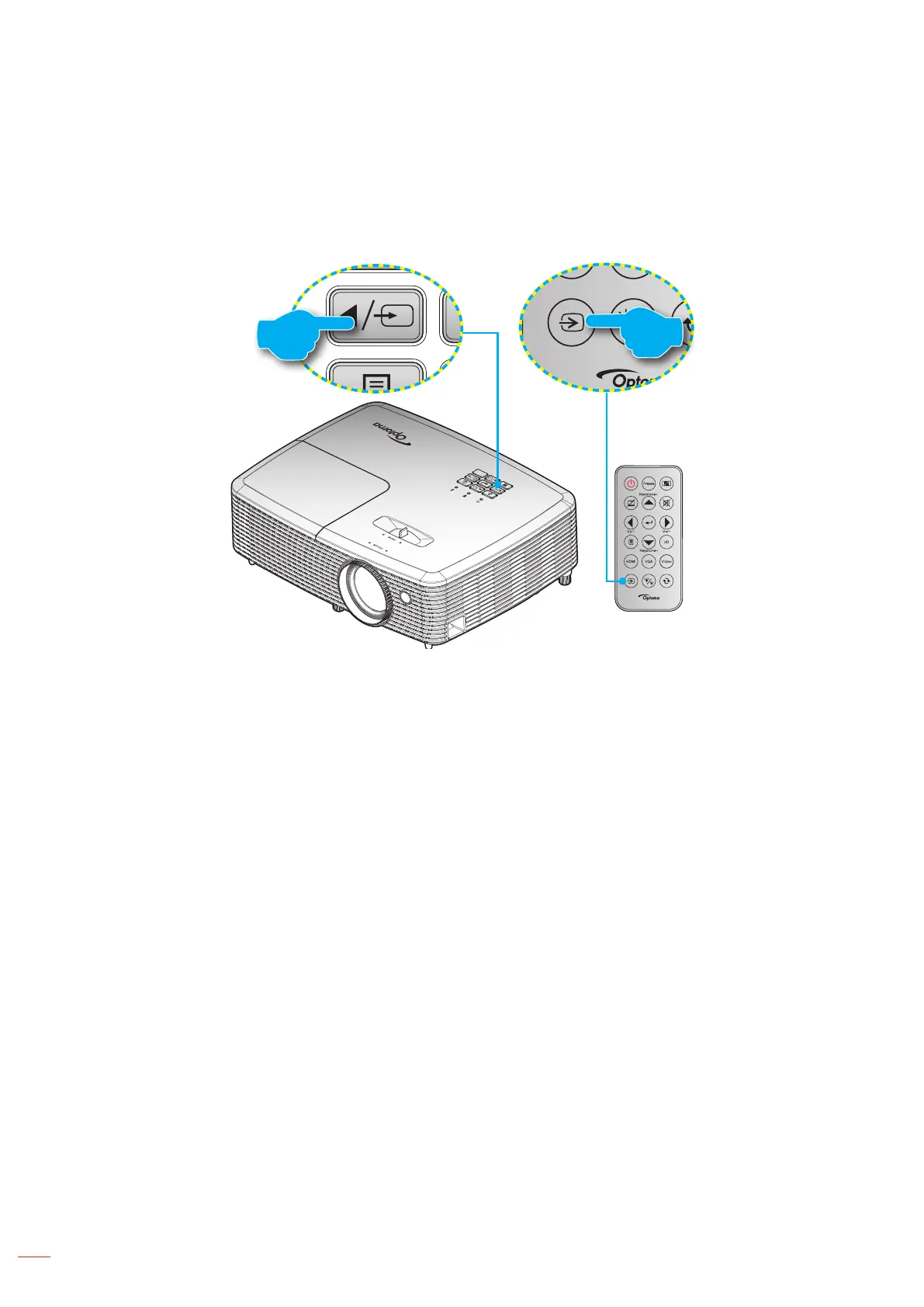
Turn on the connected source that you want to display on the screen, such as computer, notebook, video player,
etc. The projector will automatically detect the source. If multiple sources are connected, push the source button on
the projector keypad or the remote control to select the desired input.
or



 To Next Page