EasyManua.ls Logo

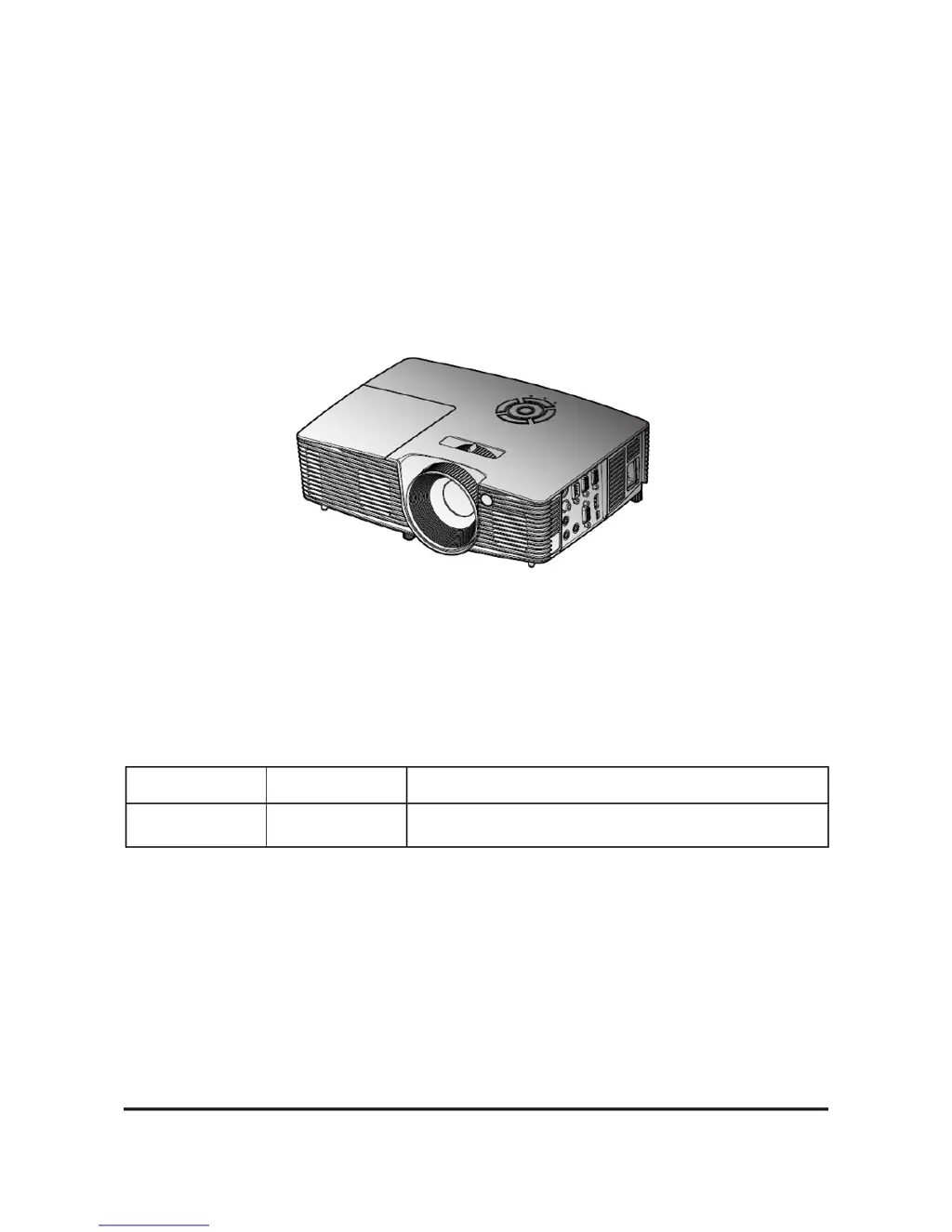
Optoma S310e - User Manual

Optoma S310e
87 pages
Print Icon
To Next Page IconTo Next Page
Loading...
SERVICE MANUAL
Prepared: Mina Checked: Amy Approved: Alick
Copyright Nov.2014 All Rights Reserved
S310e/X312
Date Revise Version Description
2014/11/5 V1.0 Initial Issue

Questions and Answers

  • A
    Alexander NelsonAug 20, 2025
    Why does my Optoma Projector have no image?
    • J
      Jennifer BlackburnAug 20, 2025
      If your Optoma Projector is displaying no image, ensure the signal cable and source are working correctly. If you have multiple sources connected, try switching between them using the 'Source' button. Verify that all connectors are securely attached and undamaged. If the problem continues, it may be necessary to check the Main Board, DMD Chip, Color Wheel, Engine Module, and Daughter Board.
  • D
    Darren MatthewsAug 22, 2025
    How to resolve image flicker on an Optoma Projector?
    • C
      Cassandra HardinAug 22, 2025
      If your Optoma Projector's image is flickering, try performing a 'Reset (All data)' in the OSD Menu. Also, ensure that the signal cables and source are working correctly. If the issue persists, check the Lamp Module, Color Wheel, Photo Sensor (and clean it), and Main Board.
  • D
    Drew YoungAug 25, 2025
    How to fix an Optoma S310e Projector that has no power?
    • F
      frankbrettAug 25, 2025
      If your Optoma Projector isn't powering on, make sure the power cord and AC power outlet are securely connected. Also, check that all connectors are properly connected and not damaged. If the issue persists, it may be necessary to check the LVPS and Main Board.
  • A
    April AndersonAug 26, 2025
    What to do if my Optoma Projector keeps shutting down?
    • L
      Lori AndersonAug 26, 2025
      If your Optoma Projector is automatically shutting down, it could be due to several reasons. A likely cause is a failed lamp, so you should check the lamp and LVPS and Main Board. Another potential cause is a fan malfunction; in this case, check whether you have executed Fan Calibration, check Fan, Main Board, Color Wheel Module and Photo Sensor Board. Overheating can also cause this issue, so inspect the fan and Main Board.
  • T
    Tony MooreAug 28, 2025
    Why is there no light on my Optoma S310e Projector?
    • E
      Evelyn KingAug 28, 2025
      If your Optoma Projector has no light, ensure all connectors are securely connected and not broken. Check the Lamp Cover and Interlock Switch. Then, inspect the Lamp Module, LVPS, Main Board, Color Wheel, and Photo Sensor Board.
  • S
    Sandra PatelAug 30, 2025
    How to fix abnormal color display on Optoma S310e Projector?
    • S
      Susan GibsonAug 30, 2025
      If the color on your Optoma Projector appears abnormal, first try performing a 'Reset (All data)' in the OSD Menu. If that doesn't resolve the issue, try to adjust Color Wheel Index. If problems persist, check the Main Board and Color Wheel.
  • M
    Misty BallardSep 1, 2025
    What to do if the Optoma S310e remote controller failed?
    • S
      Sean DixonSep 1, 2025
      If your Optoma Projector's remote controller isn't working, start by checking the battery. If the battery is fine, check the Remote Controller itself and the IR Sensor Board. If problems persist, check the Main Board.
  • A
    Alyssa SantanaSep 3, 2025
    Why is my Optoma S310e making mechanical noise?
    • C
      cjenkinsSep 3, 2025
      If your Optoma Projector is making mechanical noises, check the Color Wheel and Fan Module.
  • R
    Robert TuckerSep 5, 2025
    How to fix poor uniformity or shadows on Optoma S310e Projector?
    • J
      jennifer73Sep 5, 2025
      If you notice poor uniformity or shadows on your Optoma Projector's image, ensure the projection screen is free of dirt and that the projection lens is clean. Also, ensure the brightness is within specification. If the issue persists, check the rod alignment and Engine Module.
  • J
    Jeremiah SaundersSep 7, 2025
    What causes function abnormality in Optoma Projector?
    • V
      valeriebrownSep 7, 2025
      If your Optoma Projector is experiencing abnormal functions, try performing a 'Reset (All data)' in the OSD Menu. If the issue persists, check the Main Board and Daughter Board.

Summary

Introduction

Disassembly and Assembly Process

Disassemble Lamp Cover Module

Step-by-step instructions for removing the projector's lamp cover module.

Disassemble Lamp Module

Instructions for safely removing the projector's lamp module.

Disassemble Top Cover Module

Procedure for removing the projector's top cover module.

Disassemble Keypad Board and Zoom Ring

Guide to disassembling the keypad board and zoom ring assembly.

Disassemble Lamp Housing

Steps to remove the lamp housing assembly from the projector.

Disassemble System Fan

Procedure for disassembling and removing the system cooling fan.

Disassemble Interlock Switch

Instructions for disassembling the projector's interlock switch.

Disassemble LVPS

Steps to remove the Low Voltage Power Supply (LVPS) unit.

Disassemble Engine Module and Main Board Module

Guide to removing the engine module and main board assembly.

Disassemble IO Cover

Procedure for disassembling and removing the projector's IO cover.

Troubleshooting

Main Procedure

Provides step-by-step troubleshooting procedures for common projector issues.

Test and Inspection

Firmware Upgrade

Firmware Upgrade Procedure

Detailed steps for performing the firmware upgrade process.

MCU Firmware Upgrade Procedure

Detailed steps for upgrading the projector's MCU firmware.

EDID Upgrade

Optoma S310e Specifications

General IconGeneral
Brightness3000 ANSI Lumens
ResolutionSVGA (800 x 600)
Contrast Ratio20, 000:1
Display TechnologyDLP
Zoom TypeManual
Input PortsVGA, Composite Video, USB
Projection Size30 - 300 inches

Related product manuals