S310e/X312
Condential
5-14
5-2-3 Upgrade Procedure
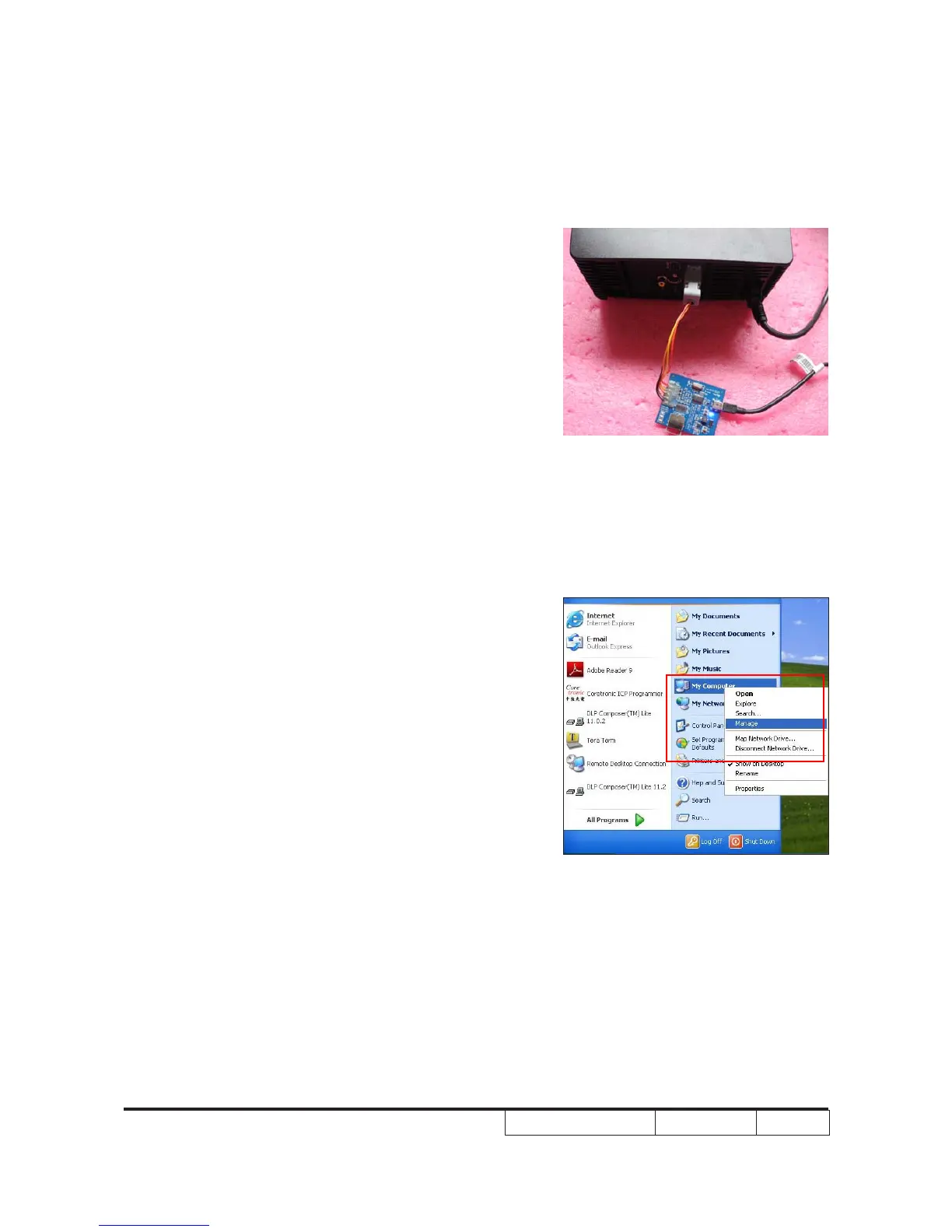
1.Plug in the power cord,then connect the PC
and MCU download tools by mini USB cable
and insert the another side of MCU download
tools into the projector (VGA-in).
2.Select "Start" -->"My Computer",then right
click select the "Manage".



 To Next Page