S310e/X312
Condential
4-1
Chapter 4
Test & Inspection
4-1 Test Equipment Needed
- PC support HDTV resolution & Independent graphic card
- Blue- ray DVD player support “S-Video”,“3D source les”,”HDMI” and “Video”
- Minolta CL-200
- Quantum Data 802B or CHROMA2327 (Color Video Signal & Pattern Generator)
4-2 Test Condition
-
Circumstance brightness: Dark room less than 2 lux.
- Product must be warmed up for 3 minutes.
- Screen size: 60 inches diagonal.
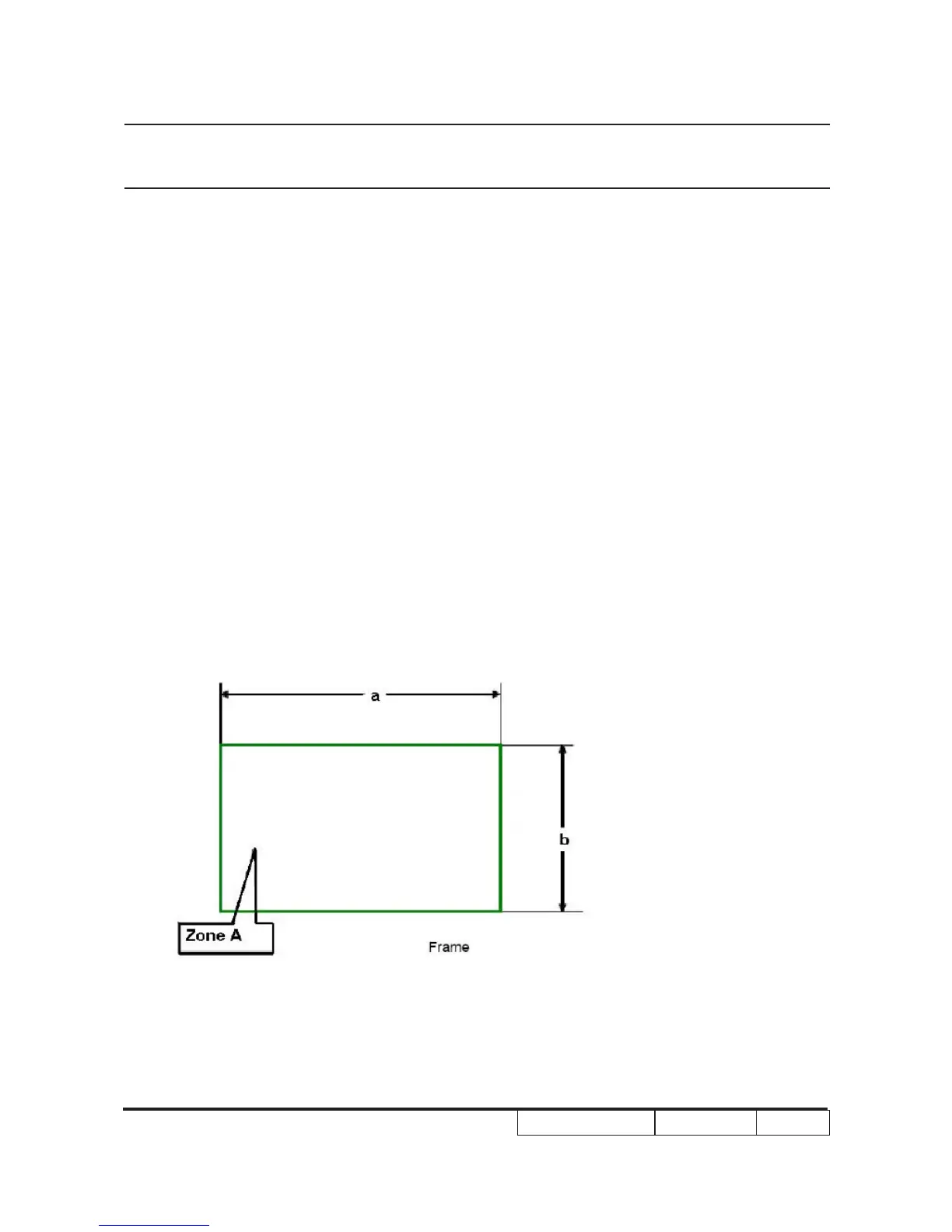
Zone Denition
< Figure: Zone A(as green line) Denition >



 To Next Page