How To Configure Data Encryption and Integrity
3-12 Oracle Database Advanced Security Administrator's Guide
1.
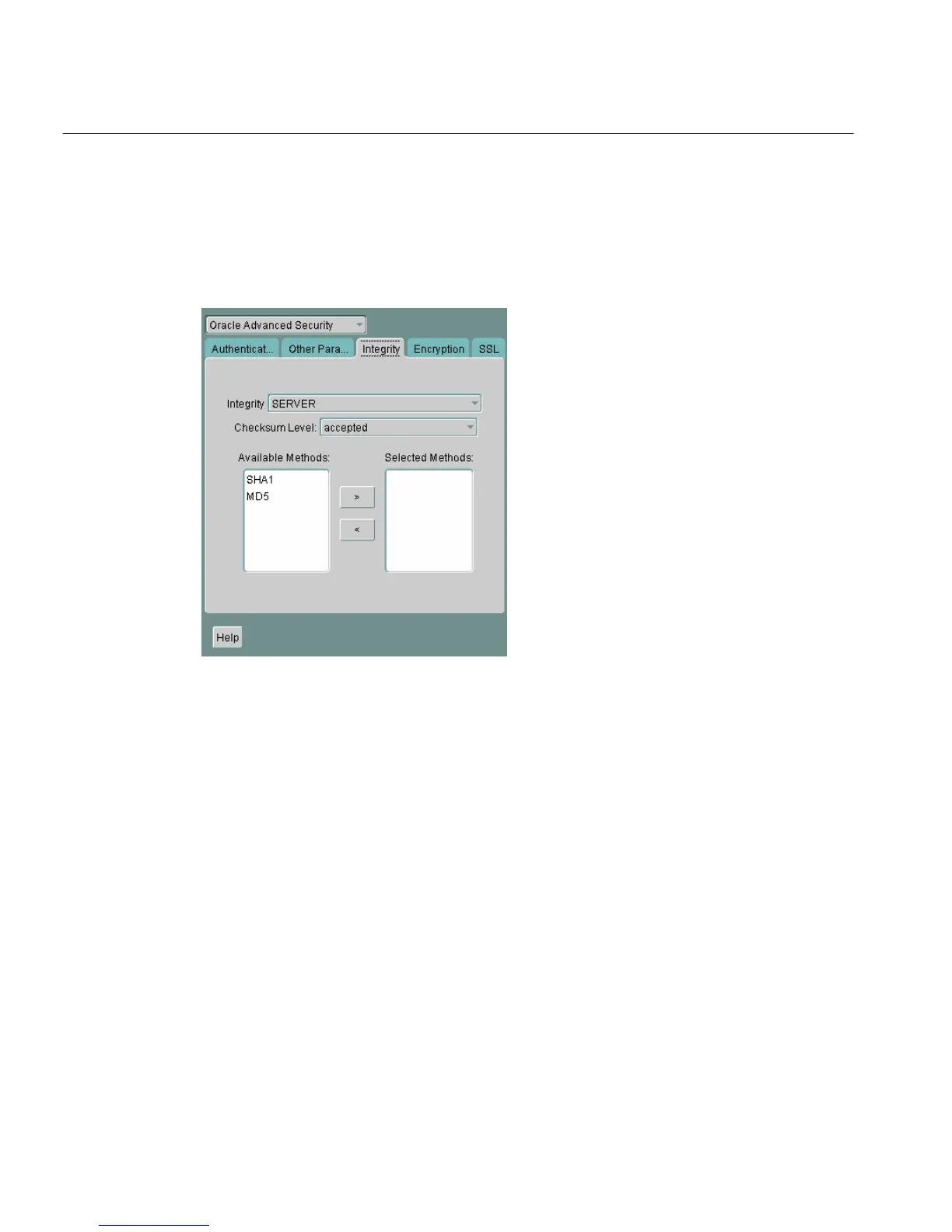
Navigate to the Oracle Advanced Security profile. (See "Navigating to the
Oracle Advanced Security Profile" on page 2-3) The Oracle Advanced Security
tabbed window appears (Figure 3–2):
Figure 3–2 Oracle Advanced Security Integrity Window
2.
Choose the Integrity tab.
3. Depending upon which system you are configuring, choose the Server or
Client check box.
4. From the Checksum Level list, select one of the following checksum level
values:
■ REQUESTED
■ REQUIRED
■ ACCEPTED
■ REJECTED
5. Select an integrity algorithm in the Available Methods list. Move it to the
Selected Methods list by choosing the right arrow [>]. Repeat for each
additional method you want to use.



 To Next Page