Administering Enterprise Domains
Administering Enterprise User Security 13-17
■ Select Remove Enterprise Domain from the Operations menu.
■ Select an enterprise domain from the main application tree with a right
mouse-click.
3. Enterprise Security Manager asks you to confirm removal of the enterprise
domain from the realm. Choose OK to remove it.
Defining Database Membership of an Enterprise Domain
Use the navigation tree of the main Enterprise Security Manager window to select a
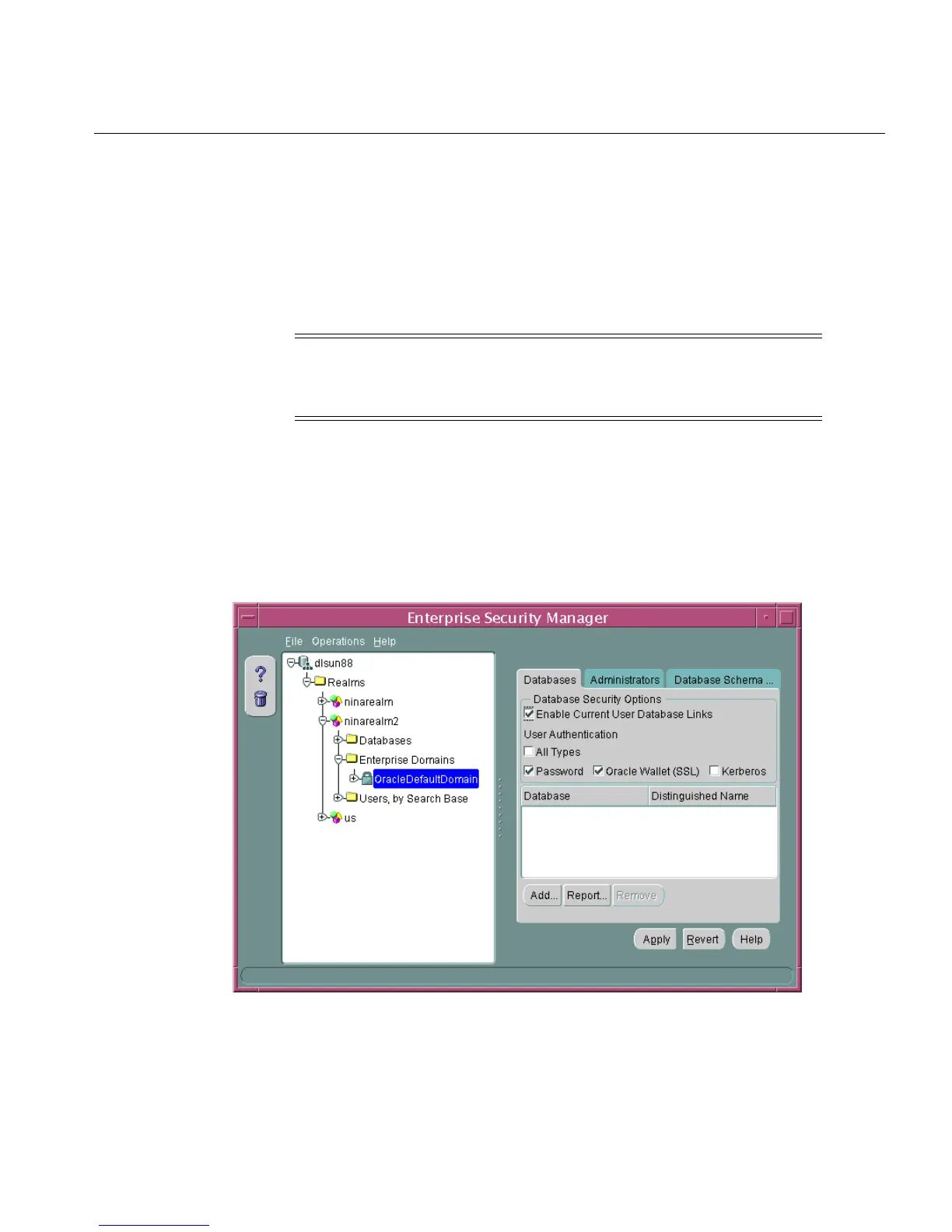
specific enterprise domain. You can then use the Databases tab to manage database
membership of an enterprise domain in a realm (Figure 13–6):
Figure 13–6 Enterprise Security Manager: Databases Tab (Database Membership)
Note: You cannot remove an enterprise domain from an identity
management realm if that enterprise domain contains any
enterprise roles.



 To Next Page