Enterprise User Security Configuration and Management Tools
Configuration and Administration Tools Overview 2-33
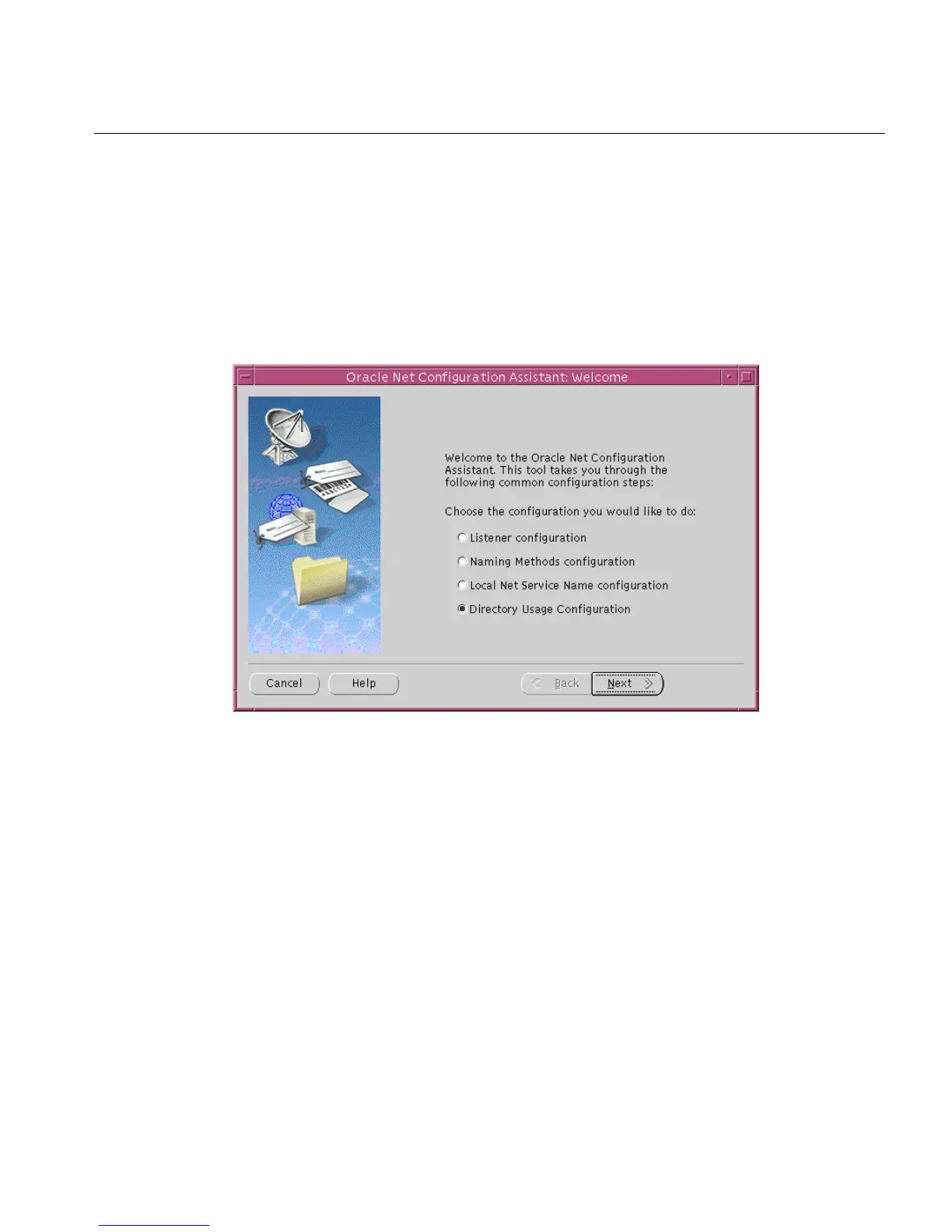
After you start this tool, you will be presented with the opening page that is shown
in Figure 2–14 on page 2-33.
Choose the Directory Usage Configuration option on this page, click Next, and
choose the directory server where you wish to store your enterprise users. Then
click Finish to create a properly configured ldap.ora file for your Oracle home.
Figure 2–14 Opening Page of Oracle Net Configuration Assistant
User Migration Utility
User Migration Utility is a command-line tool that enables you to perform bulk
migrations of database users to Oracle Internet Directory where they are stored and
managed as enterprise users. This tool performs a bulk migration in two phases: In
See Also:
■ "Task 5: (Optional) Configure your Oracle home for directory
usage" on page 12-7 for more information about using this tool
to configure your Oracle home for Enterprise User Security.
■ Oracle Net Services Administrator's Guide and Oracle Net
Configuration Assistant online help for complete
documentation of this tool.



 To Next Page