Administering Enterprise Roles
Administering Enterprise User Security 13-31
Granting Enterprise Roles to Users
You can grant an enterprise role to users in two ways: you can select a user and add
a role (see "Defining an Initial Enterprise Role Assignment" on page 13-11), or you
can select a role and add a user. When you grant an enterprise role to a user, it
includes all database global roles contained within that enterprise role. Use the
Users tabbed window.
To grant an enterprise role to users:
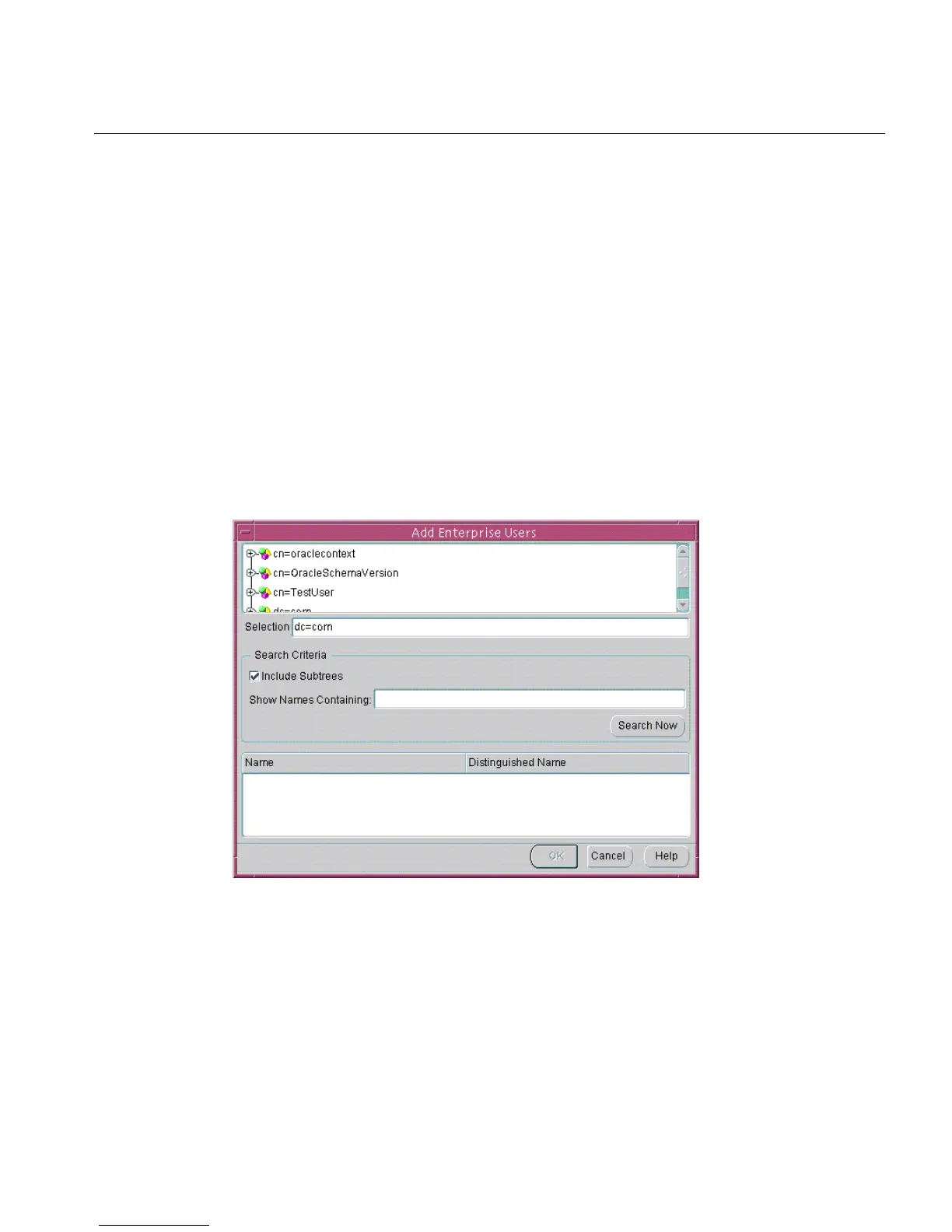
1. Select the role in the navigation tree, and choose Add... in the Users tabbed
window. The Add Enterprise Users window appears. Use this window to locate
and select one or more directory users to add as enterprise role grantees
(Figure 13–14):
Figure 13–14 Enterprise Security Manager: Add Enterprise Users Window
2.
Select a user or users and click OK. The new grantees are added to the list of
users who have that enterprise role in the enterprise domain.
3. Choose Apply. The user or users are granted the selected enterprise role.



 To Next Page