Administering Enterprise Domains
13-16 Oracle Database Advanced Security Administrator's Guide
Creating a New Enterprise Domain
If you do not want to use the OracleDefaultDomain, then you can create a new
enterprise domain in your identity management realm.
To create a new enterprise domain in an identity management realm:
1. Start by using one of the following methods:
■ Select Create Enterprise Domain from the Operations menu.
■ Select a realm from the main application tree with a right mouse-click.
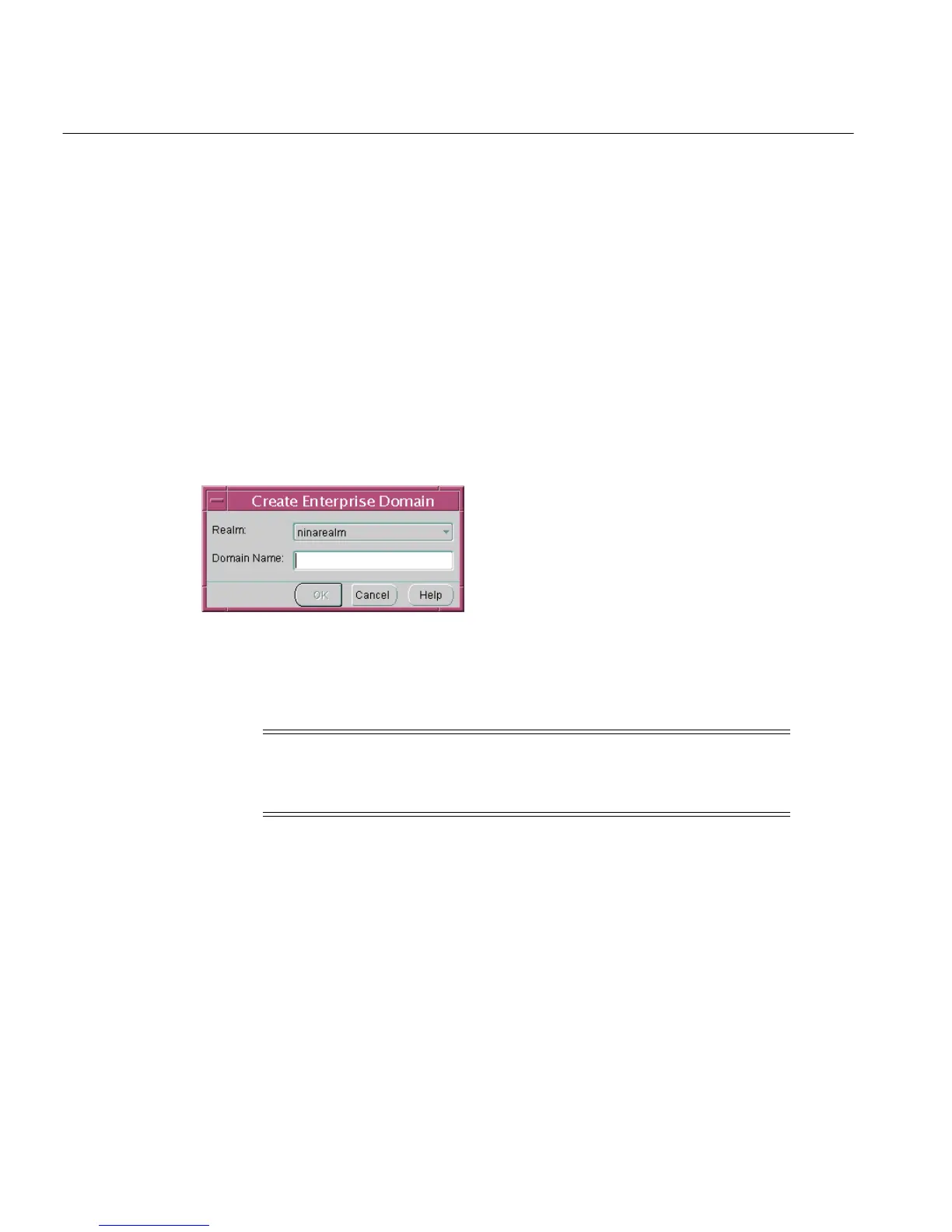
The Create Enterprise Domain window appears (Figure 13–5):
Figure 13–5 Enterprise Security Manager: Create Enterprise Domain Window
2.
In the Create Enterprise Domain window, select the appropriate Realm from
the list (Figure 13–5).
3. Enter the name of the new enterprise domain, in the Domain Name field.
4. Choose OK. The new enterprise domain is created in the realm, and appears on
the main application tree.
To remove an enterprise domain:
1. Select the target enterprise domain from the main application tree.
2. Use either of the following methods:
Note: If you invoked the Create Enterprise Domain window by
right-clicking the realm in the main application tree, the name of
that realm is already selected.



 To Next Page