Enabling SSL
7-20 Oracle Database Advanced Security Administrator's Guide
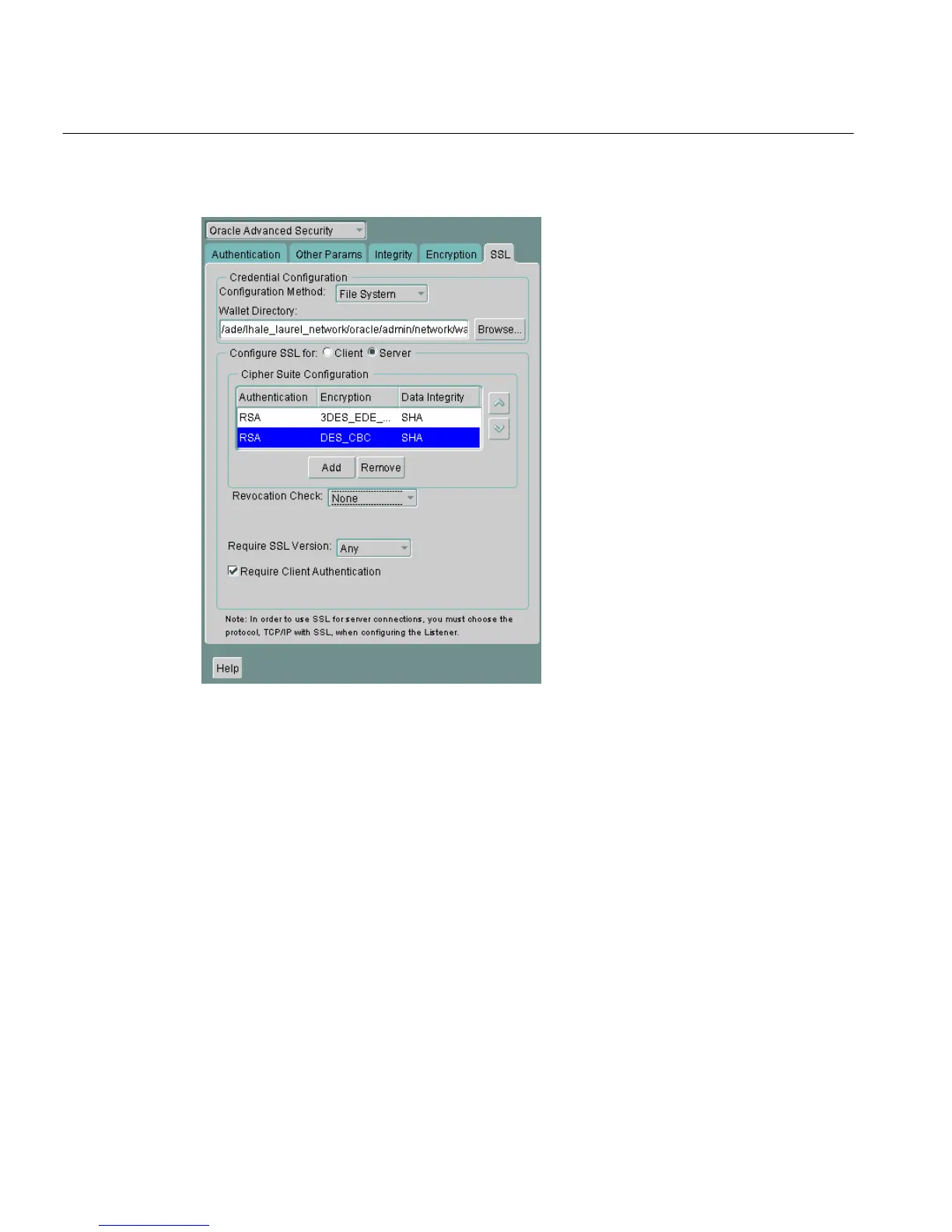
Figure 7–3 Oracle Advanced Security SSL Window (Server)
4. Use the up and down arrows to prioritize the cipher suites.
5. Choose File > Save Network Configuration.
The sqlnet.ora file is updated with the following entry:
SSL_CIPHER_SUITES= (SSL_cipher_suite1 [,SSL_cipher_suite2])
Step 4: Set the Required SSL Version on the Server (Optional)
You can set the SSL_VERSION parameter in the sqlnet.ora file. This parameter
defines the version of SSL that must run on the systems with which the server
communicates. You can require these systems to use any valid version. The default
setting for this parameter in sqlnet.ora is undetermined, which is set by
selecting Any from the list in the SSL tab of the Oracle Advanced Security window.



 To Next Page