Enabling SSL
7-22 Oracle Database Advanced Security Administrator's Guide
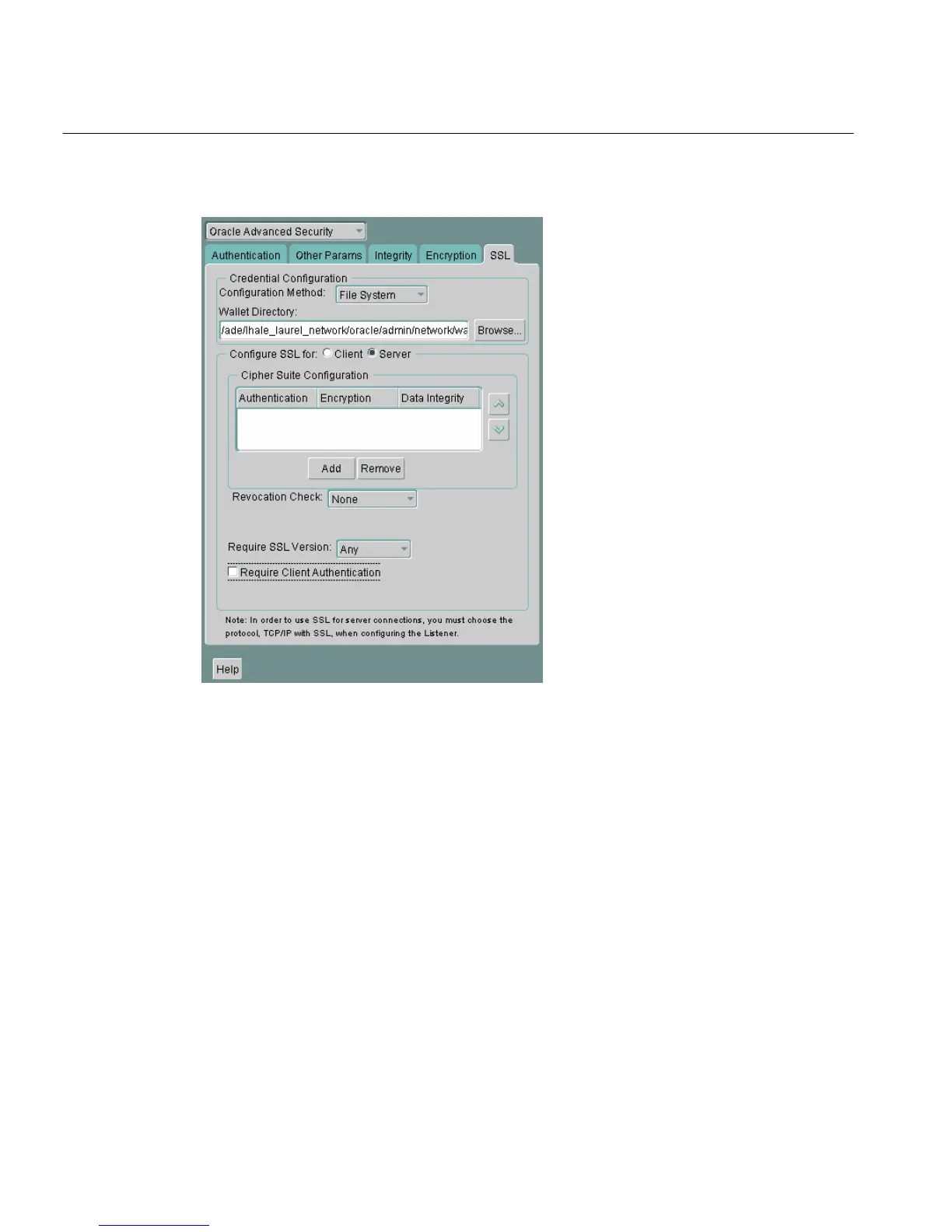
Figure 7–4 Oracle Advanced Security SSL Window (Server)
2.
Uncheck Require Client Authentication.
3. Choose File > Save Network Configuration.
The sqlnet.ora file is updated with the following entry:
SSL_CLIENT_AUTHENTICATION=FALSE
Step 6: Set SSL as an Authentication Service on the Server (Optional)
The SQLNET.AUTHENTICATION_SERVICES parameter in the sqlnet.ora file
sets the SSL authentication service.
Set this parameter if you want to use SSL authentication in conjunction with
another authentication method supported by Oracle Advanced Security. For
example, use this parameter if you want the server to authenticate itself to the client
by using SSL and the client to authenticate itself to the server by using Kerberos.



 To Next Page