Disabling Oracle Advanced Security Authentication
Configuring Multiple Authentication Methods and Disabling Oracle Advanced Security 9-3
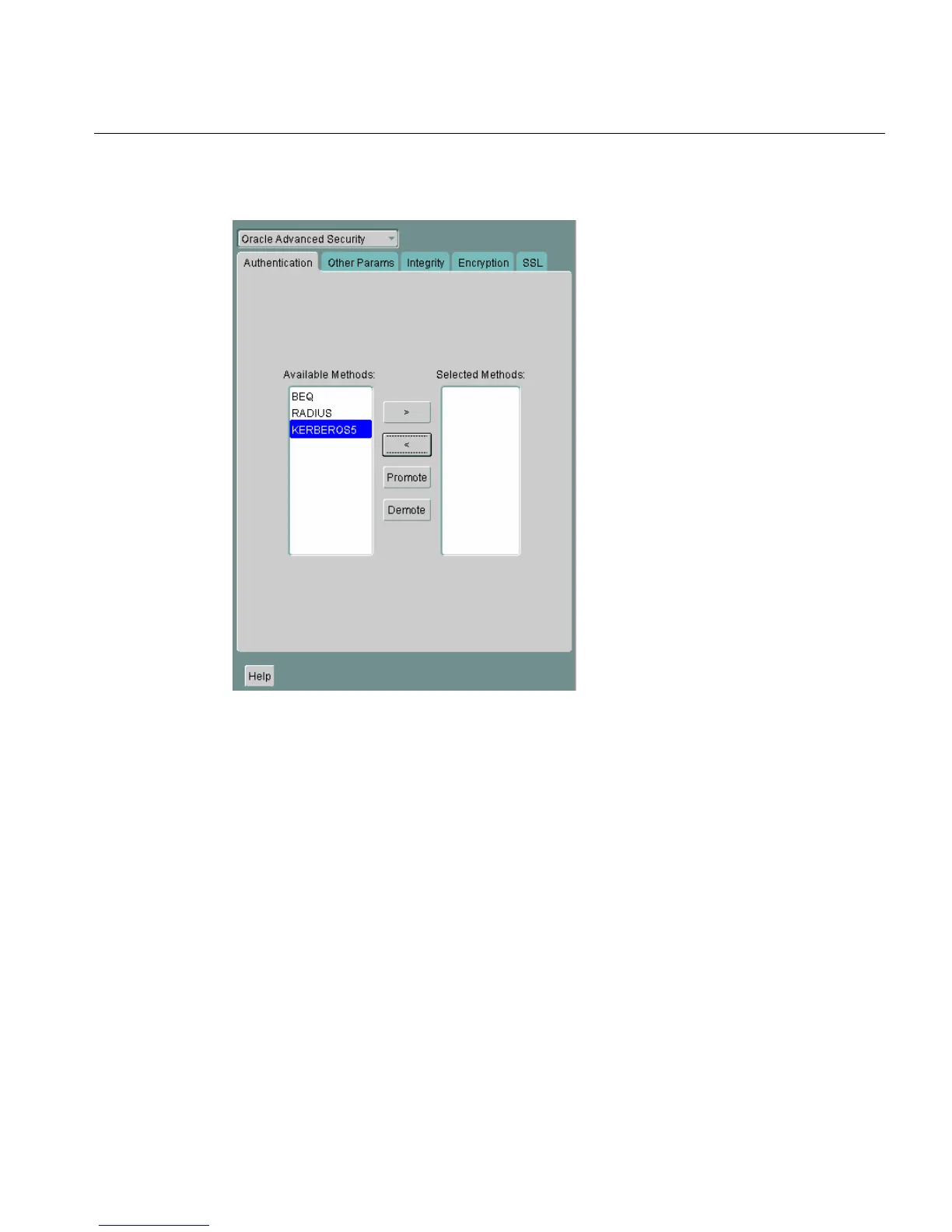
Figure 9–1 Oracle Advanced Security Authentication Window
2.
Choose the Authentication tab.
3. Sequentially move all authentication methods from the Selected Method list to
the Available Methods list by selecting a method and choosing the left arrow
[<].
4. Choose File > Save Network Configuration.
The sqlnet.ora file is updated with the following entry:
SQLNET.AUTHENTICATION_SERVICES = (NONE)



 To Next Page