Enterprise User Security Configuration and Management Tools
2-18 Oracle Database Advanced Security Administrator's Guide
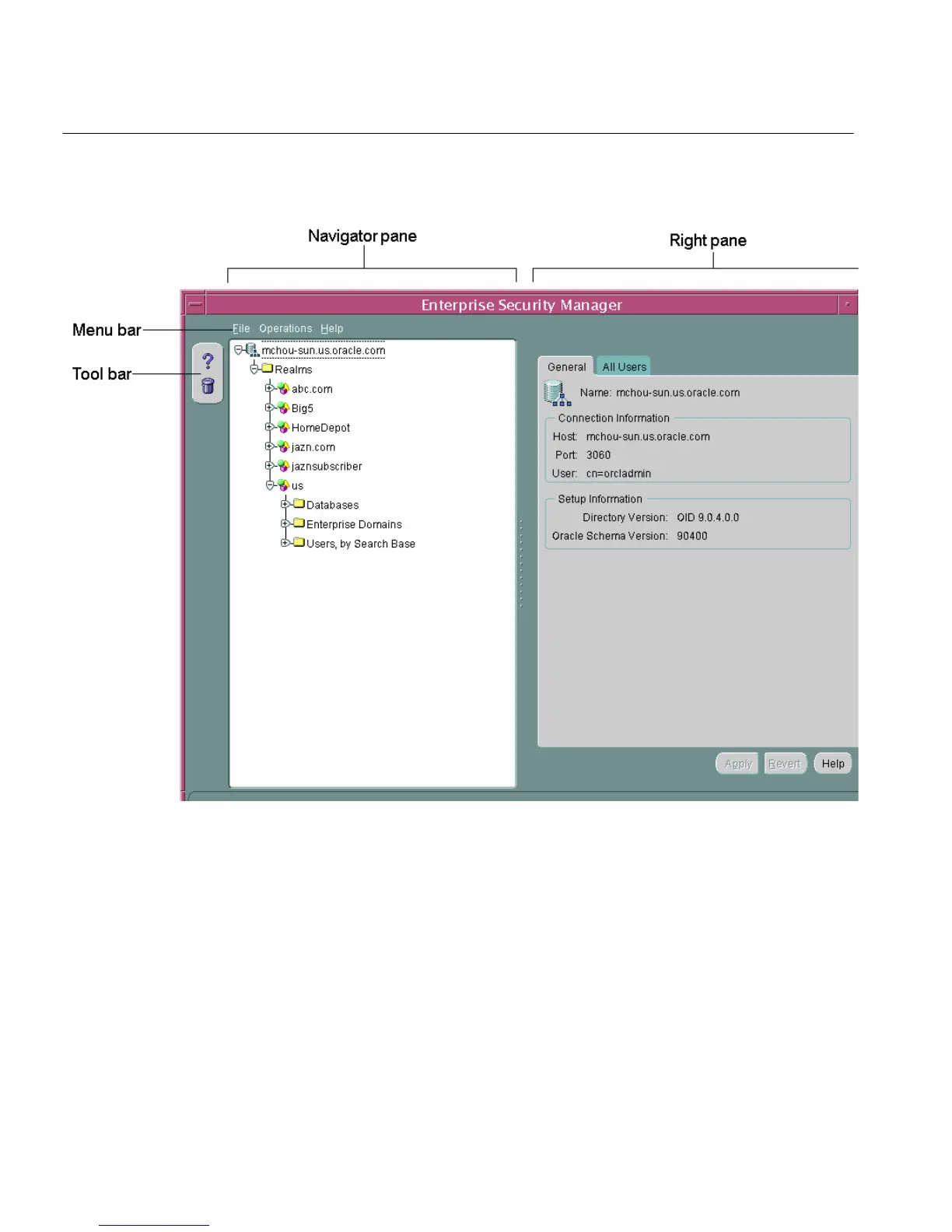
Figure 2–5 Enterprise Security Manager User Interface
Navigator Pane The navigator pane provides a graphical tree view of your directory's
identity management realms and the databases, enterprise domains, and users they
contain. You can use the navigator pane to view, modify, add, or delete enterprise
domains and the objects they contain.
The navigator pane enables you to
■ Expand and contract identity management realms by clicking the plus and
minus symbols (+ -) adjacent to the realm name in the navigation tree. This
enables you to manage the enterprise domains that they contain.



 To Next Page